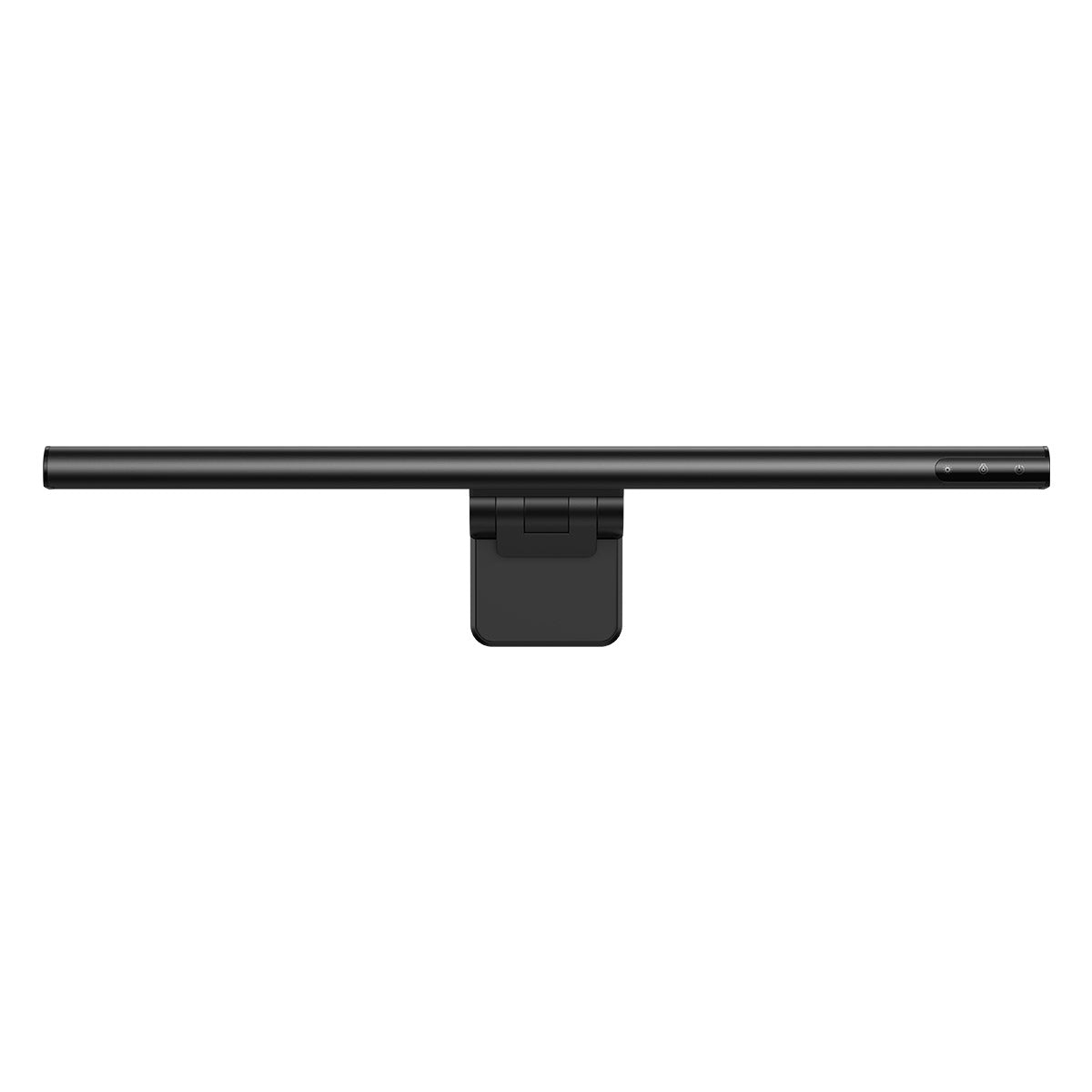
Baseus i-wok Monitor Light Bar
- Categories
- Tech
Budget BenQ ScreenBar alternative. USB-C powered, touch control strip, asymmetric optic for desk illumination without screen glare, clip mount for monitor bezels. Explicit weakness: lighter build than BenQ, no bias back-glow, no ambient sensor, CRI not prominently specified (likely below 80 at cool temperatures).
Baseus i-wok Series monitor light bar — budget BenQ ScreenBar alternative. USB-C powered, touch control strip on the bar, asymmetric optic design for desk illumination without screen glare, clip mount for monitor bezels. Available at major online retailers. build quality is visibly lighter than the BenQ ScreenBar Halo — the clip mechanism has less clamping force and more arm flex, and is less secure on heavier or thicker monitor bezels; no bias lighting (no back-glow) — single-sided illumination only; no ambient sensor — manual brightness adjustment required when room lighting changes; CRI not prominently specified, and budget monitor bars in this category routinely measure below CRI 80 at cool color temperatures, which matters for color-accurate creative tasks; touch controls on the bar require deliberate precise touch and are reported as less intuitive than a dedicated wireless controller.
The Baseus i-wok delivers the core monitor light bar function — desk illumination without screen glare via an asymmetric optic — at a budget price, which is the primary reason to consider it. USB-C power keeps cable count low, and a touch control strip on the bar handles brightness and color temperature. Build quality is visibly lighter than the ScreenBar Halo, the clip mechanism has noticeably less clamping force on heavy bezels, and arm flex is present. There is no back-glow bias lighting, no ambient sensor for auto-dimming, and CRI is not prominently specified, which usually means it sits at 80 or lower at cool temperatures. For users who want to try monitor bar illumination before committing, or who only need desk-glare elimination, the i-wok is the right entry point.
Pros
- Asymmetric optic delivers the core monitor bar function at low cost
- USB-C powered with a single cable to the monitor hub
- Touch control strip handles brightness and color temperature
Cons
- No back-glow bias lighting and no ambient sensor
- Build and clip force are visibly lighter than the BenQ Halo
Baseus vs BenQ Monitor Light Bar - Buy WHICH one?
Related articles
This article contains affiliate links.