Best PDF Editor 2026: Acrobat and 4 Alternatives Compared
Most people looking for an Acrobat alternative are not unhappy with Acrobat's features. They are unhappy with paying for it every month, forever, to edit a few contracts and invoices.
Quick answer
Wondershare PDFelement is the editor to buy for most individuals and small businesses who want to stop renting Acrobat: it covers text editing, OCR, forms, conversion and e-signing, and is still sold as a perpetual licence at an official US price of $129.99 for one platform or $139.99 for Windows and Mac (October 2026). Adobe Acrobat Pro remains the most complete choice if you exchange PDFs with many outside parties and can live with a subscription. Foxit PDF Editor is the closest like-for-like replacement for an office, with both annual and perpetual licences; Nitro PDF suits Windows-first teams that want an Office-style interface; and PDF Expert is the pick if you work only on a Mac, iPhone and iPad.
We did not run our own testing on any of these editors. A fair test would mean editing the same set of scanned and born-digital documents in each program and timing OCR and conversion accuracy, which we did not do. Instead, this is a desk comparison built from each vendor's official product pages, plan comparison tables, pricing pages and licence FAQs, read in October 2026. Prices are official US list or promotional prices at that time and can change or vary by country; feature claims are what the vendors themselves state. Where a vendor's page did not show a price we could confirm, we say so rather than guess.
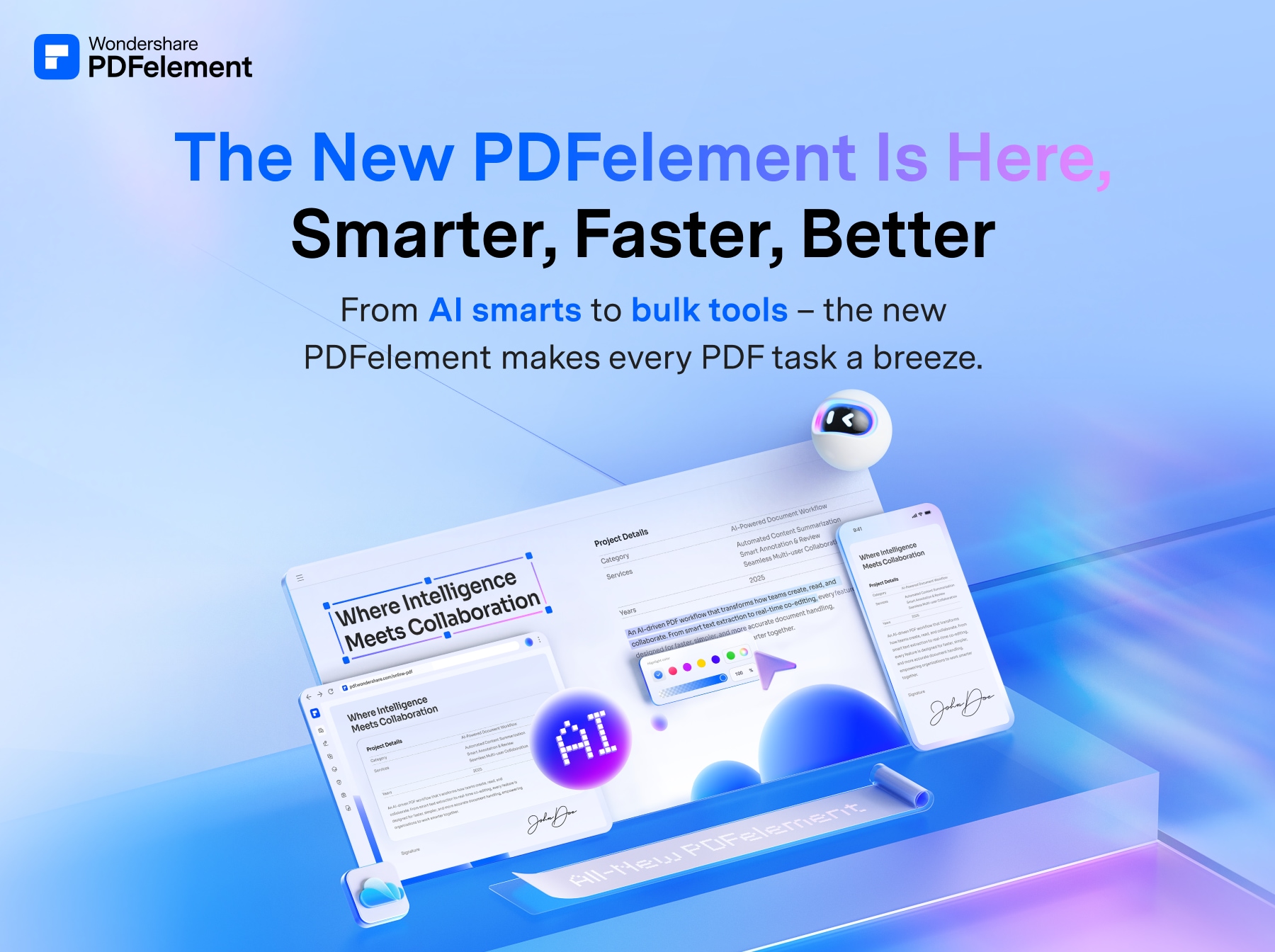
🏆 Best Acrobat alternative: PDFelement is the pick for anyone who wants Acrobat-style editing without a permanent subscription. It covers text and image editing, OCR, form creation, conversion, compare and e-signature requests, and runs on Windows and Mac with iOS, Android and web apps.
Top picks ↓| Product | Price | Link |
|---|---|---|
| $79.99〜$139.99Reference price | ||
| — | ||
| $129.99〜$209.99Reference price | ||
| $180〜$270Reference price | ||
| — |
Top picks
Related articles


Choose single-platform or cross-platform at checkout and untick optional extras such as Download Insurance if you do not need them.
PDFelement is the pick for anyone who wants Acrobat-style editing without a permanent subscription. It covers text and image editing, OCR, form creation, conversion, compare and e-signature requests, and runs on Windows and Mac with iOS, Android and web apps. The official US store lists a perpetual PDFelement 13 licence at $129.99 for one platform or $139.99 for both, with yearly plans from $79.99. The trade-offs are that the perpetual licence stops at version 13 for major upgrades, AI features run on a limited quota, and the trial watermarks saved files.
Pros
- ✓Still sold as a one-time perpetual licence
- ✓Cross-platform licence covers Windows and Mac
- ✓Full toolset including OCR and forms
Cons
- ✗Major version upgrades may cost extra
- ✗AI features are quota-limited
Adobe offers annual plans (billed monthly or prepaid) and a month-to-month plan; compare the renewal and cancellation terms at checkout.
Acrobat Pro is still the reference: PDF is Adobe's format, and Acrobat Pro adds OCR into editable text, document comparison, redaction, web forms and bulk e-signature sending on top of Acrobat Standard. One plan covers desktop, Acrobat online and the mobile apps, with 100GB of cloud storage. It suits anyone who handles many PDFs from outside sources or needs the widest compatibility. The drawback is the cost model: it is subscription-only apart from the limited Acrobat Pro 2024 licence, and AI Assistant sits in a higher plan or a separate add-on.
Pros
- ✓Most complete toolset, including redaction and compare
- ✓Desktop, web and mobile in one plan
- ✓100GB cloud storage included
Cons
- ✗Subscription-only for current versions
- ✗AI Assistant costs extra
PDF Editor and PDF Editor+ differ mainly in mobile apps, eSign and Smart Redact; the perpetual PDF Editor 14 licence is on a separate page.
Foxit PDF Editor is the closest like-for-like replacement for Acrobat in an office. The official US price is $129.99 per user per year, or $159.99 for PDF Editor+, which adds iOS and Android apps, 150 eSign envelopes a year and AI Smart Redact; a perpetual PDF Editor 14 licence costs $209.99. Subscriptions include Foxit's document management with unlimited cloud storage and 300 AI credits a month, and volume discounts start at 30 licences. The catch is that mobile apps and automatic redaction need the pricier plan.
Pros
- ✓Both subscription and perpetual licences
- ✓Windows, macOS and web in the base plan
- ✓14-day trial with no credit card
Cons
- ✗Mobile apps only on PDF Editor+
- ✗Perpetual licence costs more up front than PDFelement's
Subscribe to our newsletter
Occasional updates and new releases — no spam.
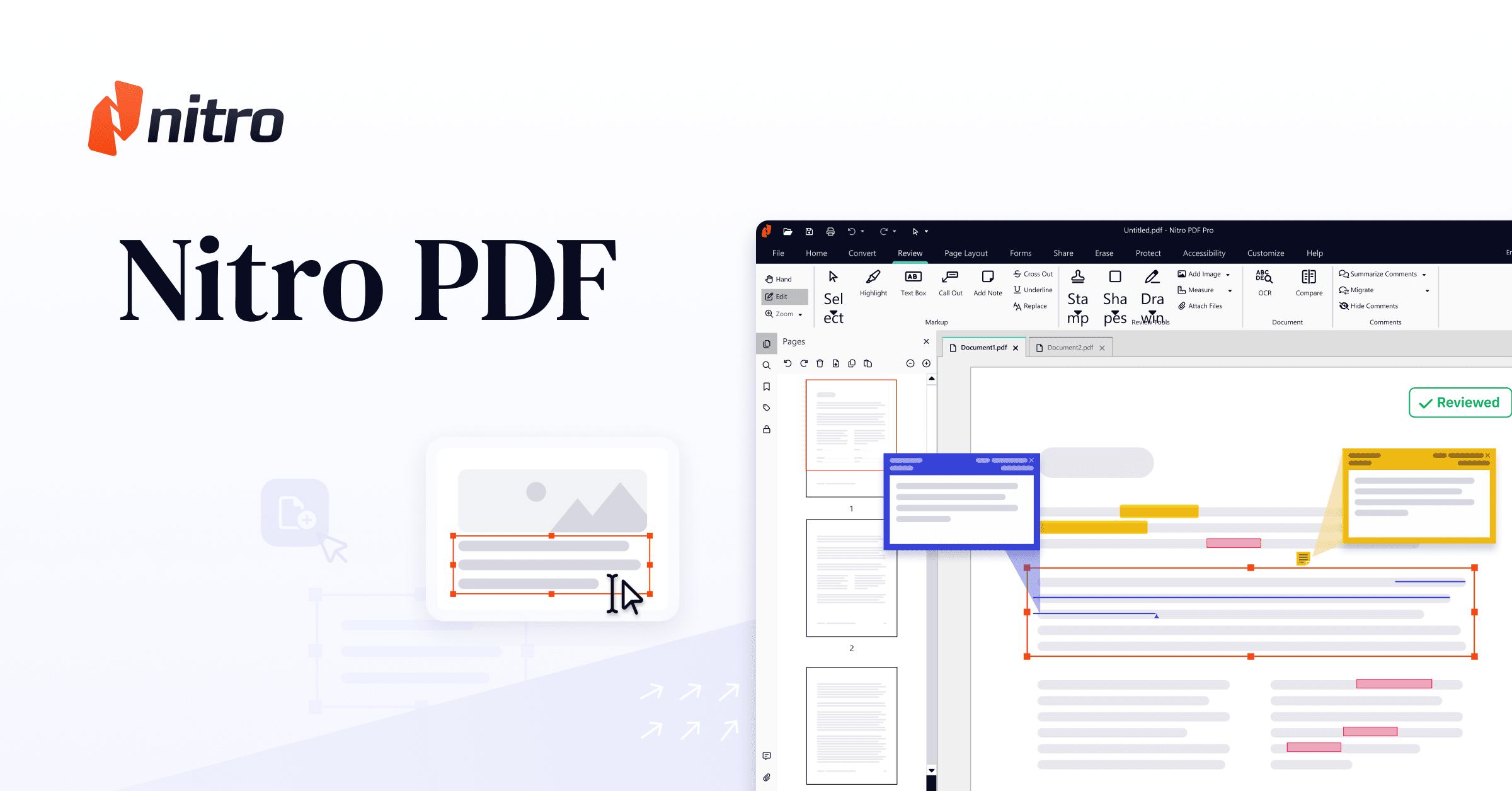
Nitro PDF Pro (Nitro PDF Standard)
Standard is billed annually per user; Classic is a one-time payment that covers three years on Windows only.
Nitro's editor, long sold as Nitro PDF Pro, is now listed as Nitro PDF Standard at $15 per user per month billed annually ($180 a year) in the US, covering Windows, Mac and iOS. It is built for businesses: an Office-style interface, an Admin Portal for assigning licences and 24/7 support, with AI tools in every plan. Nitro PDF Classic is a one-time $270 payment for three years of use on Windows only, with core editing tools. It is less attractive for a single user than PDFelement, and Classic is not a true perpetual licence.
Pros
- ✓Familiar Office-style interface
- ✓Admin Portal for managing team licences
- ✓14-day trial with no credit card
Cons
- ✗Highest annual price here for one user
- ✗Classic licence is Windows-only and ends after three years

Readdle shows prices in your local currency, and the Lifetime licence covers the Mac app only, not iPhone or iPad.
PDF Expert is the choice for people who live entirely on Apple devices. Readdle's Premium plan covers Mac, iPhone and iPad and includes text, image and link editing, OCR, conversion to Word, Excel and PowerPoint, signing and its PDF Copilot AI assistant. A Lifetime licence is available for the Mac only, and Readdle states that additional new features may come at extra cost. There is no Windows version, so it is not a fit for mixed offices.
Pros
- ✓Designed for Mac, iPhone and iPad
- ✓OCR and Office conversion in Premium
- ✓30-day money-back guarantee on paid plans
Cons
- ✗No Windows version
- ✗Lifetime licence is Mac-only
Subscription or one-time purchase: decide this first
Adobe no longer sells a perpetual version of current Acrobat. Its own FAQ says perpetual licences ended after Acrobat 2020; the non-subscription option is Acrobat Pro 2024, a one-time purchase that gives three years of desktop access with quarterly security updates but no new features and no Acrobat online or mobile services. Everything else from Adobe is a monthly or annual subscription.
The alternatives differ here more than anywhere else. PDFelement sells a perpetual licence for PDFelement 13 with free minor updates, although Wondershare says major upgrades may require another purchase. Foxit sells Foxit PDF Editor 14 as a perpetual licence alongside its subscriptions. Nitro PDF Classic is a one-time payment, but for a three-year term and on Windows only. PDF Expert's Lifetime licence covers the Mac only, and Readdle notes that additional new features may cost extra.
Which features really need a 'Pro' editor
For contracts, invoices and forms, the everyday jobs are editing text, merging and reordering pages, converting to and from Word or Excel, filling and signing forms, and turning scans into searchable text with OCR. All five editors here list those tools in their paid plans.
The differences sit in the advanced tools. Adobe reserves OCR of scans into editable PDFs, document comparison and redaction for Acrobat Pro rather than Standard. Foxit keeps its mobile apps, 150 eSign envelopes a year and AI Smart Redact for the more expensive PDF Editor+ plan. If you regularly redact personal data or compare contract versions, check that the exact plan you are buying includes it, not just the product name.
Windows, Mac or both
Check the platform before the price. PDFelement sells single-platform and cross-platform licences, and the cross-platform one costs $10 more on the US store. Foxit's subscriptions cover Windows, macOS and a web app, with iOS and Android only on PDF Editor+. Nitro PDF Standard runs on Windows, Mac and iOS, while the cheaper-per-year Classic licence is Windows only.
PDF Expert has no Windows version at all, so it only makes sense if every computer that needs it is a Mac. Acrobat's subscription is the broadest, covering desktop, browser and mobile under one plan.
AI features, trials and other small print
Every vendor now advertises AI summaries and chat, but they are metered. Wondershare says PDFelement's paid version includes an AI quota and that more use needs a paid add-on. Foxit includes 300 AI credits a month and sells an AI Assistant add-on for $49.99 a year with 2,000 credits a month. Adobe puts its AI Assistant in the higher Acrobat Studio plan or sells it as an add-on.
Use the free trials before paying. Foxit and Nitro both offer 14-day trials without a credit card. PDFelement's registered trial runs 14 days but adds a watermark when you save, so judge the output quality rather than the files themselves.
Frequently asked questions
Can I still buy Adobe Acrobat without a subscription?▼
Does a perpetual PDFelement licence include future versions?▼
Which PDF editor works on both Windows and Mac with one licence?▼
Is there a free option for simple signing and filling?▼
Are the prices in this article final?▼
Prices change. Check the retailer for the current price.
Comments & questions
Discussion happens on nattzy, our community forum. Sign in with Google to post — it takes a second.
Still deciding? Ask the community your own question — Post a question on nattzy ↗
Related articles
Best Smart Watch 2026: 5 Fitness & Lifestyle Watches

Best Tablet Stand 2026: 5 Compared
Best LED Face Masks 2026: 3 Light Therapy Devices Compared
Best Robot Vacuums 2026: 5 Models Compared Honestly
Best Hair Dryers 2026: 5 high-end models compared honestly
Food
Best Rice Cookers 2026: 5 Top Models Compared
Best Rice Cookers 2026: 5 Top Models Compared