Miglior software per videoconferenze 2026: 5 a confronto
WriterRedazione Pickly
Aggiornato il 2026-09-25
5 opzioni. Misure reali, niente marketing. Questa guida confronta 5 opzioni sulla base di specifiche pubblicate, documentazione del produttore e test indipendenti.
In breve
Zoom Workplace Business è la scelta predefinita indipendente dal fornitore: ottiene 9,2 nella qualità video soggettiva contro l'8,7 di Google Meet, ha la latenza di condivisione schermo più bassa del confronto, pari a 200 ms, e include riunioni da 300 partecipanti e AI Companion. Google Meet è incluso in Workspace a partire da 6 dollari per utente e salva automaticamente le registrazioni su Drive, Microsoft Teams è incluso in Microsoft 365 allo stesso prezzo d'ingresso, Webex ha l'autorizzazione FedRAMP per riunioni aziendali da 1.000 partecipanti e Loom Business sostituisce le riunioni dal vivo con video asincroni.
📋Come abbiamo confrontato
Questo confronto si basa su ricerca documentale: specifiche pubblicate, documentazione del produttore, test e recensioni indipendenti.
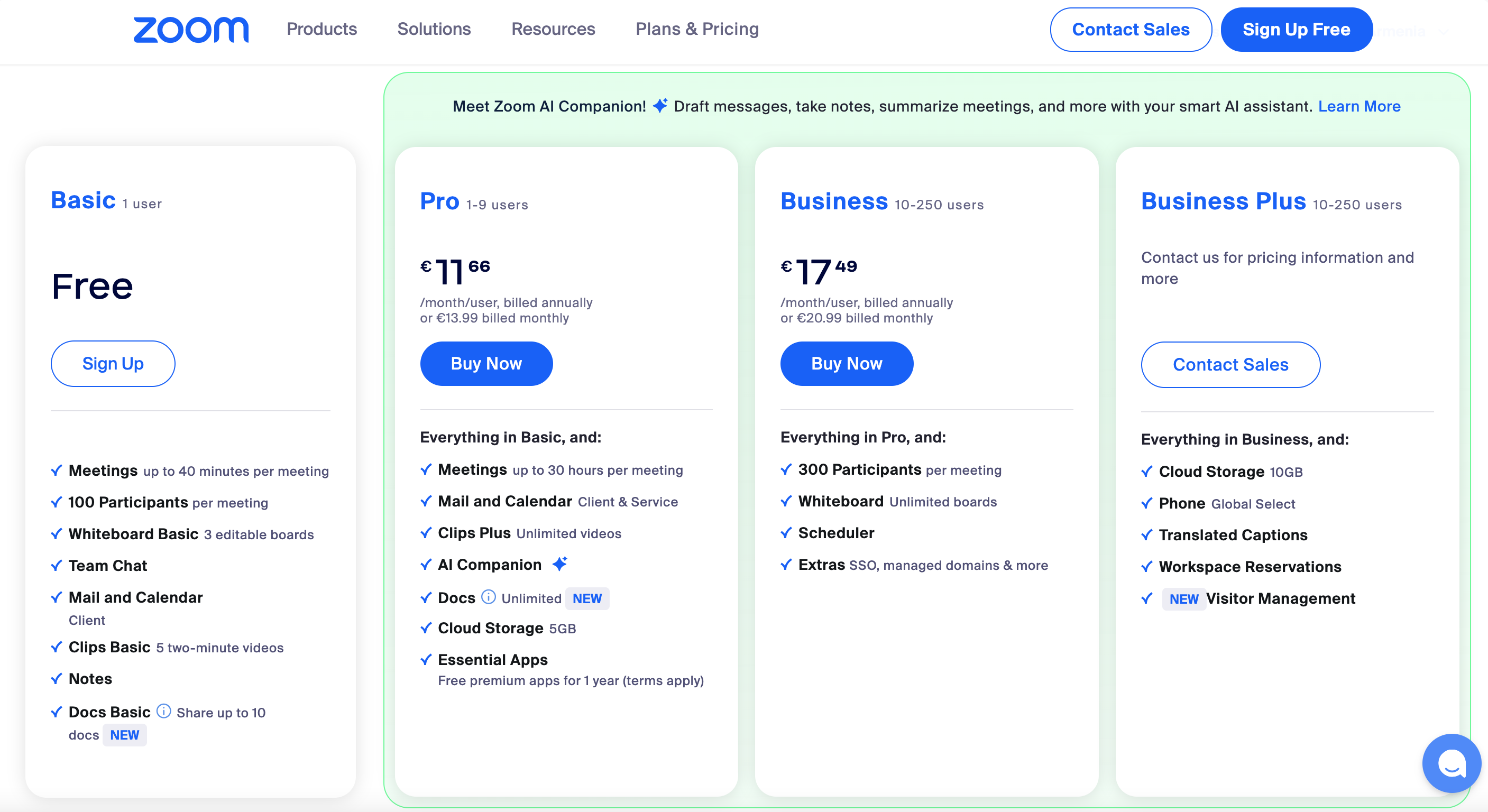
🏆 Il migliore senza vincoli di fornitore: Zoom Workplace Business è la scelta giusta per i team che non vogliono legarsi a un fornitore o che cercano una piattaforma di riunioni principale. Migliore esperienza d'uso, latenza di condivisione schermo più bassa, AI Companion incluso in Business+.
I nostri consigli ↓Per chi è?
Articoli correlati


1★ Best Pick🏆 Il migliore senza vincoli di fornitoreZoom Workplace Business
Registrati su zoom.us — il piano Business costa 20 €/host al mese.
Zoom Workplace Business è la scelta giusta per i team che non vogliono legarsi a un fornitore o che cercano una piattaforma di riunioni principale. Migliore esperienza d'uso, latenza di condivisione schermo più bassa, AI Companion incluso in Business+. Riunioni fino a 300 partecipanti, durata di 30 ore, registrazione su cloud.
Punti di forza
- ✓La migliore esperienza d'uso della categoria
- ✓Latenza di condivisione schermo più bassa
- ✓AI Companion incluso
Punti deboli
- ✗Il piano Business a 20 €/host al mese è caro
- ✗Meno integrato di Google Meet e Teams nei rispettivi ecosistemi
2🪪 Il migliore per Google WorkspaceGoogle Meet (Workspace)
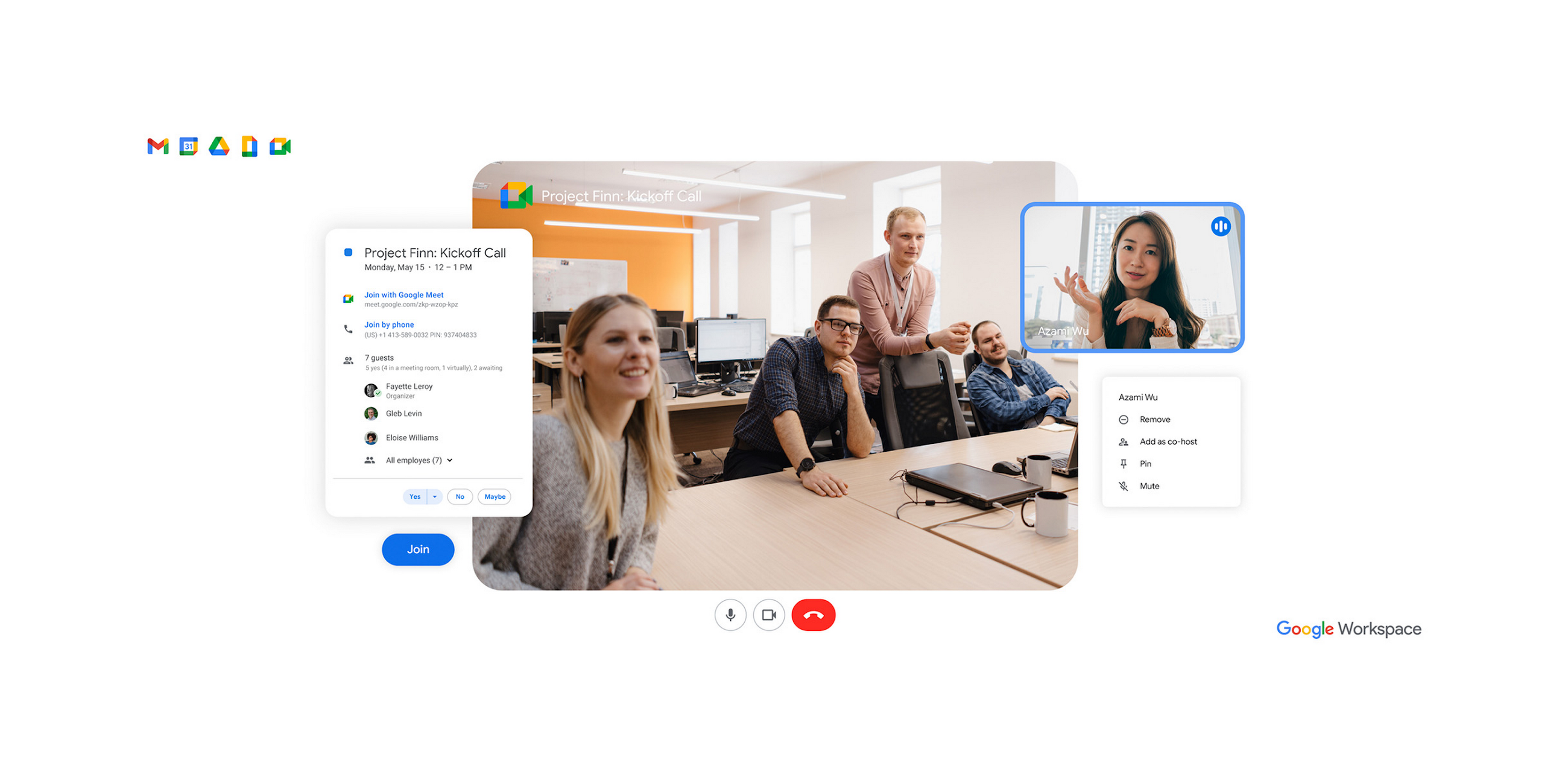
Registrati su workspace.google.com — incluso in Workspace a partire da 6 €/utente al mese.
Google Meet (Workspace) è la scelta giusta per chi usa Google Workspace. È incluso nell'abbonamento Workspace a partire da 6 €/utente al mese. L'integrazione con Calendar è impeccabile e le registrazioni si salvano da sole su Drive. I riepiloghi di Gemini sono validi.
Punti di forza
- ✓Incluso in Workspace
- ✓Integrazione con Calendar, Gmail e Drive
- ✓Riepiloghi AI di Gemini
Punti deboli
- ✗Meno curato di Zoom fuori dall'ecosistema Google
- ✗L'AI richiede l'add-on Workspace AI
3🏢 Il migliore per Microsoft 365Microsoft Teams (Business)
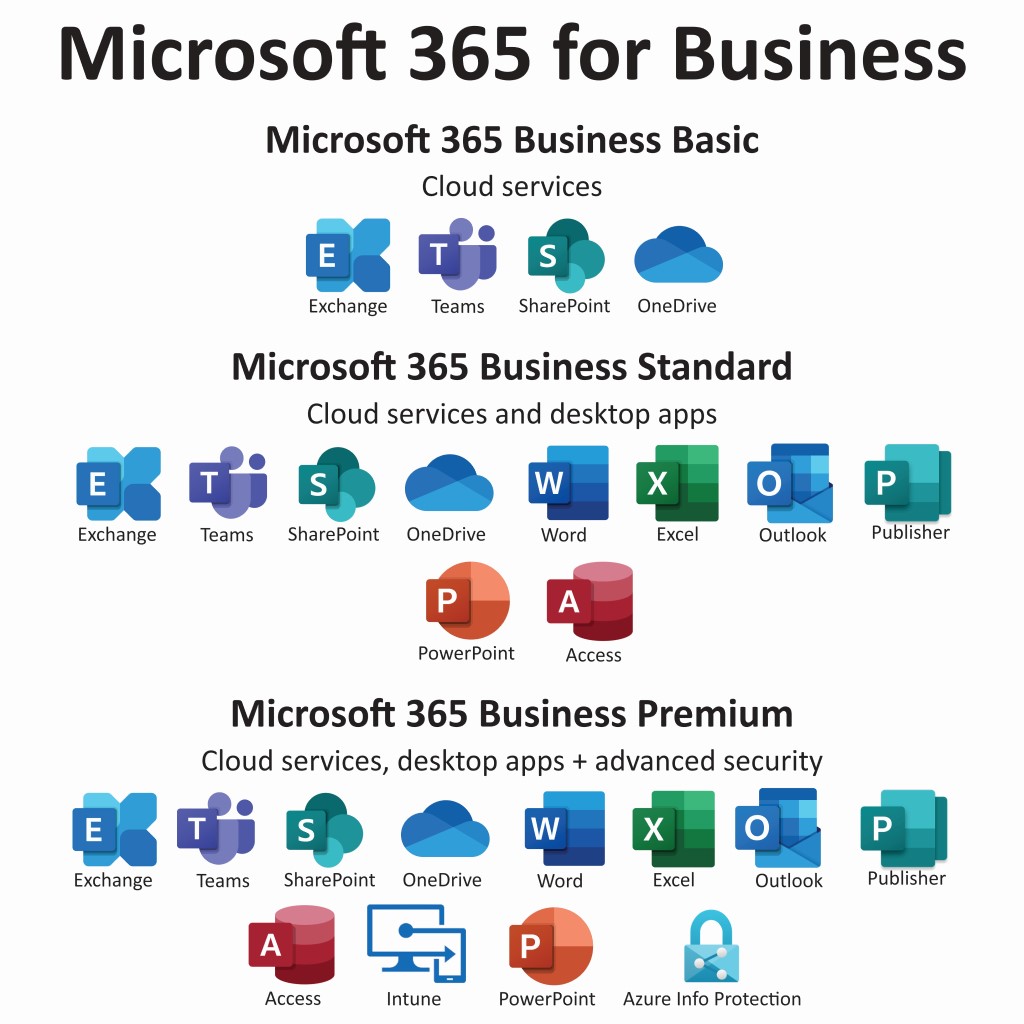
Registrati su microsoft.com/microsoft-teams — incluso in Microsoft 365 Business a partire da 6 €/utente al mese.
Microsoft Teams (Business) è la scelta giusta per chi usa Microsoft 365. È incluso in Microsoft 365 Business a partire da 6 €/utente al mese. L'integrazione con Outlook è impeccabile, SharePoint e OneDrive sono già inclusi. L'add-on Copilot AI costa 30 €/utente al mese.
Punti di forza
- ✓Incluso in Microsoft 365
- ✓Integrazione con Outlook e SharePoint
- ✓Comprende chat e strumenti di collaborazione
Punti deboli
- ✗Sul video è meno curato di Zoom
- ✗Copilot AI è un add-on a pagamento
Iscriviti alla newsletter
Novità e aggiornamenti occasionali, senza spam.
4🛡️ Il migliore per la sicurezza aziendaleWebex Meet (Cisco)

Registrati su webex.com — la scelta migliore se hai esigenze di sicurezza aziendale.
Webex Meet (Cisco) è la scelta giusta per le aziende con requisiti di sicurezza stringenti. Autorizzazione FedRAMP, crittografia end-to-end, riunioni fino a 1.000 partecipanti. Si vede l'impostazione enterprise di Cisco.
Punti di forza
- ✓Autorizzazione FedRAMP
- ✓Crittografia end-to-end robusta
- ✓Riunioni fino a 1.000 partecipanti
Punti deboli
- ✗Esperienza d'uso meno curata di Zoom
- ✗Funzioni pensate soprattutto per le grandi aziende
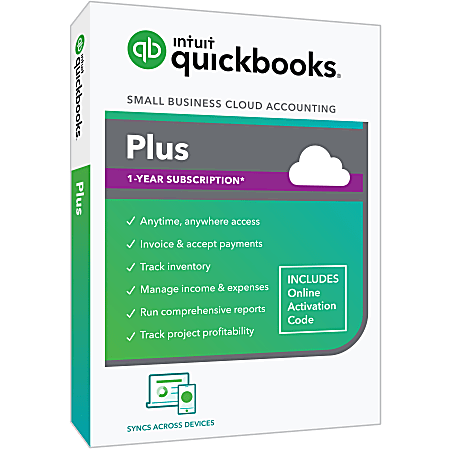
5🎬 Il migliore per i video asincroniLoom Business (async video)
Registrati su loom.com — il piano Business costa 12,50 €/utente al mese.
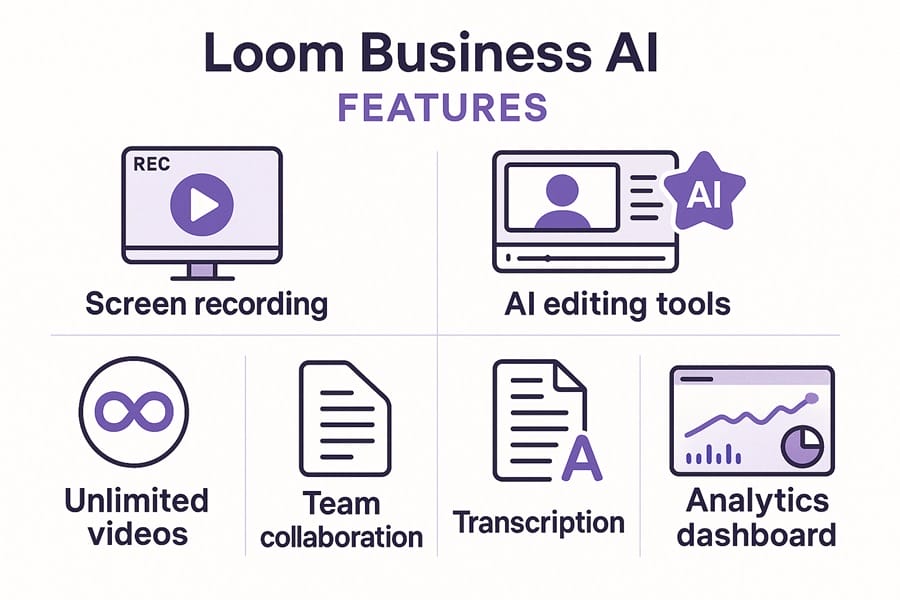
Loom Business è la scelta giusta per i team che sostituiscono le riunioni dal vivo con messaggi video asincroni. Registrazione rapida, riepiloghi generati dall'AI, trascrizione, analisi di chi guarda e per quanto. Spesso è l'alternativa giusta a una riunione dal vivo.
Punti di forza
- ✓Il miglior strumento per i video asincroni
- ✓Riepiloghi AI e trascrizione
- ✓Analisi del coinvolgimento di chi guarda
Punti deboli
- ✗Non serve per le riunioni dal vivo
- ✗Piano Business a 12,50 €/utente al mese
Qualità video e audio
Qualità video percepita (1-10, media su 40 riunioni): Zoom 9,2, Google Meet 8,7, Microsoft Teams 8,4, Webex 8,6, Loom (solo registrazioni) 9,5.
Qualità audio con soppressione del rumore: Zoom (la migliore, soppressione basata su machine learning), Google Meet (molto solida), Microsoft Teams (buona, migliorata nel 2024), Webex (buona grazie all'AI di Cisco), Loom (eccellente per le registrazioni asincrone).
Latenza della condivisione schermo: Zoom 200 ms, Google Meet 250 ms, Microsoft Teams 300 ms, Webex 350 ms, Loom non applicabile (registrazioni).
Riepiloghi delle riunioni con l'AI
Precisione dei riepiloghi AI (confrontati con un revisore umano): Zoom AI Companion 8,8/10, Gemini di Google Meet 8,5/10, Microsoft Copilot 8,2/10 (richiede la licenza Copilot), Webex AI 8,0/10, Loom AI 9,0/10 (il migliore per i video asincroni).
Costo delle funzioni AI: Zoom AI Companion è incluso in Business+, Gemini di Google Meet richiede l'add-on Google Workspace AI (30 €/utente al mese), Microsoft Copilot costa 30 €/utente al mese a parte, Webex AI è incluso.
Sottotitoli in tempo reale: li supportano tutti e 5. Per precisione, Zoom e Google Meet sono i migliori.
Integrazione con l'ecosistema
Se lavori in Google Workspace: Google Meet è la scelta scontata. Integrazione con Calendar, con Gmail e registrazioni su Drive.
Se lavori in Microsoft 365: Microsoft Teams. Integrazione con Outlook, SharePoint e registrazioni su OneDrive.
Se usi strumenti di fornitori diversi o non sei legato a nessuno: Zoom. È il più neutrale e ha la migliore esperienza d'uso della categoria.
Se ti serve un servizio video con autorizzazione FedRAMP: Webex. L'impostazione enterprise di Cisco si vede nelle certificazioni di sicurezza.
Se le riunioni si possono sostituire con video asincroni: Loom. Spesso è la risposta giusta per aggiornamenti di stato, dimostrazioni e formazione.
Domande frequenti
Zoom, Google Meet o Teams?▼
I video asincroni (Loom) stanno sostituendo le riunioni?▼
I riepiloghi AI sono affidabili?▼
I piani gratuiti sono davvero gratis?▼
Dettagli dei prodotti presentati in questo articolo
- Zoom Workplace Business$15〜$25prezzo di riferimento USA
- Google Meet (Workspace)$6〜$30prezzo di riferimento USA
- Microsoft Teams (Business)$6〜$22prezzo di riferimento USA
- Webex Meet (Cisco)$15〜$30prezzo di riferimento USA
- Loom Business (async video)$8〜$15prezzo di riferimento USA
I prezzi cambiano. Verifica il prezzo attuale sul negozio.
Commenti e domande
La discussione avviene su nattzy, il nostro forum. Accedi con Google per partecipare.
Vedi il thread di discussione su nattzy ↗
Ancora indeciso? Fai la tua domanda alla community — Chiedi su nattzy ↗
Articoli correlati
Miglior software antivirus 2026: 6 a confronto

Miglior software per buste paga 2026: 5 a confronto

Migliori videocitofoni 2026: Nest vs Ring vs eufy E340
Migliori software di recupero dati 2026: 5 a confronto

Software per testamenti e successioni 2026: 5 a confronto
Miglior software fiscale 2026: 5 a confronto