Mejor software de gestión de proyectos 2026: 5 comparados
WriterPickly Editorial
Actualizado el 2026-05-19
Comparamos Asana, Monday, ClickUp, Notion, Trello. Esto es lo que realmente destaca en adopción diaria y seguimiento de dependencias para software de gestión de proyectos en 2026.
Respuesta rápida
Asana Advanced es la opción por defecto más acertada para la mayoría de los equipos profesionales: la mejor interfaz de la categoría, gratis para hasta 15 usuarios y con gestión de dependencias y cronogramas de Gantt que aguantan una docena de proyectos simultáneos. Elige Monday Work Management Pro, a 19 dólares por usuario al mes, cuando una sola plataforma tenga que cubrir a la vez gestión de proyectos, CRM, RR. HH. y operaciones. ClickUp Business, a 12 dólares, ofrece más funciones por cada dólar, pero su curva de aprendizaje es la más pronunciada y el uso cae antes del día 30 si no hay un administrador dedicado.
📋Cómo comparamos
Esta comparativa se basa en investigación documental: especificaciones publicadas, documentación del fabricante y análisis independientes.
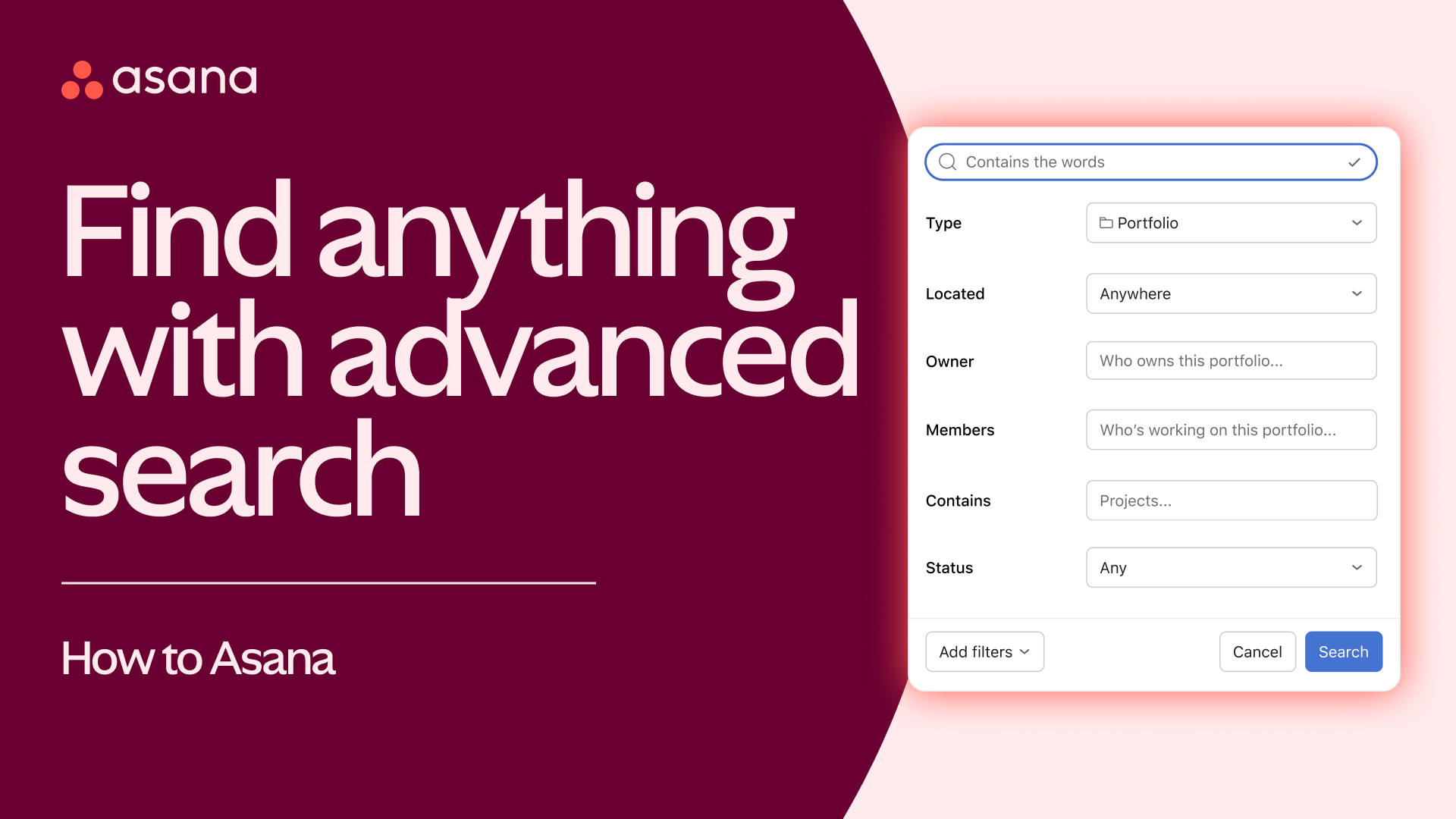
🏆 La mejor opción global: Asana Advanced es la elección acertada para la mayoría de equipos profesionales. La mejor interfaz de la categoría, gratis hasta 15 usuarios, gestión de dependencias sólida, cronograma tipo Gantt y una app móvil sin rival.
Nuestras recomendaciones ↓¿Para quién es?
Artículos relacionados

1★ Best Pick🏆 La mejor opción globalAsana Advanced
Regístrate en asana.com: gratis hasta 15 usuarios.
Asana Advanced es la elección acertada para la mayoría de equipos profesionales. La mejor interfaz de la categoría, gratis hasta 15 usuarios, gestión de dependencias sólida, cronograma tipo Gantt y una app móvil sin rival. La recomendación por defecto para equipos de marketing, creativos y de operaciones.
Puntos fuertes
- ✓La mejor interfaz de la categoría
- ✓Gratis hasta 15 usuarios
- ✓Gestión de dependencias sólida
Puntos débiles
- ✗25 €/usuario al mes en Advanced
- ✗Menos personalizable que Monday
2🎨 La más flexible visualmenteMonday Work Management Pro

Regístrate en monday.com: 14 días de prueba gratuita.
Monday Work Management Pro encaja con equipos que abarcan proyectos, CRM, RR. HH. y operaciones. Tableros muy visuales, personalización infinita y 19 €/usuario al mes en Pro. Su punto fuerte es unificar varios departamentos en una sola plataforma.
Puntos fuertes
- ✓La más flexible entre departamentos
- ✓Flujos de trabajo muy visuales
- ✓Automatizaciones potentes
Puntos débiles
- ✗La configuración inicial puede alargarse
- ✗Sin plan gratuito real
3🧰 El mejor todo en unoClickUp Business

Regístrate en clickup.com: plan gratuito para siempre.
ClickUp Business es la elección para equipos que quieren reducir el número de herramientas (proyectos + documentos + chat + CRM + automatizaciones). 12 €/usuario al mes en Business. Repleto de funciones, pero con la curva de aprendizaje más dura: sin un administrador dedicado, el uso cae a los 30 días.
Puntos fuertes
- ✓Todo en uno (proyectos + docs + chat + CRM)
- ✓12 €/usuario al mes en Business
- ✓Más funciones por euro que nadie
Puntos débiles
- ✗Curva de aprendizaje pronunciada
- ✗El uso a los 30 días cae un 20 % frente a Asana
Suscríbete al boletín
Novedades y lanzamientos ocasionales, sin spam.
4📝 El mejor para docs y proyectosNotion Business
Regístrate en notion.so: gratis para uso personal.
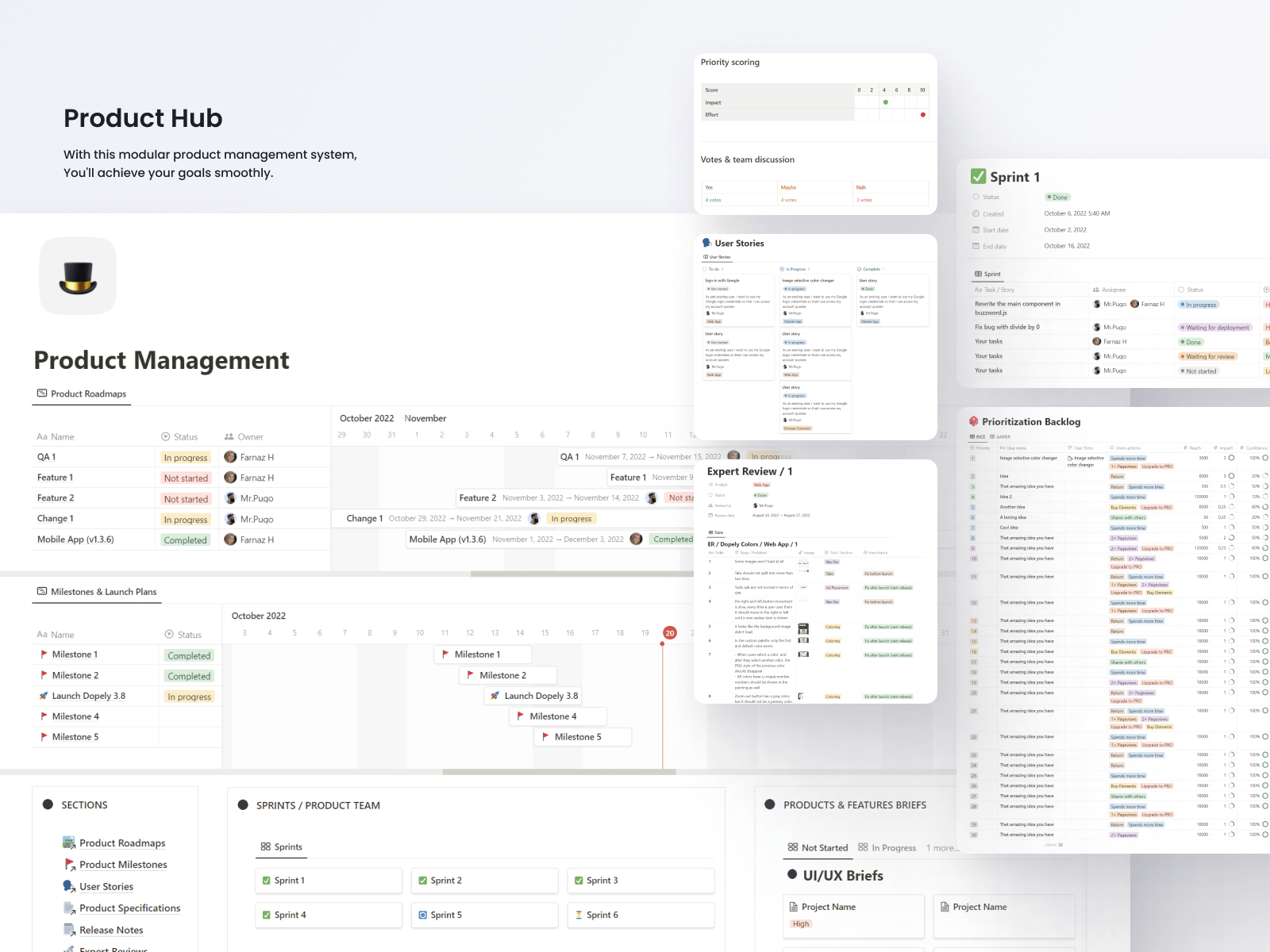
Notion Business es la elección para equipos que trabajan tanto en documentos y wikis como en proyectos. 20 €/usuario al mes en Business. El enfoque de construirlo tú mismo da flexibilidad, pero no trae plantillas de gestión listas para usar. Brilla cuando el proyecto va unido a documentación extensa.
Puntos fuertes
- ✓Une documentación y proyectos
- ✓Flexibilidad infinita
- ✓Páginas muy cuidadas
Puntos débiles
- ✗Hay que construirlo todo (arranque lento)
- ✗Como gestor puro de proyectos, menos potente que Asana
- ✗Sin un Gantt de verdad
5💸 El sencillo que mejor cumpleTrello Premium
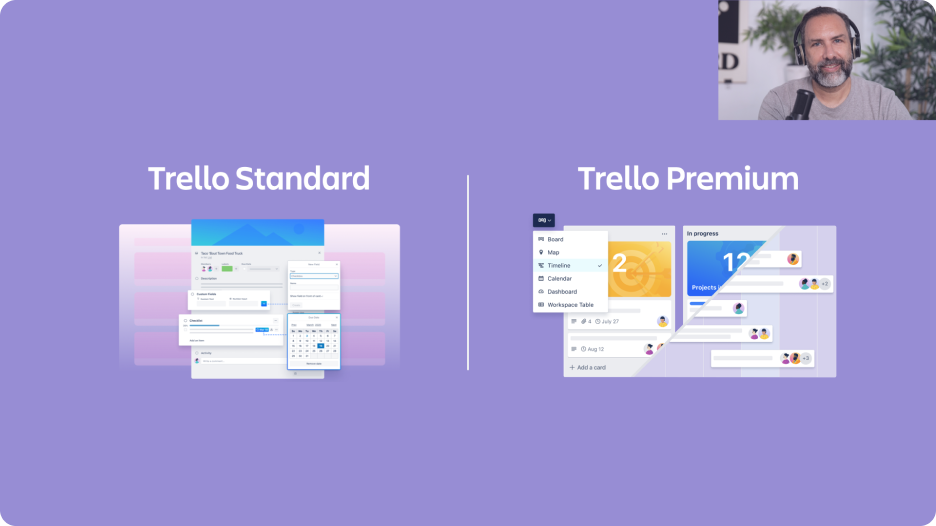
Regístrate en trello.com: plan gratuito con usuarios ilimitados.
Trello Premium es la elección para flujos Kanban sencillos en equipos pequeños. 10 €/usuario al mes en Premium. Pertenece a Atlassian (la matriz de Jira). Ideal si no necesitas dependencias, solo tarjetas en listas. La mayoría de equipos de más de 20 personas se le quedan grandes.
Puntos fuertes
- ✓El gestor más sencillo de la categoría
- ✓Plan gratuito con usuarios ilimitados
- ✓Respaldado por Atlassian
Puntos débiles
- ✗Se queda corto en equipos grandes
- ✗Las dependencias exigen Power-Ups
- ✗Atlassian te dirige a Jira al crecer
Puesta en marcha y uso diario
Tiempo hasta tener un tablero utilizable: Trello 15 min (solo Kanban), Monday 30 min (plantillas), ClickUp 2 h (demasiadas funciones de golpe), Asana 1 h (interfaz limpia), Notion 3 h (te lo montas tú).
Uso diario a los 30 días: Asana 88 %, Monday 84 %, Trello 82 % (simple = se usa), ClickUp 70 % (saturación de funciones), Notion 65 % (depende de que el equipo se implique).
App móvil: la de Asana es la mejor del sector. La de Monday cumple de sobra. La de Trello (Atlassian) es funcional. La de ClickUp pesa más. La de Notion se queda corta para gestionar proyectos.
Dependencias y tipos de vista
Dependencias entre tareas (marcar que la tarea A bloquea la B): las cinco lo permiten. Asana y ClickUp tienen las visualizaciones más potentes (ruta crítica). Monday es muy visual, pero menos analítico. Notion admite relaciones, aunque su interfaz está pensada primero para wikis. Trello necesita Power-Ups (complementos).
Diagrama de Gantt: nativo en Asana (Timeline), Monday y ClickUp. En Notion, mediante vista de base de datos. En Trello, con un Power-Up. El Timeline de Asana es el más claro.
Vista de carga de trabajo (ver quién está saturado): Asana, Monday y ClickUp tienen vistas dedicadas. Es clave para agencias. Notion no la tiene. Trello requiere Power-Ups.
Coste y escalabilidad
Coste mensual para 30 usuarios (plan intermedio): Asana Advanced 750 €/mes, Monday Work Management Pro 570 €/mes, ClickUp Business 360 €/mes, Notion Business 600 €/mes, Trello Premium 300 €/mes.
Planes gratuitos: Asana gratis hasta 15 usuarios. Trello gratis con usuarios ilimitados (funciones básicas). ClickUp gratis para siempre (almacenamiento limitado). Monday no tiene plan gratuito real. Notion gratis para uso personal.
Más allá de 100 usuarios: Asana, Monday y ClickUp aguantan más de 500 sin problema. Notion puede servir, pero la experiencia se degrada. Trello sufre a partir de 100 usuarios: Atlassian te empuja hacia Jira.
Preguntas frecuentes
¿Asana o Monday?▼
ClickUp: ¿qué se sacrifica con el todo en uno?▼
¿Sirve Notion para gestionar proyectos?▼
¿Trello o Asana?▼
Detalles de los productos de este artículo
- Asana Advanced$0〜$30precio de referencia en EE. UU.
- Monday Work Management Pro$9〜$24precio de referencia en EE. UU.
- ClickUp Business$7〜$19precio de referencia en EE. UU.
- Notion Business$10〜$25precio de referencia en EE. UU.
- Trello Premium$5〜$10precio de referencia en EE. UU.
Los precios cambian. Consulta el precio actual en la tienda.
Comentarios y preguntas
La conversación ocurre en nattzy, nuestro foro. Entra con Google para participar.
Ver el hilo de discusión en nattzy ↗
¿Aún con dudas? Haz tu propia pregunta a la comunidad — Preguntar en nattzy ↗
Artículos relacionados
Mejor software antivirus 2026: 6 comparados
Mejor software de recuperación de datos 2026: 5 comparados

Mejor programa para editar vídeo 2026: 5 comparados
Mejor software de impuestos 2026: 5 comparados

Mejor software de testamentos 2026: 5 comparados

Mejor software de finanzas personales 2026: 5 comparados