Meilleur gestionnaire de mots de passe 2026 : 6 comparés
WriterPickly Éditorial
Mis à jour le 2026-10-13
Nous avons comparé 1Password, Bitwarden, Dashlane, Apple, LastPass. Voici ce qui sort vraiment du lot côté fiabilité du remplissage automatique et synchronisation multi-plateforme pour gestionnaire de mots de passe en 2026.
En bref
1Password Families est le bon choix pour la plupart des gens, à 4,99 $ par mois pour cinq utilisateurs : la meilleure ergonomie de la catégorie, les alertes de fuites de données Watchtower et un Travel Mode qui masque les coffres sensibles lors des passages de frontière. Bitwarden Premium, à 10 $ par an, s'adresse aux partisans de l'open source et aux budgets très serrés, avec une prise en charge native de Linux et la possibilité de l'auto-héberger. Dashlane Premium intègre un VPN et une surveillance du dark web pour 4,99 $ par mois en formule individuelle, ce qui n'est intéressant que si vous comptiez de toute façon payer un VPN séparément.
📋Notre méthode de comparaison
Cette comparaison repose sur une recherche documentaire : spécifications publiées, documentation constructeur, tests et avis indépendants.
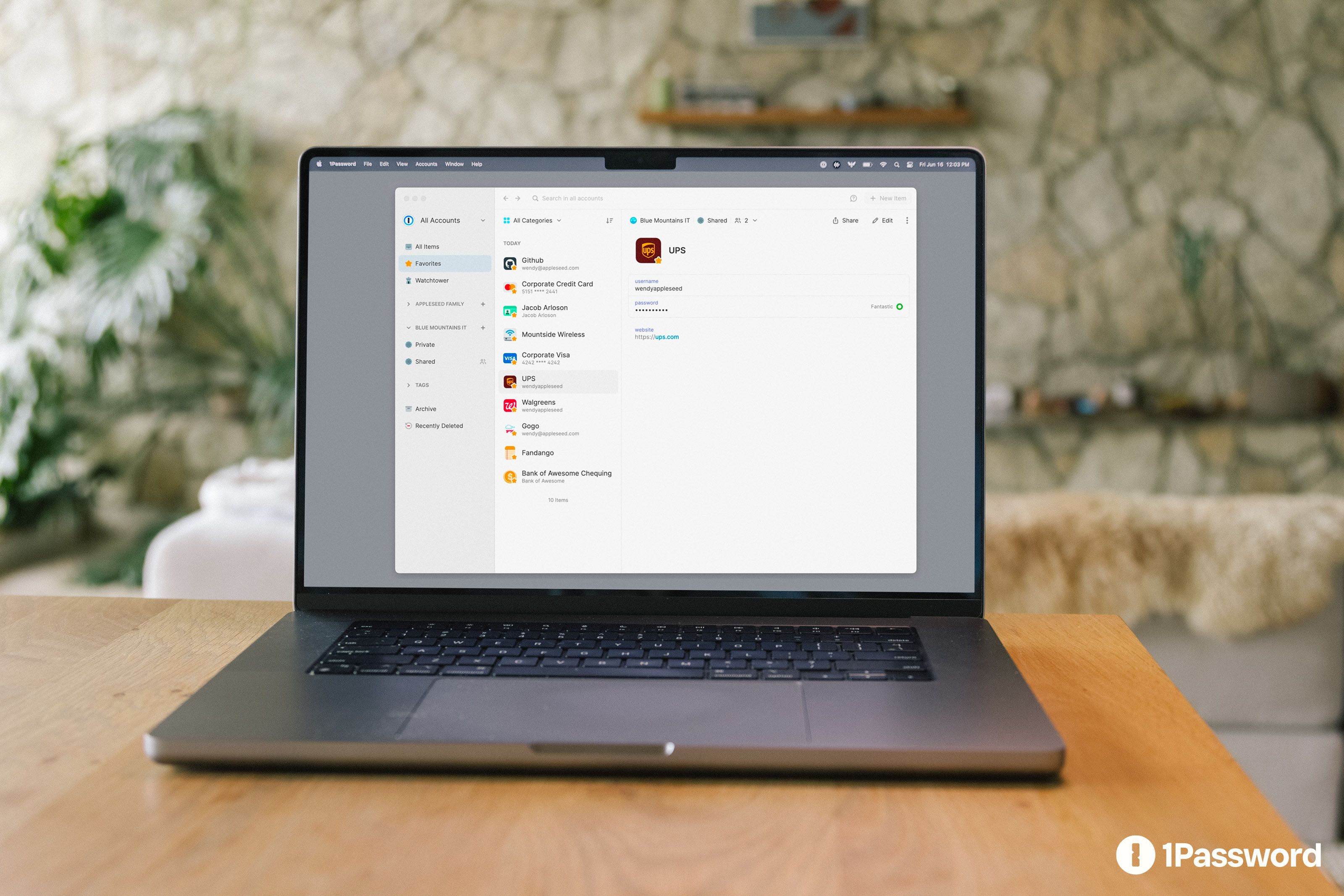
🏆 Meilleur globalement: 1Password Families est le bon choix pour la plupart des utilisateurs. 4,99 $/mois pour 5 utilisateurs, meilleure UX de la catégorie, alertes de violation Watchtower, mode Voyage (masque les coffres sensibles aux frontières), Secrets Automation pour les équipes dev.
Notre sélection ↓- 6NordPass🔑 De l'équipe NordVPN
Pour qui ?
Articles connexes

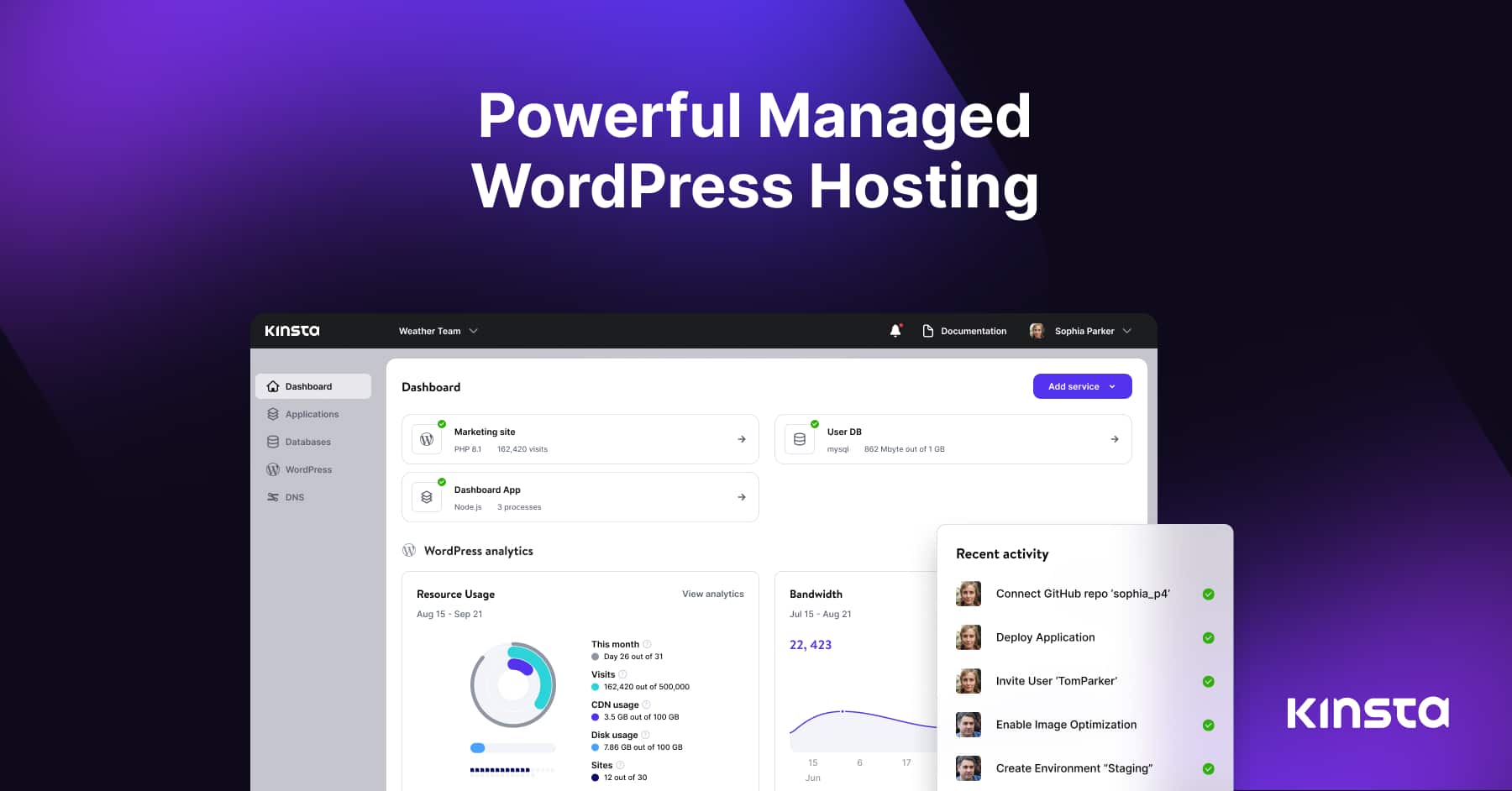

1★ Best Pick🏆 Meilleur globalement1Password Families
Inscrivez-vous sur 1password.com — le plan Families couvre 5 utilisateurs pour 4,99 $/mois.
1Password Families est le bon choix pour la plupart des utilisateurs. 4,99 $/mois pour 5 utilisateurs, meilleure UX de la catégorie, alertes de violation Watchtower, mode Voyage (masque les coffres sensibles aux frontières), Secrets Automation pour les équipes dev. Synchronisation multiplateforme moyenne de 4 secondes.
Points forts
- ✓Meilleure UX de la catégorie
- ✓Alertes de violation Watchtower
- ✓Multiplateforme
Points faibles
- ✗4,99 $/mois individuel (60 $/an)
- ✗Pas de palier gratuit
2💸 Meilleur open-sourceBitwarden Premium
Inscrivez-vous sur bitwarden.com — le palier gratuit est fonctionnel ; 10 $/an pour le premium.
Bitwarden Premium est le bon choix pour les défenseurs de l'open-source et les utilisateurs ultra-économiques. 10 $/an pour le premium (TOTP, accès d'urgence, pièces jointes), le palier gratuit couvre les bases. Support Linux natif. Auto-hébergeable.
Points forts
- ✓Open source
- ✓Premium à 10 $/an
- ✓Linux natif
Points faibles
- ✗UX moins soignée que 1Password
- ✗Synchronisation légèrement plus lente
3🛡️ Meilleur tout-en-unDashlane Premium
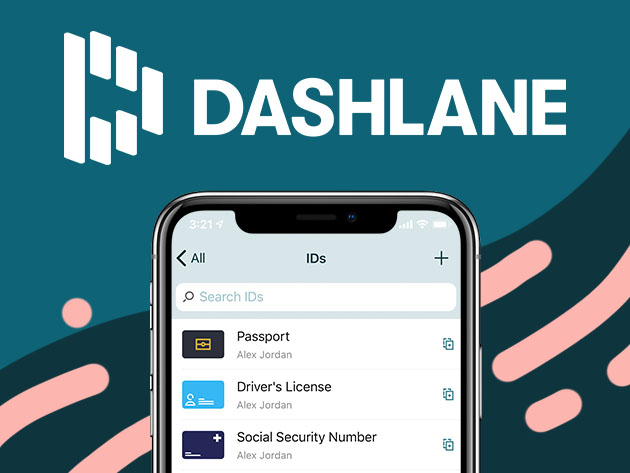
Inscrivez-vous sur dashlane.com — VPN inclus sur Premium.
Dashlane Premium est le bon choix pour les utilisateurs voulant VPN + gestionnaire de mots de passe + surveillance du dark web groupés. 4,99 $/mois solo avec VPN (valeur de 10 $/mois). Complet mais plus cher que Bitwarden.
Points forts
- ✓Inclut le VPN
- ✓Surveillance du dark web
- ✓Remplissage automatique solide
Points faibles
- ✗Pas de palier gratuit pour les fonctionnalités complètes
- ✗Linux est navigateur uniquement
Abonnez-vous à la newsletter
Nouveautés et actualités occasionnelles, sans spam.
4🍎 Meilleur natif AppleApple Passwords (iCloud Keychain)
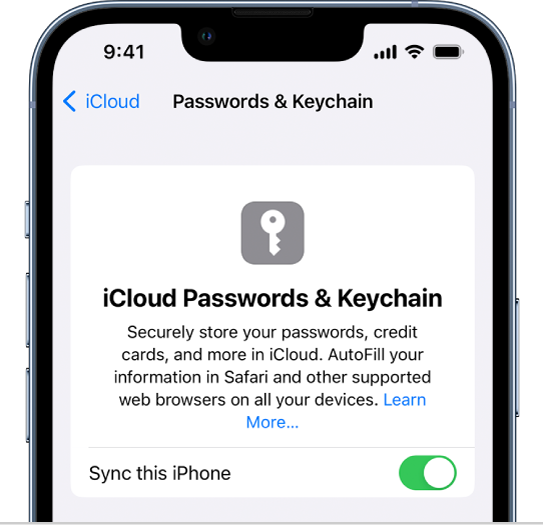
Intégré à iOS/macOS — Réglages → Mots de passe. Gratuit.
Apple Passwords (iCloud Keychain) est le bon choix pour les utilisateurs 100 % écosystème Apple. Gratuit avec l'identifiant Apple, intégré à Safari, l'application Réglages. Application Apple Passwords autonome dans iOS 18+. Support Chrome et Windows limité, pas d'Android, pas de Linux.
Points forts
- ✓Gratuit avec l'identifiant Apple
- ✓Meilleure intégration Safari
- ✓Application autonome iOS 18+
Points faibles
- ✗Support Chrome limité
- ✗Pas d'Android ni de Linux
5⚠️ PrudenceLastPass Premium

Utilisateurs existants : migrez. Non recommandé pour les nouveaux comptes.
LastPass Premium était autrefois dominant mais a subi des violations en 2022 (sauvegardes de coffre chiffrées volées). Service fonctionnel mais envisagez des alternatives pour les nouveaux comptes. Utilisateurs existants : migrez vers 1Password ou Bitwarden.
Points forts
- ✓Synchronisation multi-appareils
- ✓Remplissage automatique historiquement solide
Points faibles
- ✗Incident de violation 2022
- ✗Problèmes de confiance post-violation
- ✗Pas d'innovations majeures depuis
6🔑 De l'équipe NordVPNNordPass
Inscription sur nordpass.com. L'offre gratuite couvre l'essentiel ; les offres payantes ajoutent l'accès multi-appareils.
NordPass vient de l'équipe à l'origine de NordVPN. Il utilise le chiffrement XChaCha20 avec une conception à connaissance nulle, stocke les passkeys avec les mots de passe et a passé un audit de sécurité indépendant réalisé par Cure53. L'offre gratuite couvre l'essentiel, tandis que l'accès multi-appareils et l'analyse des fuites de données exigent un abonnement payant. Un choix naturel si vous utilisez déjà NordVPN.
Points forts
- ✓Chiffrement XChaCha20 à connaissance nulle
- ✓Audit de sécurité indépendant par Cure53
- ✓Stocke les passkeys
Points faibles
- ✗L'offre gratuite se limite à l'essentiel
- ✗Pas open source
Fiabilité du remplissage automatique
Taux de réussite du remplissage automatique sur 50 sites (Amazon, banques, Google, applications de travail) : 1Password 96 %, Bitwarden 94 %, Dashlane 92 %, Apple Passwords 88 % (fort sur Safari, faible sur Chrome), LastPass 90 %.
Support multi-navigateur : 1Password et Bitwarden mènent — fonctionnent parfaitement dans Safari, Chrome, Firefox, Edge, Arc, Brave. Apple Passwords est meilleur sur Safari, l'extension Chrome est fonctionnelle mais de second rang. Dashlane et LastPass sont compétents sur tous les navigateurs.
Synchronisation multiplateforme
Délai de synchronisation entre appareils (changer le mot de passe sur le téléphone, disponible sur l'ordinateur portable) : 1Password 2-4 sec, Bitwarden 3-5 sec, Dashlane 4-6 sec, Apple Passwords (iCloud) 5-10 sec, LastPass 5-10 sec.
Support Linux : 1Password (application native), Bitwarden (native + navigateur), LastPass (navigateur uniquement). Dashlane Linux est navigateur uniquement. Apple Passwords ne supporte pas du tout Linux.
Historique de réponse aux violations
Violation LastPass 2022 : sauvegardes de coffre chiffrées volées, forçables par force brute pour les mots de passe maîtres faibles. A perdu la confiance de nombreux professionnels de la sécurité.
1Password, Bitwarden, Dashlane, Apple Passwords : aucun incident majeur jusqu'en 2026. Tous fonctionnent avec des architectures à connaissance nulle (le fournisseur ne peut pas lire vos données même en cas de violation).
Si vous étiez utilisateur LastPass en 2022, migrez. Leur réponse post-violation s'est améliorée mais la marque est endommagée.
Questions fréquentes
1Password vs Bitwarden ?▼
Apple Passwords suffit-il ?▼
Devrais-je quitter LastPass ?▼
Gratuit vs payant ?▼
Détails des produits présentés dans cet article
- 1Password Families$4〜$10prix de référence aux États-Unis
- Bitwarden Premium$0〜$40prix de référence aux États-Unis
- Dashlane Premium$4〜$8prix de référence aux États-Unis
- Apple Passwords (iCloud Keychain)$0prix de référence aux États-Unis
- LastPass Premium$3〜$5prix de référence aux États-Unis
Les prix changent. Vérifiez le prix actuel chez le vendeur.
Commentaires et questions
La discussion se passe sur nattzy, notre forum. Connectez-vous avec Google pour participer.
Voir le fil de discussion sur nattzy ↗
Encore hésitant ? Posez votre propre question à la communauté — Poser une question sur nattzy ↗