Meilleur antivirus 2026 : 6 solutions comparées
WriterPickly Éditorial
Mis à jour le 2026-09-30
Ce guide compare 6 solutions à partir des spécifications publiées, de la documentation des éditeurs et de tests indépendants.
En bref
Bitdefender Total Security est le choix global : une suite centrée sur la protection contre les malwares, dont les résultats sont publiés régulièrement par des laboratoires indépendants comme AV-TEST. Si vous ne voulez pas payer, Microsoft Defender suffit à la plupart des particuliers : il est déjà intégré à Windows 10 et 11 et ne demande aucune installation séparée. Si vous travaillez souvent sur des Wi-Fi publics, Norton 360 Deluxe justifie son prix avec un VPN illimité et une assurance vol d'identité de 50 000 $.
📋Notre méthode de comparaison
Cette comparaison repose sur une recherche documentaire. Nous avons confronté les spécifications publiques, la documentation des éditeurs, ainsi que des tests indépendants et des essais en laboratoire.
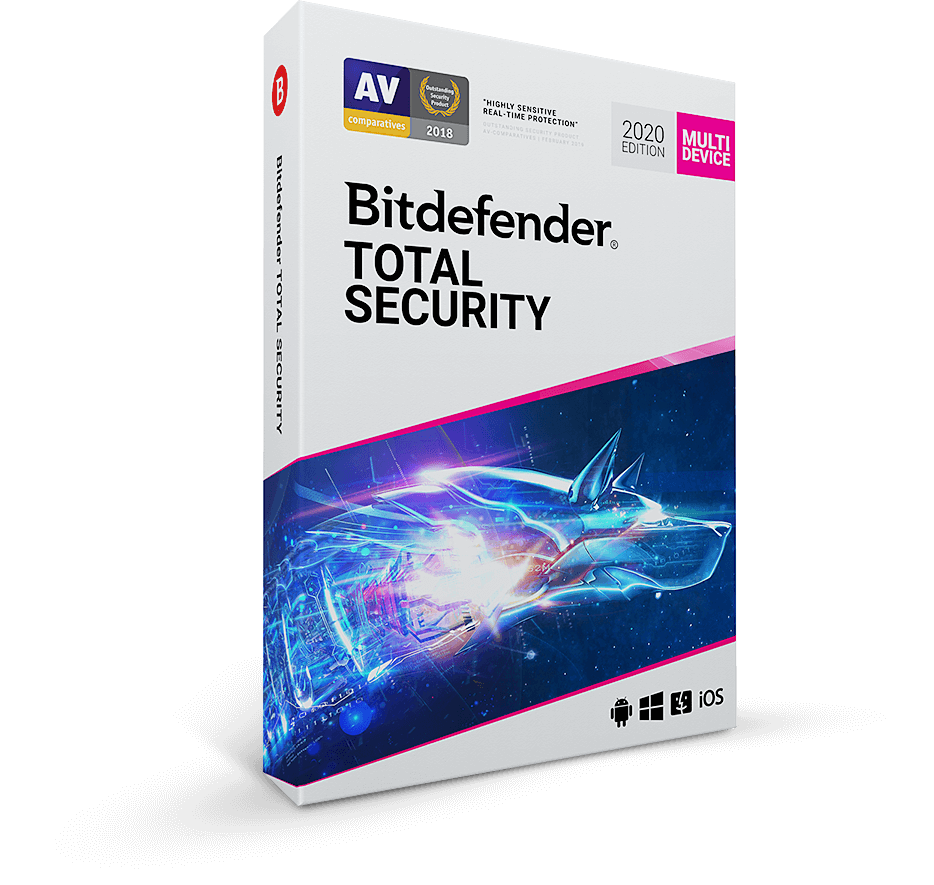
🏆 Meilleur antivirus payant: Bitdefender Total Security est le bon choix payant pour la plupart des utilisateurs : une suite centrée sur la protection contre les malwares, dont AV-TEST et AV-Comparatives publient régulièrement les résultats. VPN inclus (200 Mo par jour, illimité avec l'option Bitdefender Premium VPN).
Notre sélection ↓Pour qui ?
Articles connexes

1★ Best Pick🏆 Meilleur antivirus payantBitdefender Total Security
À acheter sur bitdefender.com — promotions fréquentes jusqu'à -50 %.
Bitdefender Total Security est le bon choix payant pour la plupart des utilisateurs : une suite centrée sur la protection contre les malwares, dont AV-TEST et AV-Comparatives publient régulièrement les résultats. VPN inclus (200 Mo par jour, illimité avec l'option Bitdefender Premium VPN). Licences pour 5 appareils.
Points forts
- ✓Meilleurs scores AV-TEST
- ✓Très peu de faux positifs
- ✓Impact système minime
Points faibles
- ✗VPN limité à 200 Mo/jour sur Total Security
- ✗Le tableau de bord Cyber Threat Intelligence n'est pas fait pour les débutants
2🛡️ Meilleure suite tout-en-unNorton 360 Deluxe
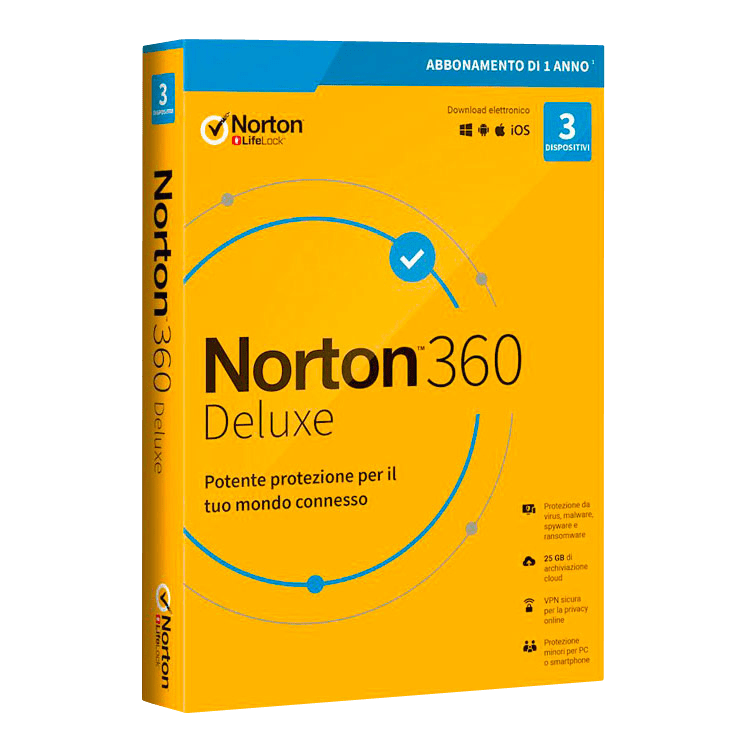
À acheter sur us.norton.com — la formule Deluxe couvre 5 appareils.
Norton 360 Deluxe est le bon choix si vous voulez réunir antivirus, VPN illimité, surveillance de l'usurpation d'identité et gestionnaire de mots de passe. Une assurance usurpation d'identité de 50 000 $ est comprise. L'impact système est plus élevé que celui de Bitdefender, mais les services inclus valent vraiment leur prix.
Points forts
- ✓VPN illimité inclus
- ✓Assurance usurpation d'identité de 50 000 $
- ✓Offre très complète
Points faibles
- ✗Impact système plus élevé que Bitdefender
- ✗Gestionnaire de mots de passe moins solide que 1Password
3🧹 Meilleur en second rideauMalwarebytes Premium
À acheter sur malwarebytes.com — à installer en complément de votre antivirus principal.
Malwarebytes Premium est le bon choix comme scanner SECONDAIRE, en complément de votre antivirus principal. Il est conçu pour intercepter les programmes indésirables (PUP), les adwares et les menaces que les antivirus principaux laissent filer. Protection en temps réel incluse.
Points forts
- ✓Attrape ce que les antivirus principaux ratent
- ✓Conçu pour cohabiter avec un autre antivirus
- ✓Nettoie les infections déjà en place
Points faibles
- ✗Peu convaincant en antivirus principal
- ✗Taux de détection inférieur aux antivirus dédiés
Abonnez-vous à la newsletter
Nouveautés et actualités occasionnelles, sans spam.
4🆓 Meilleure option gratuiteMicrosoft Defender (free, built-in)

Gratuit avec Windows 10/11 — aucune installation nécessaire.
Microsoft Defender (intégré à Windows 10/11) est le bon choix gratuit pour la plupart des particuliers. Aucune installation séparée, aucun coût, et il figure dans les essais réguliers des laboratoires indépendants : ses résultats actuels sont donc consultables. Il n'inclut ni VPN ni surveillance du vol d'identité.
Points forts
- ✓Gratuit avec Windows
- ✓Détection au niveau des antivirus payants
- ✓Impact système le plus léger
Points faibles
- ✗Pas de VPN inclus
- ✗Pas de surveillance de l'usurpation d'identité
- ✗Fonctions de contrôle parental limitées
5⚠️ Réserve géopolitiqueKaspersky Total Security
À acheter sur kaspersky.com — pensez au contexte géopolitique.
Kaspersky Total Security affiche une détection au plus haut niveau et une vraie excellence technique. Mais le gouvernement fédéral américain a exclu Kaspersky de ses marchés publics en 2022, invoquant des risques de sécurité nationale liés à ses activités basées en Russie. Rien n'empêche un particulier de l'installer ; à vous de décider si ce contexte géopolitique compte pour vous.
Points forts
- ✓Taux de détection au sommet
- ✓Excellente détection des menaces zero-day
- ✓Grande qualité technique
Points faibles
- ✗Exclu des marchés publics fédéraux américains depuis 2022
- ✗Contexte géopolitique à prendre en compte
6🦈 Meilleur pack avec VPNSurfshark One
Disponible sur surfshark.com — l'offre One inclut antivirus + VPN ; remboursement sous 30 jours.
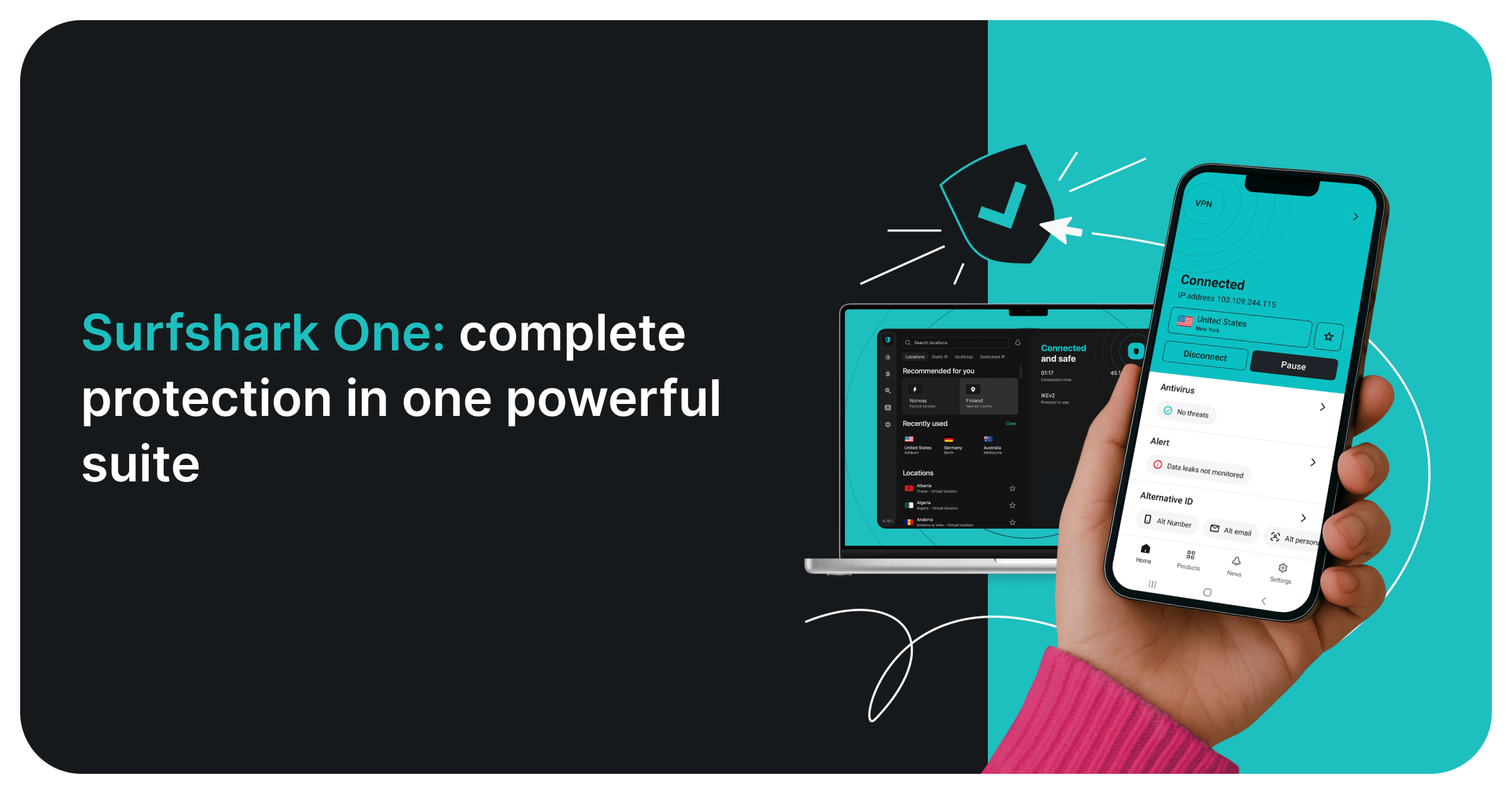
Surfshark One regroupe un antivirus certifié AV-TEST, le VPN Surfshark, des alertes de fuite de données (Alert) et une recherche privée sans publicité dans un seul abonnement, pour un nombre illimité d'appareils. L'antivirus fonctionne sous Windows, macOS et Android (pas iOS). Intéressant si vous comptiez payer un VPN à part.
Points forts
- ✓Antivirus certifié AV-TEST
- ✓VPN, alertes de fuite et recherche privée inclus
- ✓Appareils illimités
- ✓Remboursement sous 30 jours
Points faibles
- ✗Antivirus indisponible sur iOS
- ✗Renouvellement plus cher que la première période
Détection (consultez les derniers rapports)
Ce guide ne réalise pas ses propres essais de malwares. Pour la détection, fiez-vous aux laboratoires indépendants qui publient des résultats à intervalles réguliers — AV-TEST et AV-Comparatives — et consultez leurs derniers rapports, car les scores changent d'une campagne à l'autre.
Bitdefender, Norton, Kaspersky et Microsoft Defender sont des antivirus principaux conçus pour la protection en temps réel. Malwarebytes se positionne autrement : son point fort est de nettoyer des systèmes déjà infectés et de repérer adwares et PUP, d'où son usage fréquent comme second scanner.
Regardez les faux positifs autant que la détection. Un produit qui bloque à tort des fichiers légitimes interrompt le travail ; les laboratoires publient donc les fausses alertes à part — comparez les deux chiffres dans le même rapport.
Impact sur les performances
Tout antivirus ajoute un peu de charge au démarrage, lors des copies de fichiers et à l'installation de logiciels. Son ampleur dépend du matériel : aucun chiffre unique ne vaut pour tous les PC.
Les laboratoires indépendants publient des essais de performances en plus des essais de protection. Si votre PC est ancien ou modeste, lisez la partie performances du dernier rapport avant de choisir.
Microsoft Defender ne demande aucune installation séparée puisqu'il fait partie de Windows. Les suites qui regroupent davantage de fonctions (VPN, sauvegarde, surveillance d'identité) font tourner plus de composants en arrière-plan qu'un simple antivirus ; désactivez les modules inutilisés.
Au-delà de l'antivirus pur
VPN inclus : Norton 360 Deluxe (illimité), Bitdefender (limité à 200 Mo/jour), Kaspersky (pas de VPN), Malwarebytes (produit Privacy vendu séparément), Defender (pas de VPN).
Surveillance de l'usurpation d'identité : Norton 360 (couverture de 50 000 $), Bitdefender (États-Unis uniquement, version basique), aucune pour les autres.
Gestionnaire de mots de passe : Norton, Bitdefender et Kaspersky en intègrent un, mais en version rudimentaire. Préférez 1Password ou Bitwarden — les gestionnaires livrés en bundle sont généralement plus faibles.
Questions fréquentes
Microsoft Defender suffit-il ?▼
Faut-il installer Malwarebytes en plus d'un autre antivirus ?▼
Pourquoi cette mise en garde sur Kaspersky ?▼
Norton ou Bitdefender ?▼
Détails des produits présentés dans cet article
- Bitdefender Total Security$40〜$90prix de référence aux États-Unis
- Norton 360 Deluxe$50〜$110prix de référence aux États-Unis
- Malwarebytes Premium$30〜$60prix de référence aux États-Unis
- Microsoft Defender (free, built-in)$0prix de référence aux États-Unis
- Kaspersky Total Security$40〜$80prix de référence aux États-Unis
Les prix changent. Vérifiez le prix actuel chez le vendeur.
Commentaires et questions
La discussion se passe sur nattzy, notre forum. Connectez-vous avec Google pour participer.
Voir le fil de discussion sur nattzy ↗
Encore hésitant ? Posez votre propre question à la communauté — Poser une question sur nattzy ↗
Articles connexes
Meilleur logiciel de visioconférence 2026 : 5 comparés

Meilleur logiciel de montage vidéo 2026 : 5 comparés
Meilleurs logiciels de récupération de données 2026 : top 5
Meilleur logiciel de finances perso 2026 : 5 comparés
Meilleur logiciel d'impôts 2026 : 5 comparés

Meilleurs logiciels de planification successorale 2026