Meilleur logiciel de gestion de projet 2026 : 5 comparés
WriterPickly Éditorial
Mis à jour le 2026-05-19
Asana Advanced pour la plupart des équipes avec dépendances et Gantt, Monday Pro polyvalent, ClickUp Business riche mais plus long à adopter.
En bref
Asana Advanced est le choix par défaut idéal pour la plupart des équipes professionnelles : la meilleure interface de la catégorie, gratuit jusqu'à 15 utilisateurs, avec une gestion des dépendances et des diagrammes de Gantt qui tiennent la route sur une douzaine de projets simultanés. Optez pour Monday Work Management Pro à 19 dollars par utilisateur et par mois lorsqu'une seule plateforme doit servir à la fois la gestion de projet, le CRM, les RH et les opérations. ClickUp Business, à 12 dollars, offre le plus de fonctionnalités pour le prix, mais sa courbe d'apprentissage est la plus raide et l'adoption chute avant le 30e jour sans administrateur dédié.
📋Notre méthode de comparaison
Cette comparaison repose sur une recherche documentaire : spécifications publiées, documentation constructeur, tests et avis indépendants.
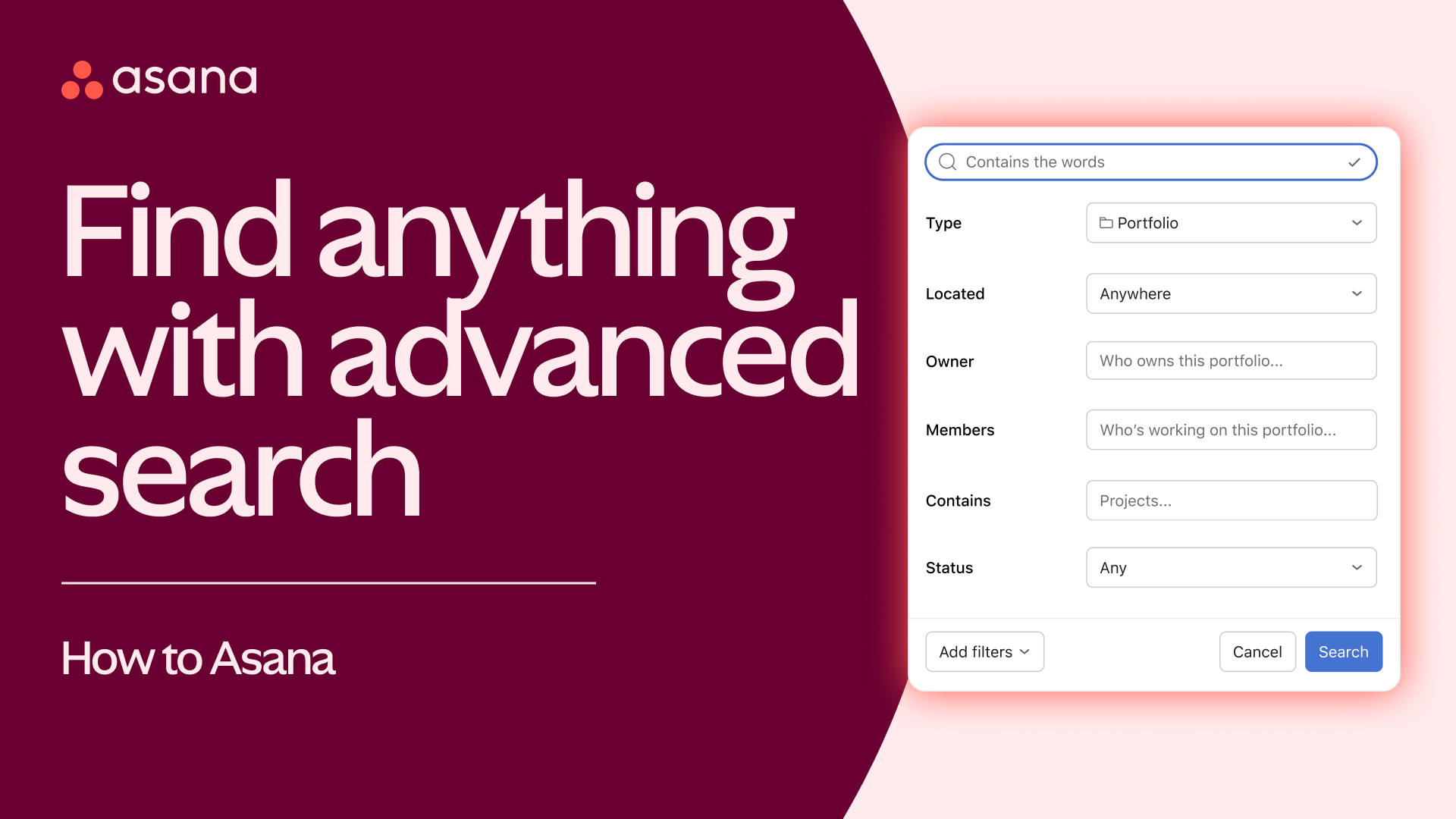
🏆 Meilleur globalement: Asana Advanced est le bon choix pour la plupart des équipes professionnelles. Meilleure UX de la catégorie, gratuit pour 15 utilisateurs, solide gestion de dépendances, chronologie Gantt, l'application mobile est la référence.
Notre sélection ↓Pour qui ?
Articles connexes

1★ Best Pick🏆 Meilleur globalementAsana Advanced
Inscrivez-vous sur asana.com — gratuit pour 15 utilisateurs.
Asana Advanced est le bon choix pour la plupart des équipes professionnelles. Meilleure UX de la catégorie, gratuit pour 15 utilisateurs, solide gestion de dépendances, chronologie Gantt, l'application mobile est la référence. La recommandation par défaut pour les équipes marketing, créatives et opérations.
Points forts
- ✓Meilleure UX de la catégorie
- ✓Gratuit jusqu'à 15 utilisateurs
- ✓Solide gestion de dépendances
Points faibles
- ✗25 $/utilisateur/mois pour Advanced
- ✗Moins de personnalisation que Monday
2🎨 Meilleure flexibilité visuelleMonday Work Management Pro

Inscrivez-vous sur monday.com — essai gratuit de 14 jours.
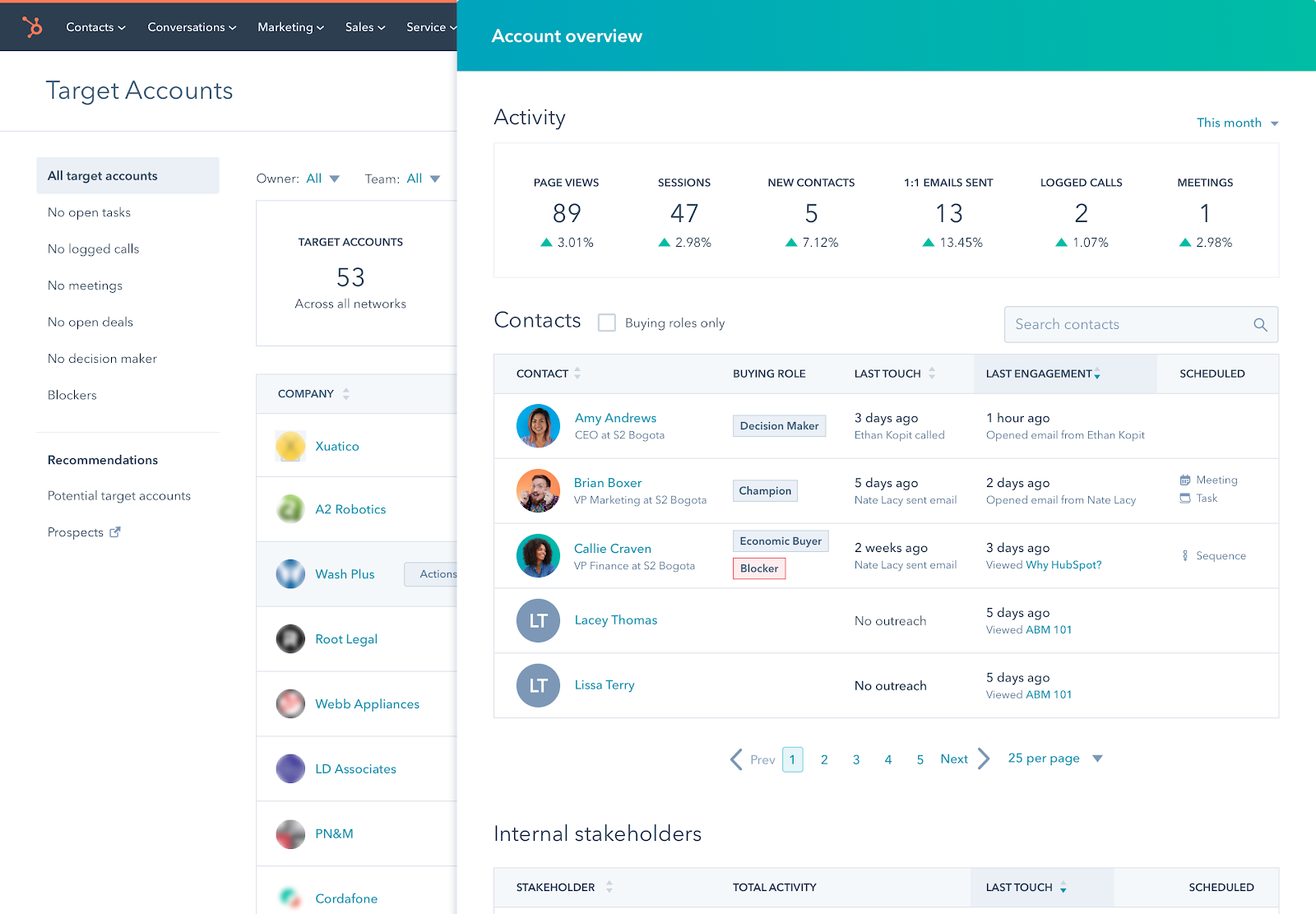
Monday Work Management Pro est le bon choix pour les équipes qui couvrent GP, CRM, RH, opérations. Style tableau visuel, personnalisation infinie, 19 $/utilisateur/mois pour Pro. Idéal quand vous voulez une seule plateforme à travers les départements.
Points forts
- ✓Le plus flexible entre départements
- ✓Style de workflow visuel
- ✓Solide automatisation
Points faibles
- ✗L'intégration peut être plus longue
- ✗Pas de véritable palier gratuit
3🧰 Meilleur tout-en-unClickUp Business

Inscrivez-vous sur clickup.com — palier gratuit pour toujours.
ClickUp Business est le bon choix pour les équipes qui veulent consolider leurs outils (GP + docs + chat + CRM + automatisations). 12 $/utilisateur/mois pour Business. Riche en fonctionnalités mais la courbe d'apprentissage la plus raide. L'adoption au jour 30 chute sans admin dédié.
Points forts
- ✓Tout-en-un (GP + docs + chat + CRM)
- ✓12 $/utilisateur/mois pour Business
- ✓Le plus de fonctionnalités par dollar
Points faibles
- ✗Courbe d'apprentissage raide
- ✗L'adoption au jour 30 chute de 20 % face à Asana
Abonnez-vous à la newsletter
Nouveautés et actualités occasionnelles, sans spam.
4📝 Meilleure pour docs+projetsNotion Business
Inscrivez-vous sur notion.so — gratuit pour usage personnel.
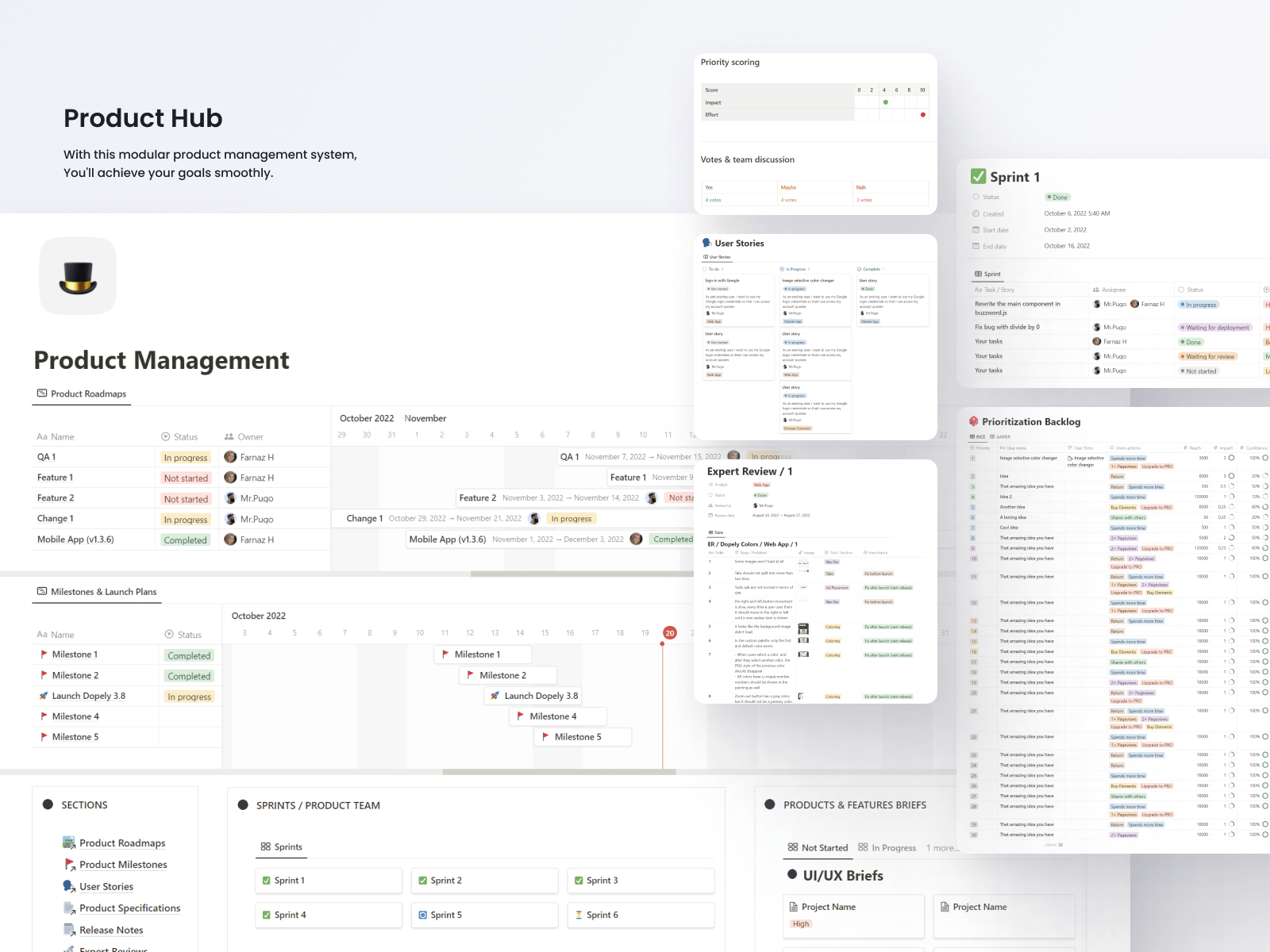
Notion Business est le bon choix pour les équipes qui travaillent en docs/wikis ET en projets. 20 $/utilisateur/mois pour Business. L'approche construisez-le-vous-même signifie de la flexibilité mais aucun modèle GP prêt à l'emploi. Idéale quand le travail de projet s'étend à une documentation approfondie.
Points forts
- ✓Combine docs + projets
- ✓Flexibilité infinie
- ✓Belles pages
Points faibles
- ✗Construisez-le-vous-même (montée lente)
- ✗Moins puissant comme GP pure qu'Asana
- ✗Pas de vrai Gantt
5💸 Meilleure GP simpleTrello Premium
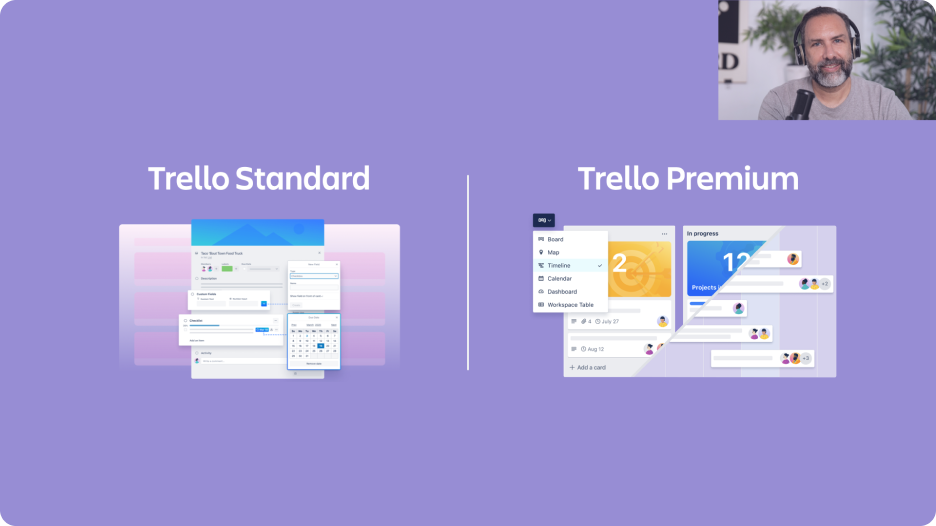
Inscrivez-vous sur trello.com — palier gratuit utilisateurs illimités.
Trello Premium est le bon choix pour des workflows Kanban simples dans de petites équipes. 10 $/utilisateur/mois pour Premium. Détenu par Atlassian (maison mère de Jira). Idéal quand vous n'avez pas besoin de dépendances, juste des cartes sur des listes. Dépassé par la plupart des équipes de plus de 20 personnes.
Points forts
- ✓GP la plus simple de la catégorie
- ✓Palier gratuit utilisateurs illimités
- ✓Détenu par Atlassian
Points faibles
- ✗Dépassé par les grandes équipes
- ✗Les dépendances nécessitent des Power-Ups
- ✗Atlassian pousse vers Jira à l'échelle
Intégration et taux d'utilisation quotidienne
Temps avant un premier tableau utilisable : Trello 15 min (Kanban uniquement), Monday 30 min (modèles), ClickUp 2 h (ensemble de fonctionnalités écrasant), Asana 1 h (UX propre), Notion 3 h (construisez le vôtre).
Taux d'utilisation quotidienne au jour 30 : Asana 88 %, Monday 84 %, Trello 82 % (simple = utilisé), ClickUp 70 % (surcharge de fonctionnalités), Notion 65 % (dépend de l'adhésion de l'équipe).
Application mobile : l'application mobile Asana est la référence de la catégorie. Monday mobile est solide. Trello mobile (Atlassian) est fonctionnelle. ClickUp mobile est plus lourde. Notion mobile est limitée pour le travail de projet.
Suivi des dépendances et vues
Dépendances de tâches (marquer que la tâche A bloque la tâche B) : les 5 le supportent. Asana et ClickUp ont les visualisations de dépendances les plus puissantes (chemin critique). Monday est visuel mais moins analytique. Notion supporte les relations mais l'UX est d'abord orientée wiki. Trello nécessite des Power-Ups (modules complémentaires).
Vue diagramme de Gantt : Asana (Timeline), Monday, ClickUp natif. Notion via une vue base de données. Trello via un Power-Up. Le Timeline d'Asana est le plus épuré.
Vue charge de travail (voir qui est surchargé) : Asana, Monday, ClickUp ont des vues de charge de travail dédiées. Critique pour les agences. Notion en manque. Trello nécessite des Power-Ups.
Coût et mise à l'échelle
Coût mensuel pour 30 utilisateurs (palier intermédiaire) : Asana Advanced 750 $/mois, Monday Work Management Pro 570 $/mois, ClickUp Business 360 $/mois, Notion Business 600 $/mois, Trello Premium 300 $/mois.
Comparaison des paliers gratuits : Asana gratuit pour 15 utilisateurs. Trello gratuit utilisateurs illimités (fonctionnalités de base). ClickUp gratuit pour toujours (stockage limité). Monday pas de véritable palier gratuit. Notion gratuit pour usage personnel.
Mise à l'échelle au-delà de 100 utilisateurs : Asana, Monday, ClickUp gèrent tous 500+. Notion peut fonctionner mais l'UX se dégrade. Trello peine au-delà de 100 — Atlassian vous pousse vers Jira.
Questions fréquentes
Asana vs Monday ?▼
ClickUp — le compromis tout-en-un ?▼
Notion pour la gestion de projet ?▼
Trello vs Asana ?▼
Détails des produits présentés dans cet article
- Asana Advanced$0〜$30prix de référence aux États-Unis
- Monday Work Management Pro$9〜$24prix de référence aux États-Unis
- ClickUp Business$7〜$19prix de référence aux États-Unis
- Notion Business$10〜$25prix de référence aux États-Unis
- Trello Premium$5〜$10prix de référence aux États-Unis
Les prix changent. Vérifiez le prix actuel chez le vendeur.
Commentaires et questions
La discussion se passe sur nattzy, notre forum. Connectez-vous avec Google pour participer.
Voir le fil de discussion sur nattzy ↗
Encore hésitant ? Posez votre propre question à la communauté — Poser une question sur nattzy ↗
Articles connexes
Meilleur antivirus 2026 : 6 solutions comparées
Meilleurs logiciels de récupération de données 2026 : top 5

Meilleur logiciel de montage vidéo 2026 : 5 comparés
Meilleur logiciel d'impôts 2026 : 5 comparés

Meilleurs logiciels de planification successorale 2026

Meilleur logiciel de finances perso 2026 : 5 comparés