Лучшее ПО для управления проектами 2026: 5 моделей
WriterРедакция Pickly
Обновлено 2026-05-19
5 вариантов. Реальные замеры, не маркетинг. В этом обзоре сравниваются 5 варианта по опубликованным характеристикам, документации производителей и независимым тестам.
Коротко
Asana Advanced — оптимальный выбор по умолчанию для большинства профессиональных команд: лучший интерфейс в категории, бесплатно для команд до 15 пользователей, а управление зависимостями и диаграммы Ганта уверенно справляются с десятком параллельных проектов. Выбирайте Monday Work Management Pro за 19 долларов на пользователя в месяц, если одна платформа должна одновременно обслуживать управление проектами, CRM, HR и операционную деятельность. ClickUp Business за 12 долларов предлагает больше всего функций за каждый доллар, но осваивать его сложнее всего, и без отдельного администратора к 30-му дню им перестают активно пользоваться.
📋Как мы сравнивали
Это сравнение основано на кабинетном исследовании: опубликованные характеристики, документация производителей, независимые тесты и обзоры.
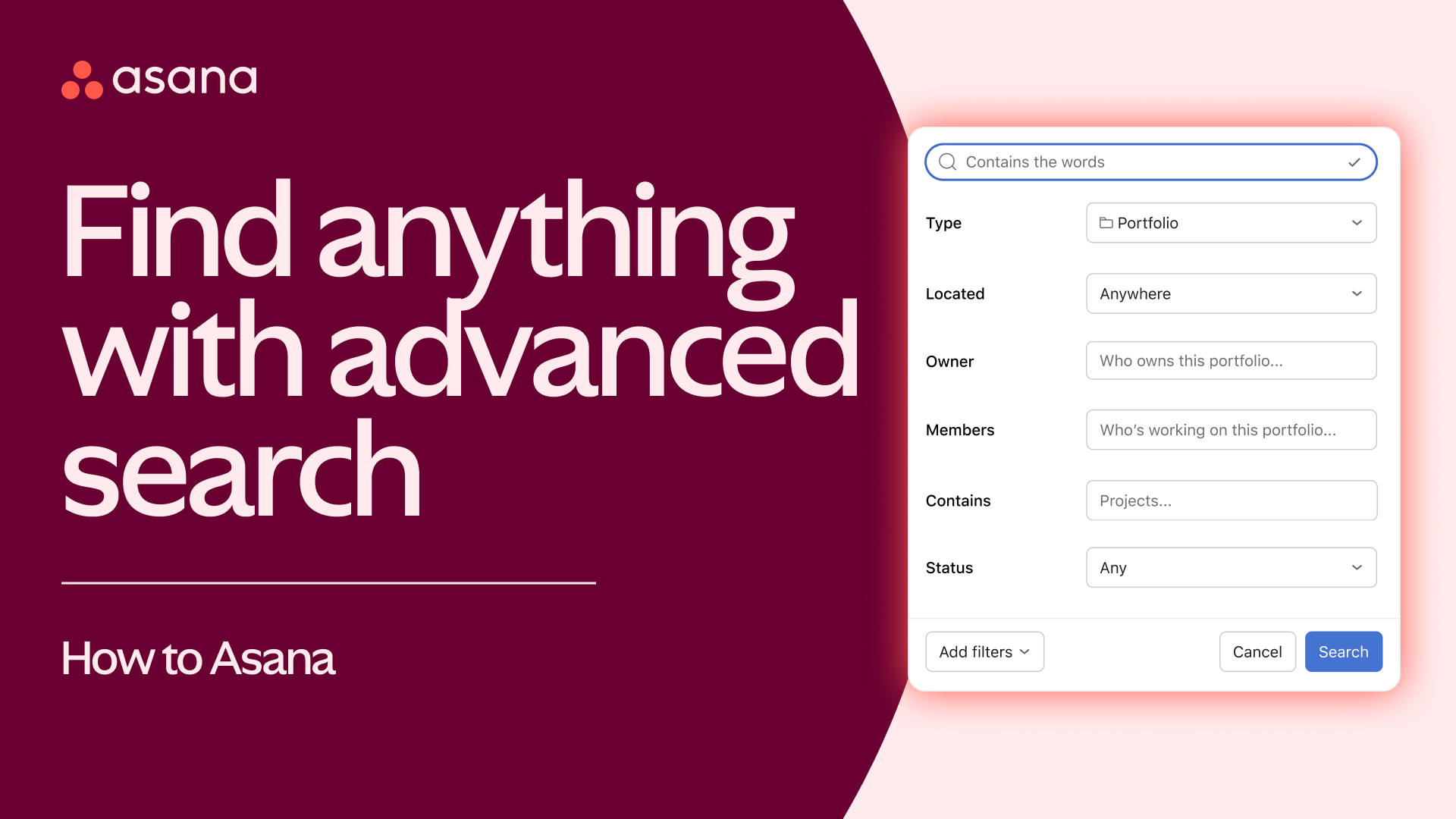
🏆 Лучший в целом: Asana Advanced — верный выбор для большинства профессиональных команд. Лучший интерфейс в категории, бесплатно до 15 пользователей, сильная работа с зависимостями, диаграмма Ганта (Timeline), лучшее в классе мобильное приложение.
Лучший выбор ↓Кому подойдёт?
Похожие статьи

1★ Best Pick🏆 Лучший в целомAsana Advanced
Регистрация на asana.com — бесплатно до 15 пользователей.
Asana Advanced — верный выбор для большинства профессиональных команд. Лучший интерфейс в категории, бесплатно до 15 пользователей, сильная работа с зависимостями, диаграмма Ганта (Timeline), лучшее в классе мобильное приложение. Рекомендация по умолчанию для маркетинга, креатива и операционных команд.
Плюсы
- ✓Лучший интерфейс в категории
- ✓Бесплатно до 15 пользователей
- ✓Сильная работа с зависимостями
Минусы
- ✗Advanced — US$25 за пользователя в месяц
- ✗Меньше кастомизации, чем у Monday
2🎨 Максимум визуальной гибкостиMonday Work Management Pro

Регистрация на monday.com — 14 дней бесплатно.
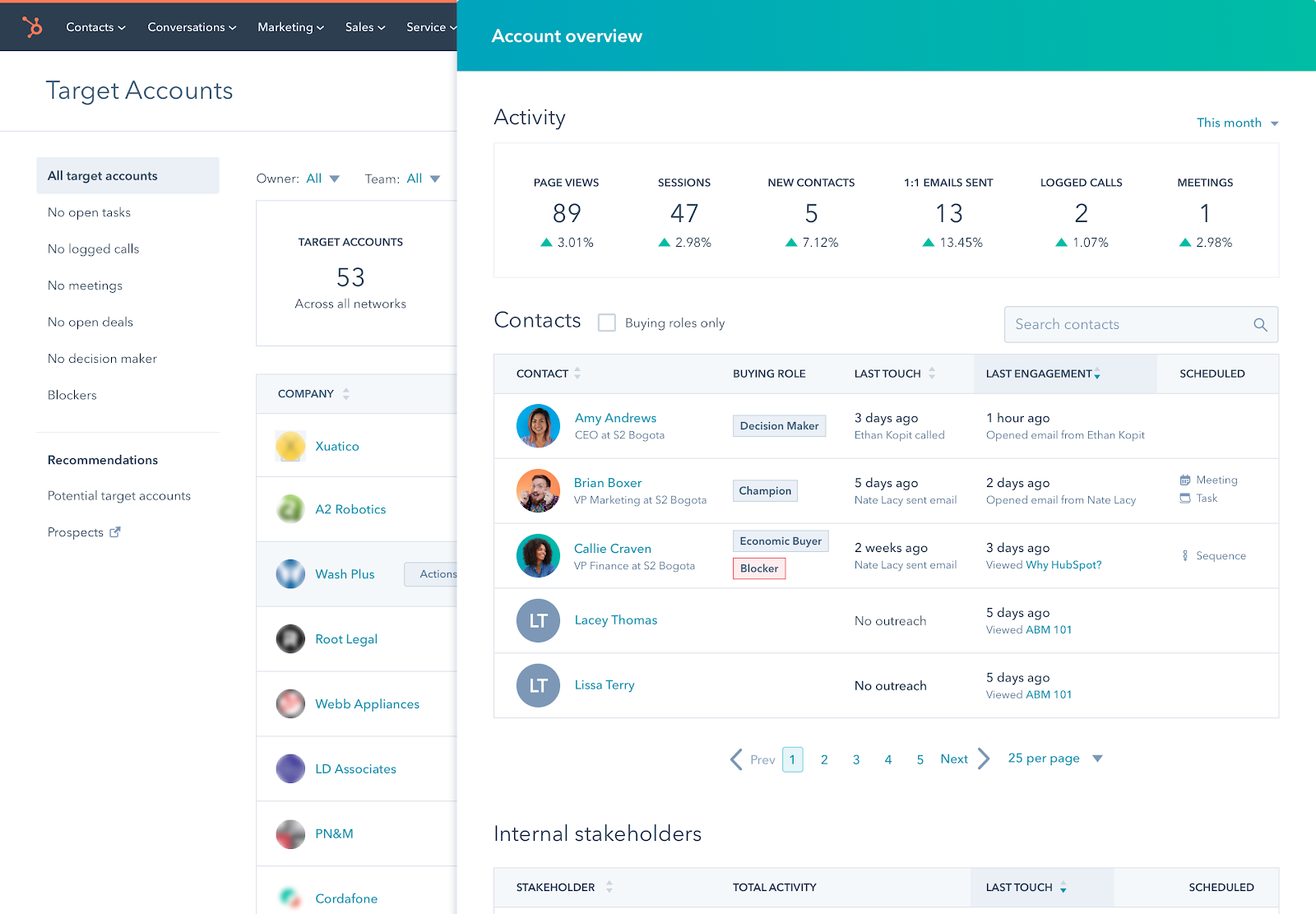
Monday Work Management Pro — верный выбор для команд, которые закрывают сразу проекты, CRM, HR и операционку. Наглядные доски, безграничная настройка, US$19 за пользователя в месяц на тарифе Pro. Лучший вариант, когда нужна одна платформа на все отделы.
Плюсы
- ✓Самый гибкий вариант для разных отделов
- ✓Наглядный стиль работы
- ✓Сильная автоматизация
Минусы
- ✗Онбординг может затянуться
- ✗Нет полноценного бесплатного тарифа
3🧰 Лучший «всё в одном»ClickUp Business

Регистрация на clickup.com — бессрочный бесплатный тариф.
ClickUp Business — верный выбор для команд, которые хотят свести инструменты в один (проекты + документы + чат + CRM + автоматизации). US$12 за пользователя в месяц на тарифе Business. Функций масса, но кривая обучения самая крутая. Без выделенного администратора вовлечённость к 30-му дню падает.
Плюсы
- ✓Всё в одном (проекты + документы + чат + CRM)
- ✓Business — US$12 за пользователя в месяц
- ✓Больше всего функций за свои деньги
Минусы
- ✗Крутая кривая обучения
- ✗К 30-му дню вовлечённость на 20% ниже, чем у Asana
Подпишитесь на рассылку
Иногда — новости и новинки. Без спама.
4📝 Лучший для документов и проектовNotion Business
Регистрация на notion.so — бесплатно для личного использования.
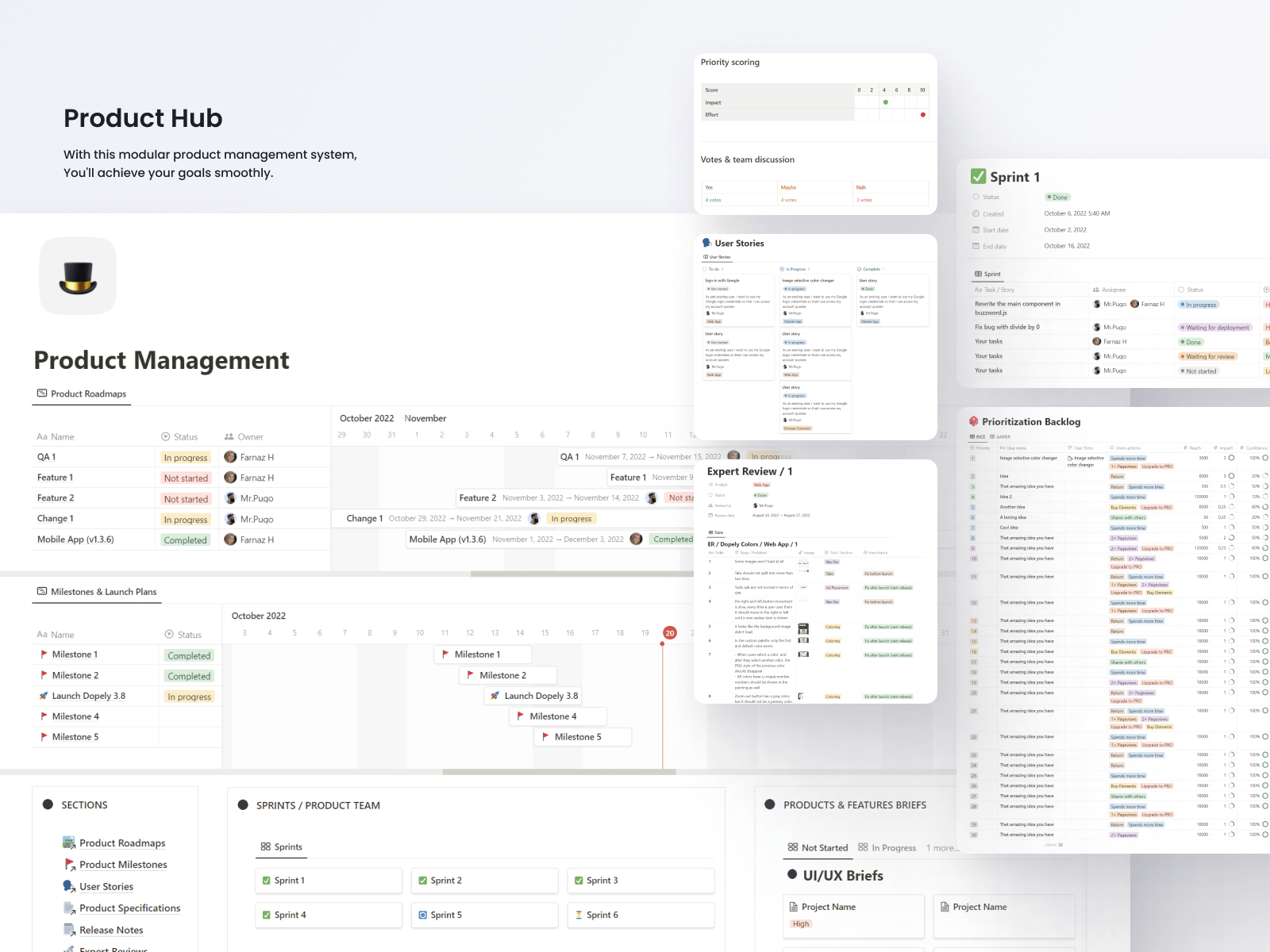
Notion Business — верный выбор для команд, которые живут в документах и вики и параллельно ведут проекты. US$20 за пользователя в месяц на тарифе Business. Подход «собери сам» даёт гибкость, но готовых проектных шаблонов из коробки нет. Лучший вариант, когда проекты неотделимы от подробной документации.
Плюсы
- ✓Объединяет документы и проекты
- ✓Безграничная гибкость
- ✓Красивые страницы
Минусы
- ✗Всё собираете сами (долгий старт)
- ✗Как чистый инструмент управления проектами слабее Asana
- ✗Полноценной диаграммы Ганта нет
5💸 Лучший простой вариантTrello Premium
Регистрация на trello.com — бесплатный тариф без ограничения по числу пользователей.
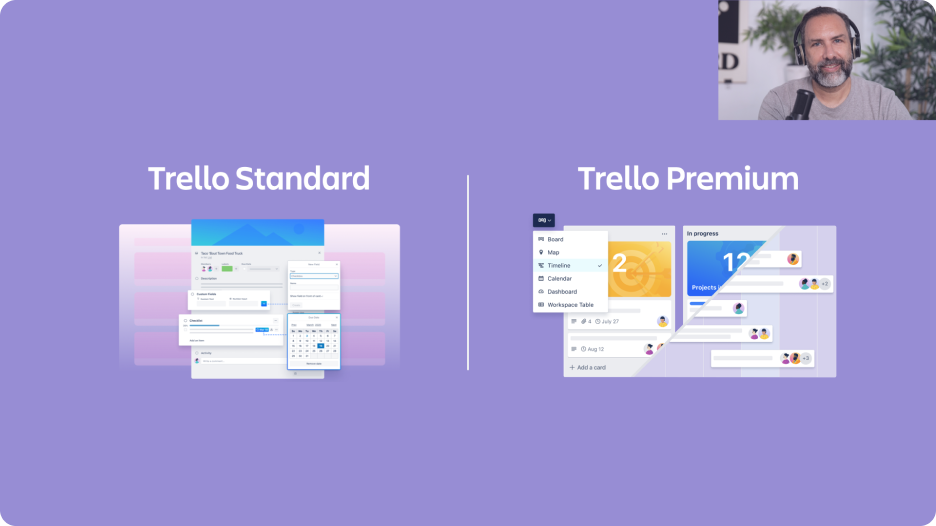
Trello Premium — верный выбор для простых Kanban-процессов в небольших командах. US$10 за пользователя в месяц на тарифе Premium. Принадлежит Atlassian (владельцу Jira). Хорош, когда зависимости не нужны — только карточки в списках. Команды больше 20 человек его обычно перерастают.
Плюсы
- ✓Самый простой инструмент в категории
- ✓Бесплатный тариф без ограничения по числу пользователей
- ✓Принадлежит Atlassian
Минусы
- ✗Крупные команды его перерастают
- ✗Зависимости только через Power-Ups
- ✗На масштабе Atlassian уводит в Jira
Онбординг и доля активных пользователей
Время до первой рабочей доски: Trello — 15 минут (только Kanban), Monday — 30 минут (шаблоны), ClickUp — 2 часа (перегруженный набор функций), Asana — 1 час (аккуратный интерфейс), Notion — 3 часа (всё собираете сами).
Доля активных пользователей на 30-й день: Asana — 88%, Monday — 84%, Trello — 82% (просто = пользуются), ClickUp — 70% (избыток функций), Notion — 65% (зависит от вовлечённости команды).
Мобильное приложение: у Asana — лучшее в категории. У Monday — крепкое. Trello (Atlassian) — рабочее, без изысков. ClickUp — тяжеловесное. Notion на мобильном для проектной работы почти непригоден.
Зависимости между задачами и представления
Зависимости задач (задача A блокирует задачу B) поддерживают все пять сервисов. Самая мощная визуализация зависимостей — у Asana и ClickUp (критический путь). Monday нагляден, но аналитики меньше. Notion умеет связи, но интерфейс заточен под вики. Trello требует Power-Ups (дополнений).
Диаграмма Ганта: у Asana (Timeline), Monday и ClickUp — встроенная. В Notion — через представление базы данных. В Trello — через Power-Up. Timeline у Asana выглядит чище всех.
Загрузка команды (кто перегружен): отдельные представления есть у Asana, Monday и ClickUp. Для агентств это критично. В Notion такого нет. Trello требует Power-Ups.
Стоимость и масштабирование
Расходы в месяц на 30 пользователей (средние тарифы): Asana Advanced — US$750, Monday Work Management Pro — US$570, ClickUp Business — US$360, Notion Business — US$600, Trello Premium — US$300.
Бесплатные тарифы: Asana — бесплатно до 15 пользователей. Trello — бесплатно без ограничения по числу людей (базовые функции). ClickUp — бессрочный бесплатный тариф (ограничение по хранилищу). У Monday полноценного бесплатного тарифа нет. Notion бесплатен для личного использования.
Рост свыше 100 пользователей: Asana, Monday и ClickUp спокойно тянут 500+. Notion работать будет, но интерфейс начнёт мешать. Trello после 100 человек буксует — Atlassian подталкивает вас к Jira.
Частые вопросы
Asana или Monday?▼
ClickUp — чем платим за «всё в одном»?▼
Подойдёт ли Notion для управления проектами?▼
Trello или Asana?▼
Подробнее о товарах из этой статьи
- Asana Advanced$0〜$30справочная цена в США
- Monday Work Management Pro$9〜$24справочная цена в США
- ClickUp Business$7〜$19справочная цена в США
- Notion Business$10〜$25справочная цена в США
- Trello Premium$5〜$10справочная цена в США
Цены меняются. Актуальную цену смотрите у продавца.
Комментарии и вопросы
Обсуждение идёт на нашем форуме nattzy. Войдите через Google, чтобы ответить.
Посмотреть обсуждение на nattzy ↗
Всё ещё сомневаетесь? Задайте свой вопрос сообществу — Спросить на nattzy ↗