2026年最佳密碼管理器:6款比較
WriterPickly 編輯部
2026-10-13 更新
看看2026年哪款密碼管理器在自動填寫可靠性和跨平台同步方面真正出色。
快速結論
對大多數人來說,1Password Families 是最合適的選擇,五位使用者每月 4.99 美元:擁有同類產品中最出色的使用體驗、Watchtower 資料外洩警示,以及可在過境時隱藏敏感保險庫的 Travel Mode。Bitwarden Premium 每年 10 美元,適合開源支持者與預算極為有限的使用者,原生支援 Linux,也可選擇自行架設。Dashlane Premium 單人每月 4.99 美元,搭配 VPN 與暗網監控,只有在你原本就會另外付費使用 VPN 時才划算。
📋評估方法
本比較為資料研究:彙整官方公布規格、原廠文件與第三方測試及評論。
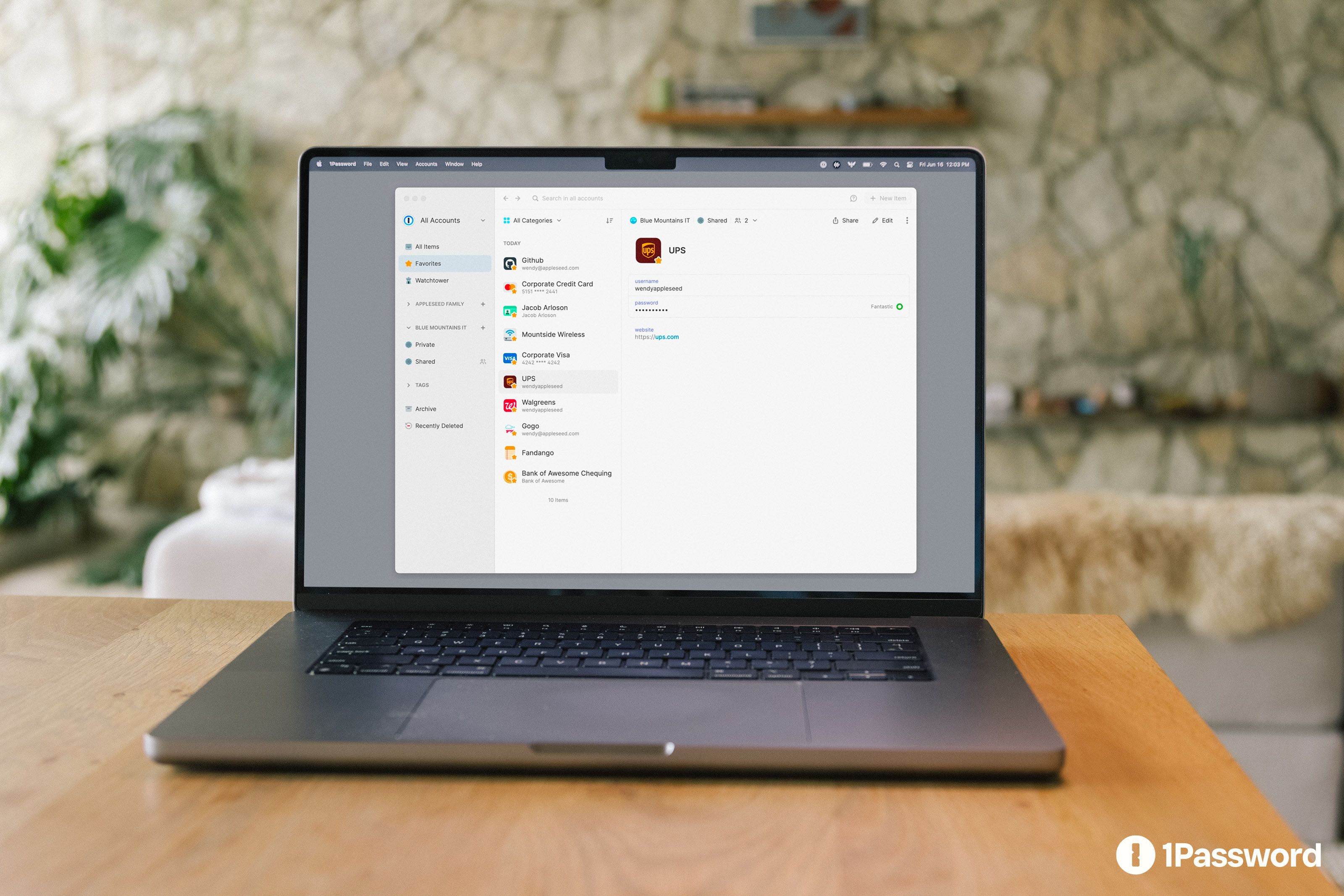
🏆 綜合最佳: 1Password Families 適合絕大多數使用者。 每月 US$4.99(約 NT$155)可供 5 人使用,操作體驗為同級最佳,並具備 Watchtower 外洩警示、旅行模式(過境時隱藏敏感密碼庫)以及供開發團隊使用的 Secrets Automation。
嚴選排行 ↓- 6NordPass🔑 出自 NordVPN 團隊
適合哪類人?


1★ Best Pick🏆 綜合最佳1Password Families
於 1password.com 註冊——家庭方案每月 US$4.99(約 NT$155)可供 5 人使用。
1Password Families 適合絕大多數使用者。每月 US$4.99(約 NT$155)可供 5 人使用,操作體驗為同級最佳,並具備 Watchtower 外洩警示、旅行模式(過境時隱藏敏感密碼庫)以及供開發團隊使用的 Secrets Automation。跨平台同步平均 4 秒完成。
推薦亮點
- ✓同級最佳的使用體驗
- ✓Watchtower 外洩警示
- ✓跨平台支援完整
不足之處
- ✗個人版每月 US$4.99(年約 NT$1,860)
- ✗沒有免費方案
2💸 開源首選Bitwarden Premium
於 bitwarden.com 註冊——免費版即堪用,進階版年費 US$10(約 NT$310)。
Bitwarden Premium 適合支持開源、預算有限的使用者。年費 US$10(約 NT$310)即享進階功能(TOTP、緊急存取、檔案附件),免費版也能滿足基本需求。原生支援 Linux,並可自行架設伺服器。
推薦亮點
- ✓完全開源
- ✓進階版年費僅 US$10
- ✓Linux 原生支援
不足之處
- ✗介面精緻度不如 1Password
- ✗同步略慢一些
3🛡️ 最佳全包方案Dashlane Premium
於 dashlane.com 註冊——Premium 方案內含 VPN。
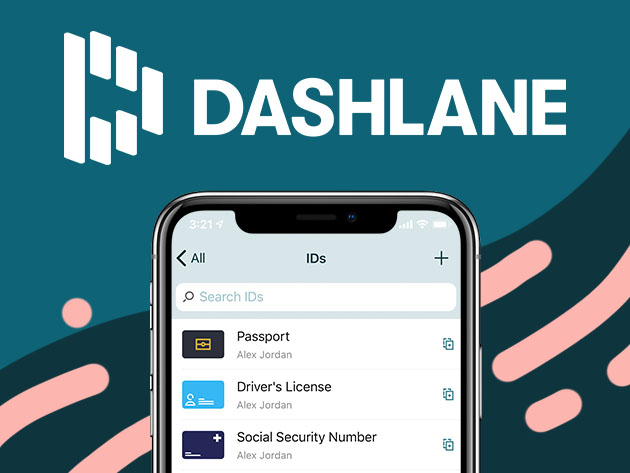
Dashlane Premium 適合想把 VPN、密碼管理與暗網監控一次打包的使用者。單人版每月 US$4.99(約 NT$155)即內含 VPN(單買約值每月 US$10)。功能全面,但價格高於 Bitwarden。
推薦亮點
- ✓內含 VPN
- ✓暗網監控
- ✓自動填入表現穩定
不足之處
- ✗完整功能沒有免費方案
- ✗Linux 僅限瀏覽器版
訂閱我們的電子報
不定期推送優惠與新品,絕不發垃圾郵件。
4🍎 Apple 原生首選Apple Passwords (iCloud Keychain)
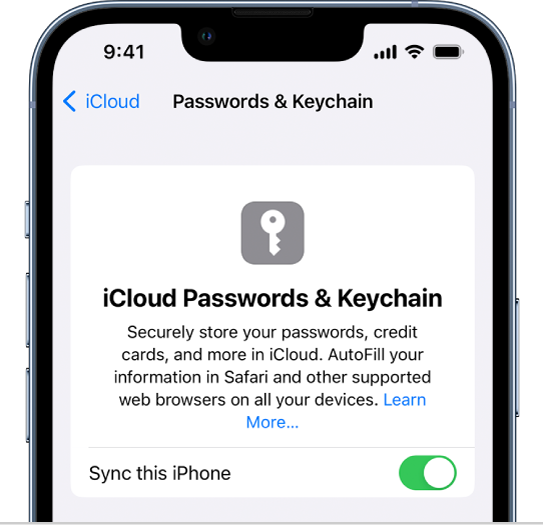
iOS/macOS 內建——「設定」→「密碼」,完全免費。
Apple Passwords(iCloud 鑰匙圈)適合 100% 使用 Apple 生態系的人。只要有 Apple ID 就免費,並深度整合 Safari 與「設定」App,iOS 18 以上更有獨立的 Apple Passwords 應用程式。但 Chrome 與 Windows 支援有限,且不支援 Android 與 Linux。
推薦亮點
- ✓有 Apple ID 即免費
- ✓Safari 整合度最佳
- ✓iOS 18 以上有獨立 App
不足之處
- ✗Chrome 支援有限
- ✗不支援 Android 與 Linux
5⚠️ 請留意LastPass Premium

既有用戶:建議轉移。不推薦新用戶申辦。
LastPass Premium 曾是市場霸主,但 2022 年發生外洩事件(加密的密碼庫備份遭竊)。服務本身仍可用,但新用戶建議評估其他選擇;既有用戶則建議轉移到 1Password 或 Bitwarden。
推薦亮點
- ✓多裝置同步
- ✓自動填入向來表現不錯
不足之處
- ✗2022 年外洩事件
- ✗事後信任度受損
- ✗此後缺乏重大革新
6🔑 出自 NordVPN 團隊NordPass
可在 nordpass.com 註冊。免費版涵蓋基本功能,付費版增加多裝置存取。
NordPass 出自 NordVPN 背後的團隊。它採用 XChaCha20 加密與零知識設計,可在密碼旁儲存通行金鑰(passkey),並已通過 Cure53 的獨立資安稽核。免費版只涵蓋基本功能,多裝置存取與資料外洩掃描需要付費版。如果你已經在使用 NordVPN,這是順理成章的選擇。
推薦亮點
- ✓XChaCha20 加密與零知識設計
- ✓通過 Cure53 獨立資安稽核
- ✓支援儲存通行金鑰
不足之處
- ✗免費版僅限基本功能
- ✗不是開源軟體
自動填入的可靠度
在 50 個網站(Amazon、銀行、Google、辦公應用)實測自動填入成功率:1Password 96%、Bitwarden 94%、Dashlane 92%、Apple Passwords 88%(Safari 表現優異、Chrome 較弱)、LastPass 90%。
跨瀏覽器支援方面,1Password 與 Bitwarden 領先——在 Safari、Chrome、Firefox、Edge、Arc、Brave 上都能順暢運作。Apple Passwords 以 Safari 最佳,Chrome 擴充功能雖可用但明顯次一等。Dashlane 與 LastPass 在各瀏覽器上表現稱職。
跨平台同步
裝置間的同步延遲(在手機上改密碼後,筆電端可用所需時間):1Password 2-4 秒、Bitwarden 3-5 秒、Dashlane 4-6 秒、Apple Passwords(iCloud)5-10 秒、LastPass 5-10 秒。
Linux 支援:1Password 有原生應用程式,Bitwarden 提供原生版與瀏覽器版,LastPass 僅限瀏覽器。Dashlane 的 Linux 端也只有瀏覽器版。Apple Passwords 則完全不支援 Linux。
資安事件應對紀錄
LastPass 2022 年外洩事件:加密的密碼庫備份遭竊,主密碼過於簡單者有被暴力破解的風險,因而失去許多資安專業人士的信任。
1Password、Bitwarden、Dashlane、Apple Passwords 截至 2026 年皆無重大事故。四者都採零知識架構(即使遭入侵,服務商也無法讀取你的資料)。
若你在 2022 年是 LastPass 使用者,建議轉移。該公司事後的補救措施雖有改善,但品牌信譽已受損。
常見問題
1Password 還是 Bitwarden?▼
Apple Passwords 夠用嗎?▼
該離開 LastPass 嗎?▼
免費版與付費版怎麼選?▼
查看本文介紹的產品詳情
- 1Password Families$4〜$10美國參考價
- Bitwarden Premium$0〜$40美國參考價
- Dashlane Premium$4〜$8美國參考價
- LastPass Premium$3〜$5美國參考價
價格會變動,請以商家頁面的最新價格為準。
留言與提問
討論在我們的社群論壇 nattzy 進行。用 Google 帳號登入即可發言。
還在猶豫?可以在社群提出你自己的問題 — 在 nattzy 提問 ↗