Melhor software antivírus 2026: 6 comparados
WriterEditorial Pickly
Atualizado em 2026-09-30
6 opções comparadas a partir de especificações publicadas, documentação do fabricante e testes independentes.
Resposta rápida
O Bitdefender Total Security é a escolha geral: uma suíte centrada na proteção contra malware, cujos resultados são publicados regularmente por laboratórios independentes como o AV-TEST. Se você não quer pagar, o Microsoft Defender basta para a maioria dos usuários domésticos: já vem integrado ao Windows 10 e 11 e não exige instalação separada. Se você trabalha com frequência em Wi-Fi público, o Norton 360 Deluxe justifica o preço ao incluir VPN ilimitada e um seguro de US$ 50 mil contra roubo de identidade.
📋Como comparamos
Esta comparação é baseada em pesquisa documental: especificações publicadas, documentação do fabricante e análises independentes.
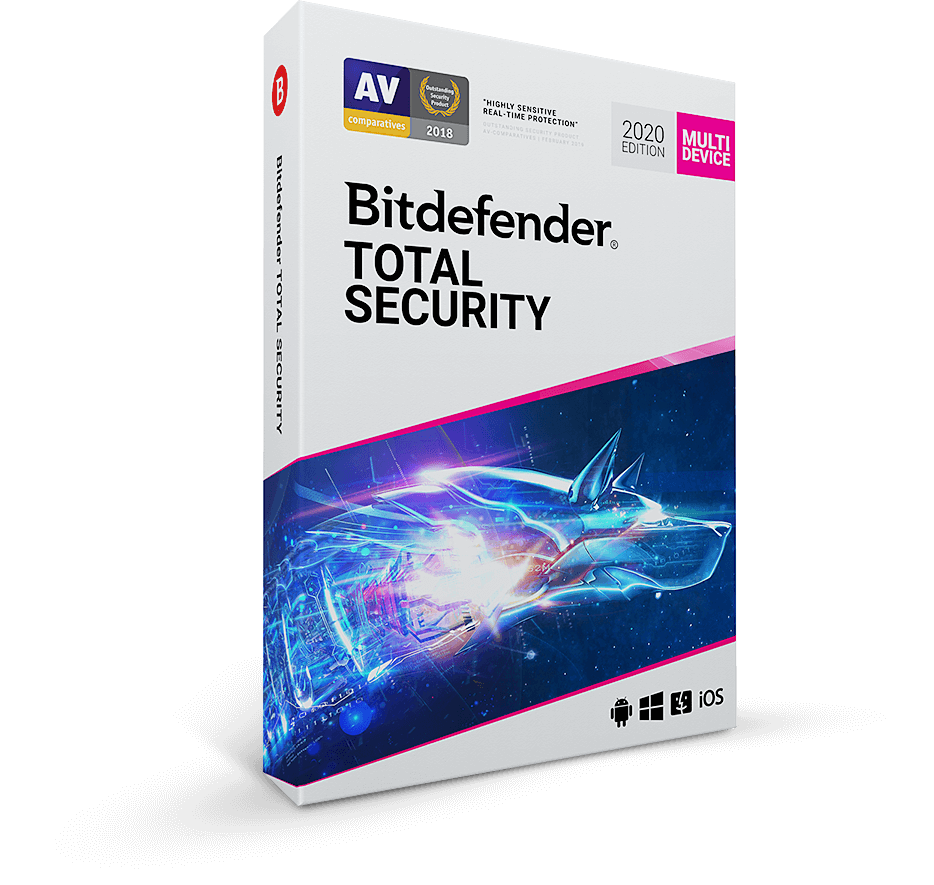
🏆 Melhor pago: O Bitdefender Total Security é a opção paga certa para a maioria: uma suíte centrada na proteção contra malware, com resultados publicados regularmente pelo AV-TEST e pelo AV-Comparatives. Inclui VPN (200 MB por dia, ilimitada com o complemento Bitdefender Premium VPN).
Nossas escolhas ↓Para quem é indicado?
Artigos relacionados

1★ Best Pick🏆 Melhor pagoBitdefender Total Security
Compre em bitdefender.com — costuma ter promoções de 50% de desconto.
O Bitdefender Total Security é a opção paga certa para a maioria: uma suíte centrada na proteção contra malware, com resultados publicados regularmente pelo AV-TEST e pelo AV-Comparatives. Inclui VPN (200 MB por dia, ilimitada com o complemento Bitdefender Premium VPN). Licenças para 5 dispositivos.
Pontos positivos
- ✓Melhores notas no AV-TEST
- ✓Poucos falsos positivos
- ✓Impacto mínimo no sistema
Pontos negativos
- ✗VPN limitada a 200 MB/dia no Total Security
- ✗O painel de Cyber Threat Intelligence não é nada intuitivo para iniciantes
2🛡️ Melhor pacote completoNorton 360 Deluxe
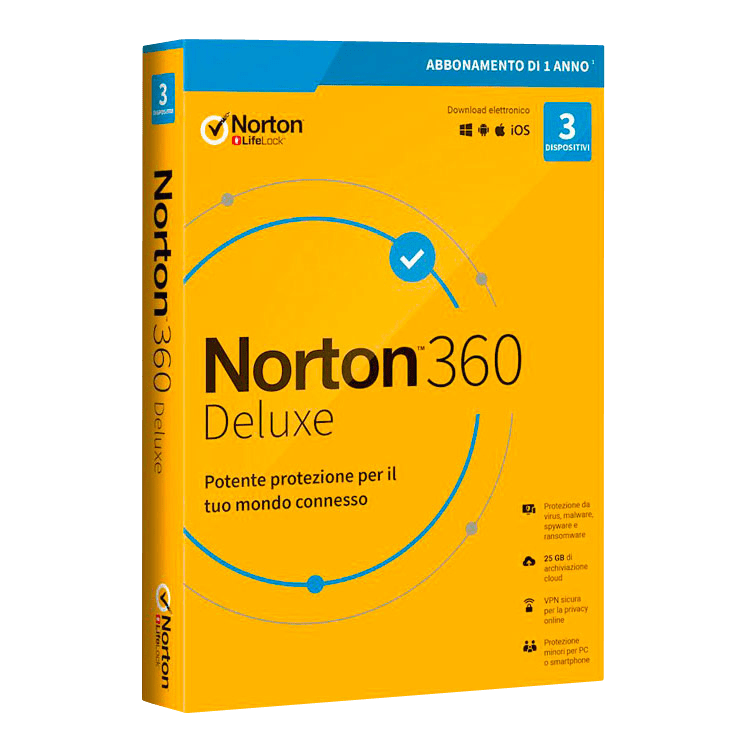
Compre em us.norton.com — o Deluxe cobre 5 dispositivos.
O Norton 360 Deluxe é a escolha certa se você quer antivírus + VPN ilimitada + monitoramento de roubo de identidade + gerenciador de senhas num pacote só. Inclui seguro contra roubo de identidade de US$ 50 mil. Pesa mais no sistema que o Bitdefender, mas os extras valem de verdade.
Pontos positivos
- ✓VPN ilimitada inclusa
- ✓Seguro de US$ 50 mil contra roubo de identidade
- ✓Pacote completo
Pontos negativos
- ✗Pesa mais no sistema que o Bitdefender
- ✗O gerenciador de senhas incluso é mais fraco que o 1Password
3🧹 Melhor secundárioMalwarebytes Premium
Compre em malwarebytes.com — instale junto com o antivírus principal.
O Malwarebytes Premium é a escolha certa como scanner SECUNDÁRIO, ao lado do seu antivírus principal. Foi feito para pegar PUPs (programas potencialmente indesejados), adware e ameaças que os antivírus principais deixam passar. Tem proteção em tempo real.
Pontos positivos
- ✓Pega o que o antivírus principal deixa passar
- ✓Feito para conviver com outro antivírus
- ✓Limpa infecções já existentes
Pontos negativos
- ✗Não é forte como antivírus principal
- ✗Taxa de detecção abaixo dos antivírus dedicados
Assine a newsletter
Novidades e lançamentos ocasionais, sem spam.
4🆓 Melhor gratuitoMicrosoft Defender (free, built-in)

Grátis no Windows 10/11 — não precisa instalar nada.
O Microsoft Defender (integrado ao Windows 10/11) é a opção gratuita certa para a maioria dos usuários domésticos. Sem instalação separada e sem custo, e ele entra nos ensaios periódicos dos laboratórios independentes, então dá para consultar os resultados atuais. Não inclui VPN nem monitoramento de roubo de identidade.
Pontos positivos
- ✓Grátis, já vem com o Windows
- ✓Detecção no nível dos pagos
- ✓Menor impacto no sistema
Pontos negativos
- ✗Sem VPN inclusa
- ✗Sem monitoramento de roubo de identidade
- ✗Recursos para família limitados
5⚠️ Ressalva geopolíticaKaspersky Total Security
Compre em kaspersky.com — pese o risco geopolítico.
O Kaspersky Total Security tem detecção de primeira linha e excelência técnica. Mas o governo federal dos EUA o baniu de contratos públicos em 2022, por preocupações de segurança nacional ligadas à operação sediada na Rússia. Pessoas físicas nos EUA ainda podem usá-lo; avalie se esse risco geopolítico pesa para você.
Pontos positivos
- ✓Melhor taxa de detecção
- ✓Ótima detecção de ameaças zero-day
- ✓Excelência técnica
Pontos negativos
- ✗Banido de contratos federais dos EUA desde 2022
- ✗Exige considerar o risco geopolítico
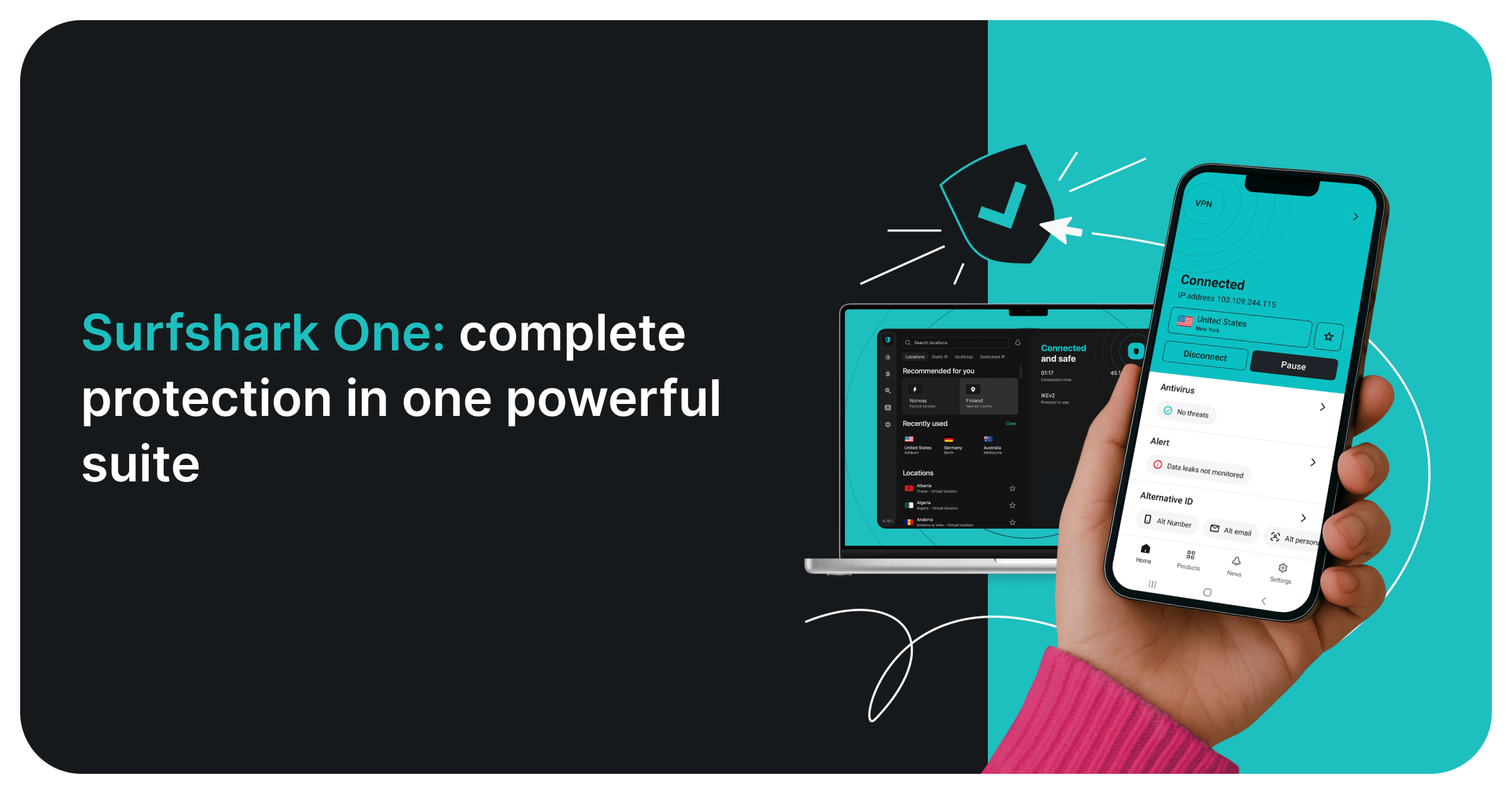
6🦈 Melhor pacote com VPNSurfshark One
Compre em surfshark.com — o plano One inclui antivírus + VPN; reembolso em 30 dias.
O Surfshark One junta um antivírus certificado pelo AV-TEST à VPN da Surfshark, alertas de vazamento de dados (Alert) e busca privada sem anúncios em uma única assinatura para dispositivos ilimitados. O antivírus roda no Windows, macOS e Android (não no iOS). Vale a pena se você já pagaria uma VPN separada.
Pontos positivos
- ✓Antivírus certificado pelo AV-TEST
- ✓VPN, alertas de vazamento e busca privada inclusos
- ✓Dispositivos ilimitados
- ✓Garantia de reembolso de 30 dias
Pontos negativos
- ✗Antivírus indisponível no iOS
- ✗A renovação custa mais que o primeiro período
Detecção (consulte os relatórios mais recentes)
Este guia não realiza ensaios próprios de malware. Para a detecção, vale confiar nos laboratórios independentes que publicam resultados periodicamente — AV-TEST e AV-Comparatives — e consultar os relatórios mais recentes, porque as notas mudam de uma rodada para outra.
Bitdefender, Norton, Kaspersky e Microsoft Defender são antivírus principais, feitos para proteção em tempo real. O Malwarebytes tem outra proposta: seu ponto forte é limpar sistemas já infectados e apanhar adware e PUPs, por isso costuma ser usado como segundo scanner.
Olhe os falsos positivos além da detecção. Um produto que bloqueia por engano arquivos legítimos atrapalha o trabalho, então os laboratórios publicam os alarmes falsos à parte: compare os dois números no mesmo relatório.
Impacto no desempenho
Todo antivírus acrescenta alguma carga na inicialização, na cópia de arquivos e na instalação de programas. Quanto depende do hardware, então não existe um número único que valha para todo PC.
Os laboratórios independentes publicam ensaios de desempenho junto com os de proteção. Se o seu PC é antigo ou modesto, leia a parte de desempenho do relatório mais recente antes de escolher.
O Microsoft Defender não exige instalação separada porque faz parte do Windows. Suítes que reúnem mais recursos (VPN, backup, monitoramento de identidade) mantêm mais componentes em segundo plano do que um antivírus simples; desative os módulos que você não usa.
Além do antivírus puro
VPN inclusa: Norton 360 Deluxe (ilimitada), Bitdefender (limite de 200 MB/dia), Kaspersky (sem VPN), Malwarebytes (produto Privacy à parte), Defender (sem VPN).
Monitoramento de roubo de identidade: Norton 360 (cobertura de US$ 50 mil), Bitdefender (só nos EUA, básico), os demais não têm.
Gerenciador de senhas: Norton, Bitdefender e Kaspersky trazem gerenciadores básicos. Prefira o 1Password ou o Bitwarden — os gerenciadores que vêm de brinde costumam ser mais fracos.
Perguntas frequentes
O Microsoft Defender já basta?▼
Vale instalar o Malwarebytes junto com outro antivírus?▼
Por que o alerta sobre o Kaspersky?▼
Norton ou Bitdefender?▼
Detalhes dos produtos deste artigo
- Bitdefender Total Security$40〜$90preço de referência nos EUA
- Norton 360 Deluxe$50〜$110preço de referência nos EUA
- Malwarebytes Premium$30〜$60preço de referência nos EUA
- Microsoft Defender (free, built-in)$0preço de referência nos EUA
- Kaspersky Total Security$40〜$80preço de referência nos EUA
Os preços mudam. Confira o preço atual na loja.
Comentários e perguntas
A conversa acontece no nattzy, nosso fórum. Entre com o Google para participar.
Ver o tópico de discussão no nattzy ↗
Ainda em dúvida? Faça sua própria pergunta à comunidade — Perguntar no nattzy ↗
Artigos relacionados
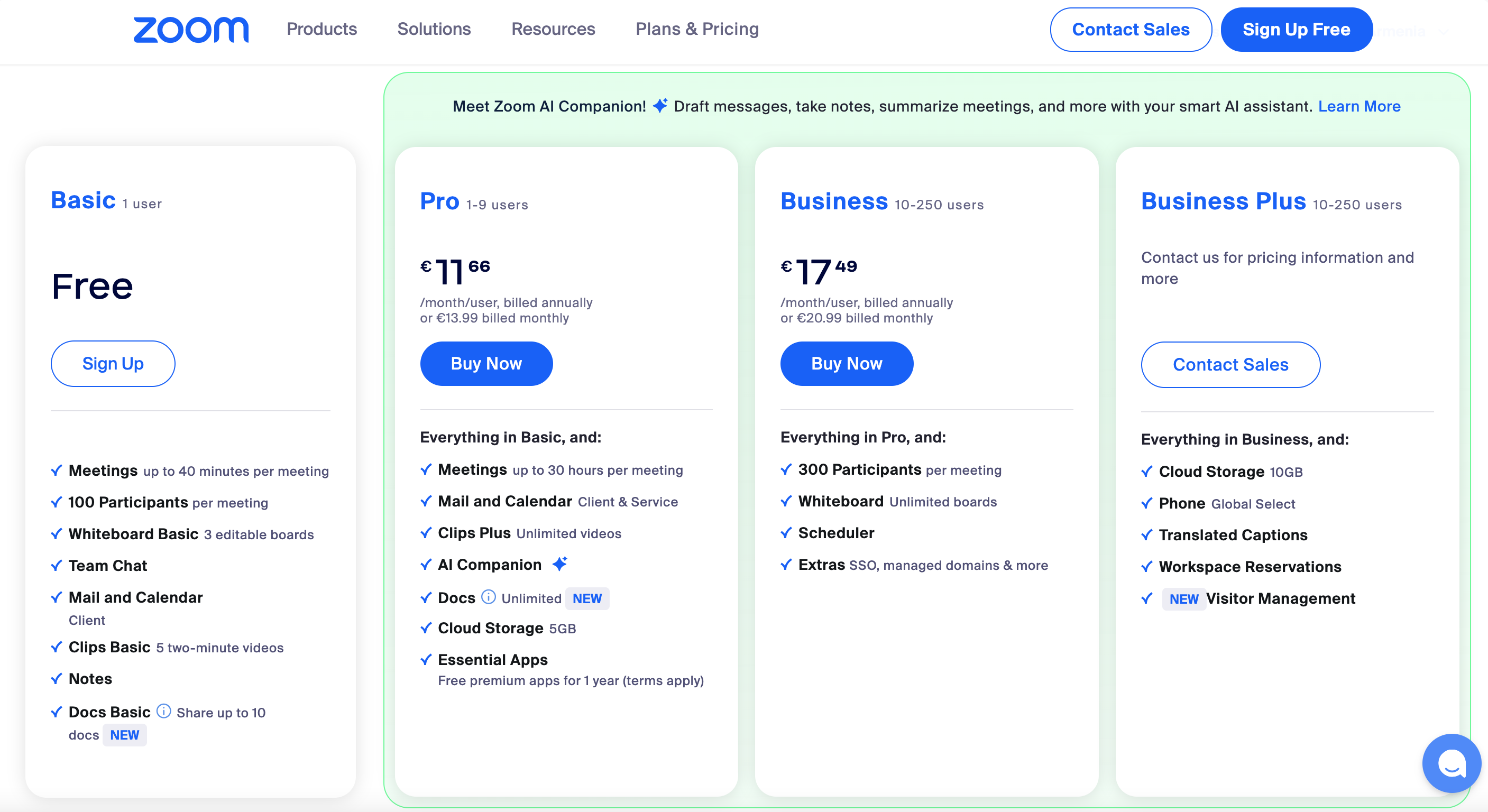
Melhor software de videoconferência 2026: 5 comparados

Melhor editor de vídeo 2026: 5 programas comparados
Melhor software de recuperação de dados 2026: 5 comparados

Melhor software de finanças pessoais 2026: 5 comparados
Melhor software de impostos 2026: 5 comparados

Melhores softwares de testamento 2026: 5 comparados