2026 최고의 화상 회의 소프트웨어: 5종 비교
WriterPickly 편집부
2026-09-25 업데이트
Zoom, Google Meet, Microsoft Teams, Webex, Loom를 비교했습니다. 2026년 진짜 비디오 품질과 생태계 적합성이 좋은 화상 회의 소프트웨어는 무엇인지.
빠른 결론
Zoom Workplace Business는 특정 벤더에 종속되지 않는 기본 선택지로, 주관적 영상 품질에서 Google Meet의 8.7 대비 9.2점을 기록했으며, 이번 비교에서 가장 낮은 200ms의 화면 공유 지연 시간을 보이고, 300명 참가 회의와 AI Companion이 포함됩니다. Google Meet는 사용자당 6달러부터 Workspace에 포함되며 녹화를 Drive에 자동 저장하고, Microsoft Teams는 동일한 시작 가격으로 Microsoft 365에 포함되며, Webex는 1,000명 참가 기업 회의를 위한 FedRAMP 인증을 받았고, Loom Business는 실시간 회의를 비동기 영상으로 대체합니다.
📋평가 방법
이 비교는 문헌 조사입니다. 공개된 사양, 제조사 문서, 독립적인 리뷰와 시험 결과를 대조했습니다.
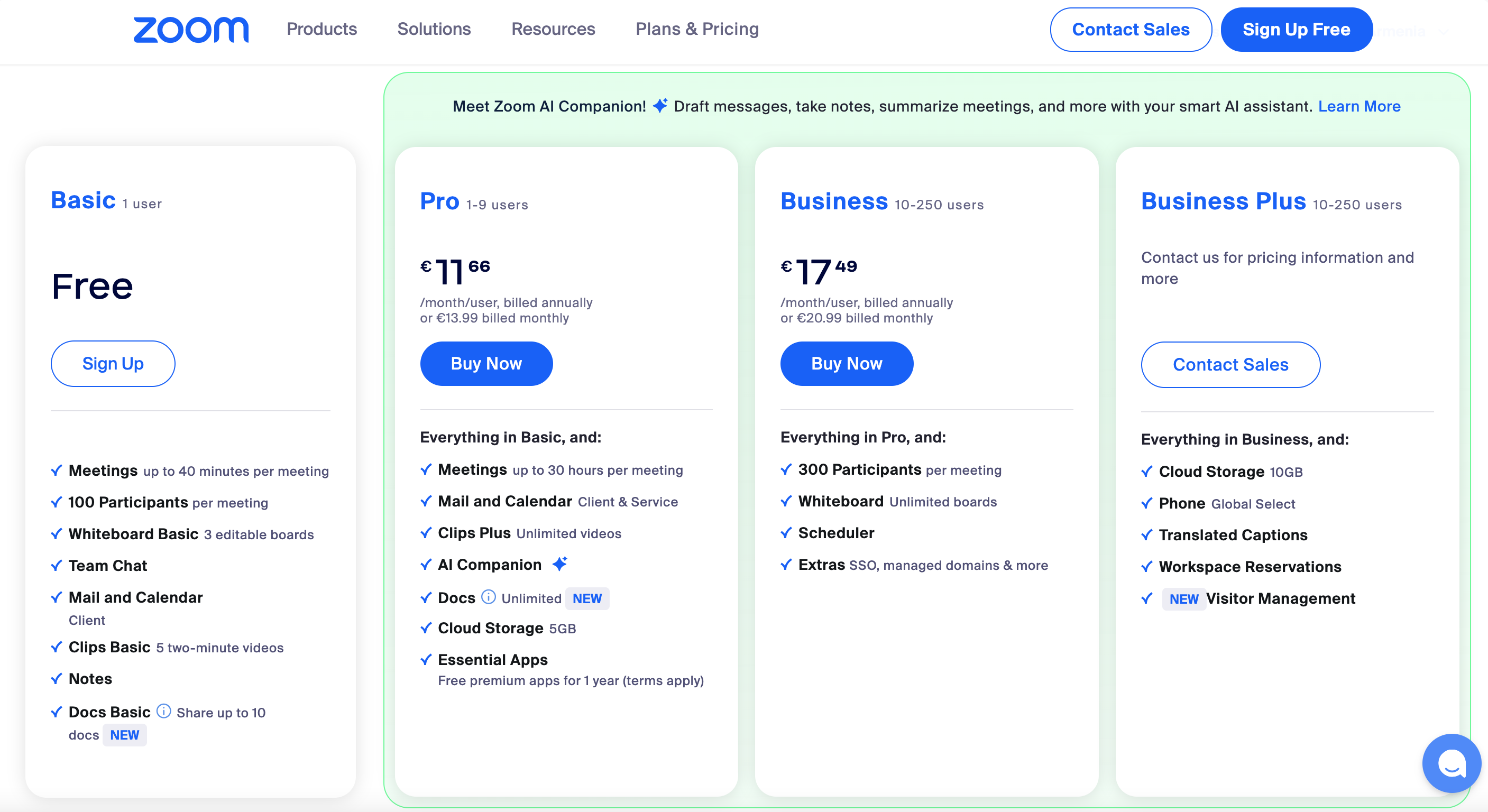
🏆 벤더 중립 1위: Zoom Workplace Business는 특정 벤더에 묶이지 않은 팀이나, 회의 도구를 하나로 통일하려는 팀에 가장 맞습니다. 사용 경험이 가장 매끄럽고 화면 공유 지연이 가장 짧으며, Business+부터는 AI Companion이 포함됩니다.
추천 순위 ↓어떤 분께 추천하나요?


1★ Best Pick🏆 벤더 중립 1위Zoom Workplace Business
zoom.us에서 가입 — Business 요금제는 호스트당 월 US$20.
Zoom Workplace Business는 특정 벤더에 묶이지 않은 팀이나, 회의 도구를 하나로 통일하려는 팀에 가장 맞습니다. 사용 경험이 가장 매끄럽고 화면 공유 지연이 가장 짧으며, Business+부터는 AI Companion이 포함됩니다. 최대 300명 회의, 30시간 진행, 클라우드 녹화를 지원합니다.
추천 포인트
- ✓이 분야에서 가장 매끄러운 사용 경험
- ✓화면 공유 지연이 가장 짧음
- ✓AI Companion 포함
아쉬운 점
- ✗호스트당 월 약 ₩28,000인 Business는 비싼 편
- ✗각 생태계 안에서는 Google Meet·Teams보다 연동이 약함
2🪪 Google Workspace 사용자용Google Meet (Workspace)
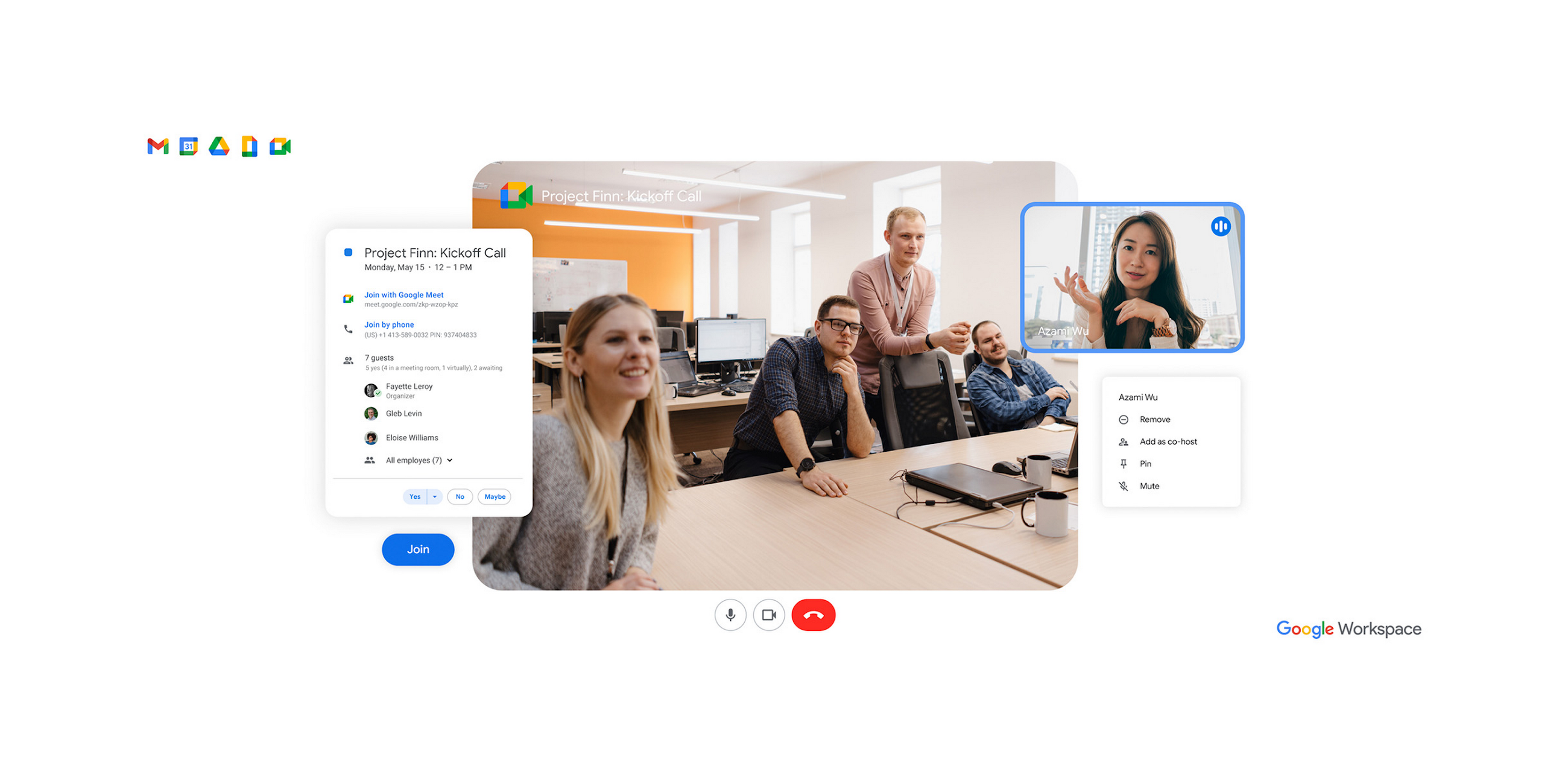
workspace.google.com에서 가입 — 사용자당 월 US$6부터 Workspace에 포함.
Google Meet(Workspace)은 Google Workspace를 쓰는 팀에 맞는 선택입니다. 사용자당 월 약 ₩8,400부터 Workspace에 기본 포함됩니다. 캘린더 연동이 매끄럽고 녹화본은 드라이브에 자동 저장됩니다. Gemini AI 요약도 수준급입니다.
추천 포인트
- ✓Workspace에 기본 포함
- ✓캘린더·Gmail·드라이브 연동
- ✓Gemini AI 요약
아쉬운 점
- ✗Google 생태계 밖에서는 Zoom보다 완성도가 떨어짐
- ✗AI 기능은 Workspace AI 애드온 필요
3🏢 Microsoft 365 사용자용Microsoft Teams (Business)
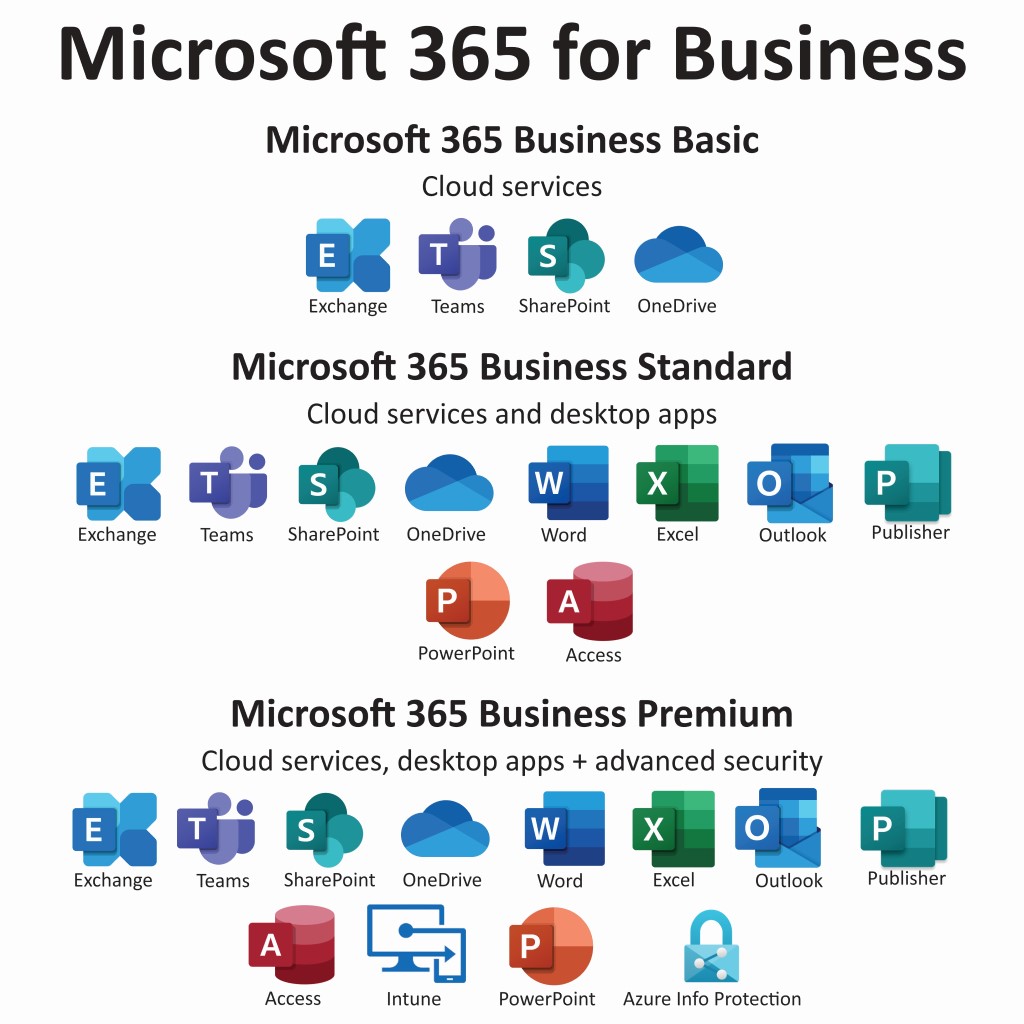
microsoft.com/microsoft-teams에서 가입 — 사용자당 월 US$6부터 Microsoft 365 Business에 포함.
Microsoft Teams(Business)는 Microsoft 365를 쓰는 팀에 맞는 선택입니다. 사용자당 월 약 ₩8,400부터 Microsoft 365 Business에 포함됩니다. Outlook 연동이 매끄럽고 SharePoint와 OneDrive가 기본으로 붙습니다. Copilot AI는 사용자당 월 약 ₩42,000의 애드온입니다.
추천 포인트
- ✓Microsoft 365에 기본 포함
- ✓Outlook·SharePoint 연동
- ✓채팅과 협업 기능까지 포함
아쉬운 점
- ✗영상 부분은 Zoom보다 완성도가 낮음
- ✗Copilot AI는 유료 애드온
뉴스레터 구독
유용한 정보와 신규 소식을 가끔 보내드립니다. 스팸 없음.
4🛡️ 기업 보안 1위Webex Meet (Cisco)

webex.com에서 가입 — 기업 보안 요건이 있다면 최적.
Webex Meet(Cisco)은 보안 요건이 까다로운 기업에 맞는 선택입니다. FedRAMP 인증, 종단 간 암호화, 최대 1,000명 회의를 지원합니다. Cisco 특유의 엔터프라이즈 지향이 그대로 드러납니다.
추천 포인트
- ✓FedRAMP 인증 획득
- ✓강력한 종단 간 암호화
- ✓최대 1,000명 회의
아쉬운 점
- ✗사용 경험은 Zoom보다 다듬어지지 않음
- ✗기능 구성이 대기업 쪽으로 치우침
5🎬 비동기 영상 1위Loom Business (async video)
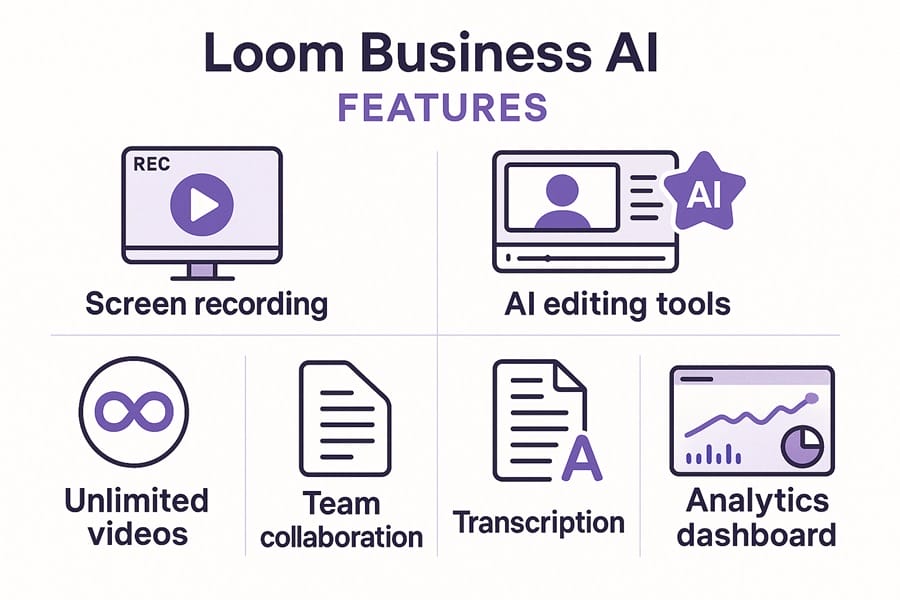
loom.com에서 가입 — Business 요금제는 사용자당 월 US$12.50.
Loom Business는 실시간 회의를 비동기 영상 메시지로 대체하려는 팀에 맞는 선택입니다. 빠른 녹화, AI 요약, 자동 전사, 시청자 반응 분석까지 갖췄습니다. 실시간 회의 대신 꺼내 들면 정답인 경우가 꽤 많습니다.
추천 포인트
- ✓비동기 영상 도구 중 최고
- ✓AI 요약과 자동 전사
- ✓시청자 반응 분석
아쉬운 점
- ✗실시간 회의용은 아님
- ✗Business는 사용자당 월 약 ₩17,500
화질과 음질
주관적 화질 평가(1~10점, 회의 40회 평균): Zoom 9.2, Google Meet 8.7, Microsoft Teams 8.4, Webex 8.6, Loom(녹화 전용) 9.5.
소음 제거 적용 시 음질: Zoom(최상, 머신러닝 기반 소음 제거), Google Meet(매우 우수), Microsoft Teams(우수, 2024년에 개선), Webex(Cisco AI로 우수), Loom(비동기 녹화용으로는 탁월).
화면 공유 지연: Zoom 200ms, Google Meet 250ms, Microsoft Teams 300ms, Webex 350ms, Loom 해당 없음(녹화 방식).
AI 회의 요약
AI 요약 정확도(사람 검토자 기준 비교): Zoom AI Companion 8.8/10, Google Meet의 Gemini 8.5/10, Microsoft Copilot 8.2/10(Copilot 라이선스 필요), Webex AI 8.0/10, Loom AI 9.0/10(비동기 영상에 가장 강함).
AI 기능 비용: Zoom AI Companion은 Business+에 포함, Google Meet의 Gemini는 Google Workspace AI 애드온 필요(월 사용자당 약 ₩42,000), Microsoft Copilot은 별도로 월 사용자당 약 ₩42,000, Webex AI는 포함.
실시간 자막: 5개 서비스 모두 지원. 정확도는 Zoom과 Google Meet이 가장 좋습니다.
생태계 궁합
Google Workspace를 쓰고 있다면 Google Meet이 사실상 정답입니다. 캘린더 연동, Gmail 연동, 녹화본의 드라이브 자동 저장까지 이어집니다.
Microsoft 365를 쓰고 있다면 Microsoft Teams. Outlook 연동, SharePoint, OneDrive 녹화 저장이 기본입니다.
여러 벤더를 섞어 쓰거나 특정 벤더에 묶이기 싫다면 Zoom. 플랫폼 중립성이 가장 높고, 이 분야에서 사용 경험이 가장 매끄럽습니다.
FedRAMP 인증 화상회의가 필요하다면 Webex. 보안 인증 목록에서 Cisco의 엔터프라이즈 지향이 드러납니다.
회의를 비동기 영상으로 대체할 수 있다면 Loom. 진행 상황 공유, 화면 설명, 교육 자료에는 오히려 이쪽이 맞는 답인 경우가 많습니다.
자주 묻는 질문
Zoom, Google Meet, Teams 중 무엇을 골라야 하나요?▼
비동기 영상(Loom)이 회의를 대체하고 있나요?▼
AI 요약은 정확한가요?▼
무료 요금제, 정말 공짜인가요?▼
이 기사에서 소개한 제품 자세히 보기
- Zoom Workplace Business$15〜$25미국 참고 가격
- Google Meet (Workspace)$6〜$30미국 참고 가격
- Microsoft Teams (Business)$6〜$22미국 참고 가격
- Webex Meet (Cisco)$15〜$30미국 참고 가격
- Loom Business (async video)$8〜$15미국 참고 가격
가격은 변동됩니다. 최신 가격은 판매처에서 확인하세요.
댓글 및 질문
토론은 커뮤니티 포럼 nattzy에서 진행됩니다. Google 계정으로 바로 참여할 수 있습니다.
아직 고민 중이신가요? 커뮤니티에 직접 질문해 보세요 — nattzy에 질문하기 ↗