2026 프로젝트 관리 툴: 5종 비교
WriterPickly 편집부
2026-05-19 업데이트
Asana, Monday, ClickUp, Notion, Trello를 비교했습니다. 2026년 진짜 일일 채택과 의존성 추적이 좋은 프로젝트 관리 소프트웨어는 무엇인지.
빠른 결론
대부분의 전문 팀에게는 Asana Advanced가 가장 적합한 기본 선택지입니다. 동급 최고의 인터페이스를 갖췄고, 최대 15명까지 무료이며, 의존성 관리와 간트 타임라인은 십여 개의 프로젝트를 동시에 진행해도 안정적으로 작동합니다. 하나의 플랫폼으로 프로젝트 관리, CRM, 인사, 운영을 함께 처리해야 한다면 사용자당 월 19달러인 Monday Work Management Pro를 선택하십시오. 12달러인 ClickUp Business는 가격 대비 가장 많은 기능을 제공하지만 학습 곡선이 가장 가파르며, 전담 관리자가 없으면 30일째 무렵 사용률이 떨어집니다.
📋평가 방법
이 비교는 문헌 조사입니다. 공개된 사양, 제조사 문서, 독립적인 리뷰와 시험 결과를 대조했습니다.
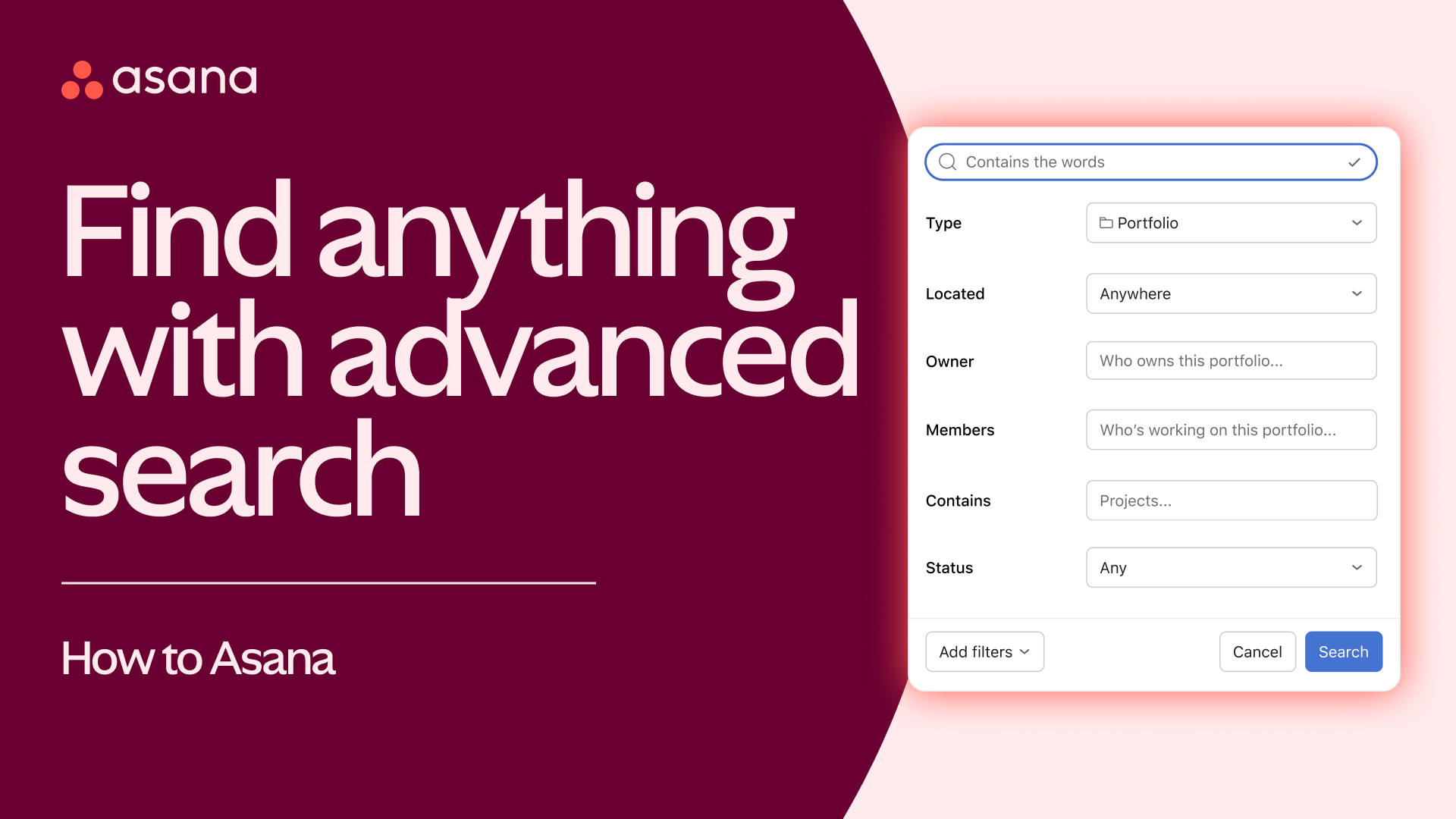
🏆 종합 1위: 대부분의 실무 팀에게 정답은 Asana Advanced입니다. 이 분야 최고의 UX, 15명까지 무료, 탄탄한 의존 관계 관리, 간트 타임라인, 그리고 최상급 모바일 앱까지 갖췄습니다.
추천 순위 ↓어떤 분께 추천하나요?

1★ Best Pick🏆 종합 1위Asana Advanced
asana.com에서 가입 — 15명까지 무료.
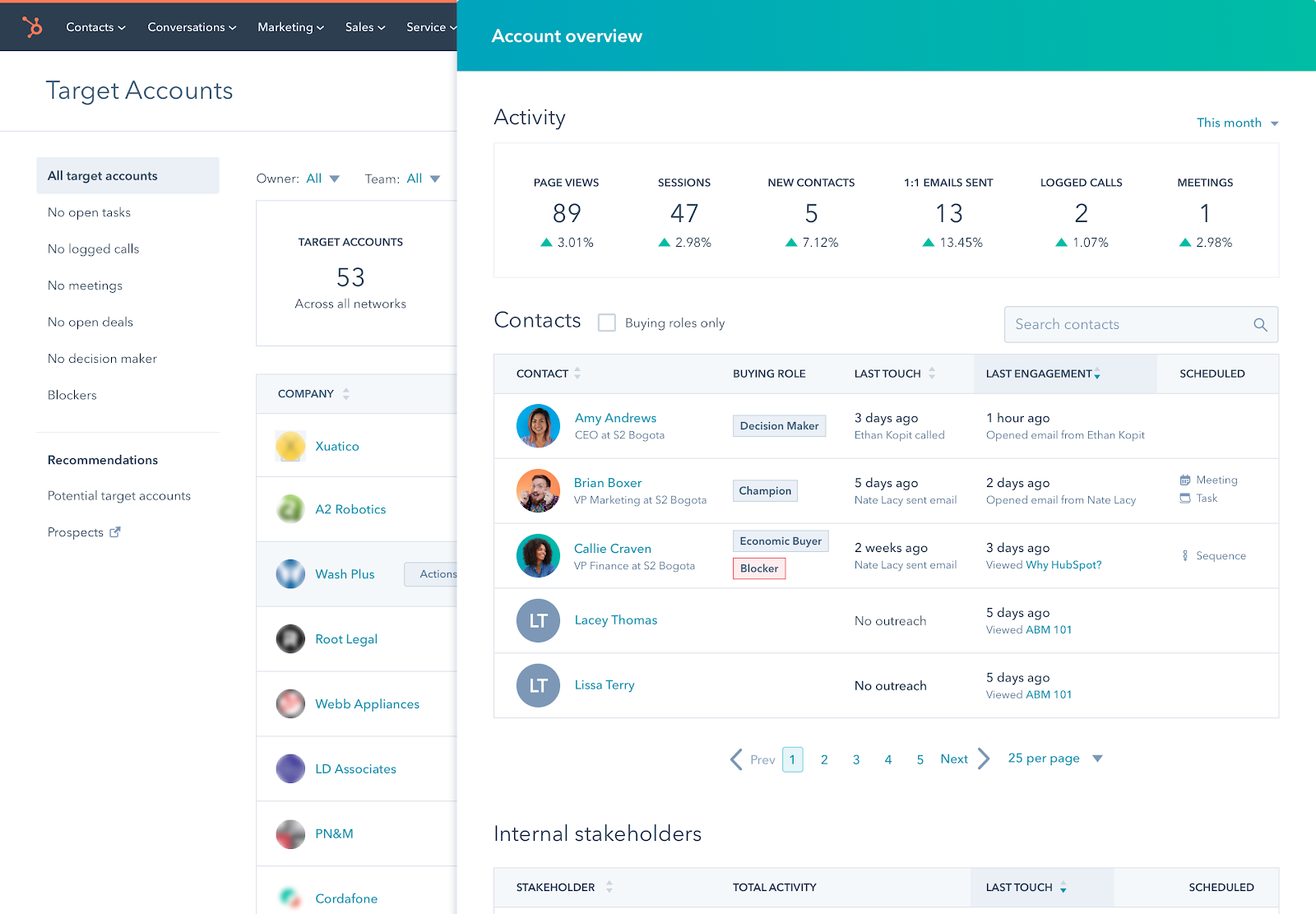
대부분의 실무 팀에게 정답은 Asana Advanced입니다. 이 분야 최고의 UX, 15명까지 무료, 탄탄한 의존 관계 관리, 간트 타임라인, 그리고 최상급 모바일 앱까지 갖췄습니다. 마케팅·크리에이티브·운영 팀이라면 기본값으로 추천합니다.
추천 포인트
- ✓이 분야 최고의 UX
- ✓15명까지 무료
- ✓탄탄한 의존 관계 관리
아쉬운 점
- ✗Advanced는 1인당 월 약 3만 6천 원
- ✗Monday보다 커스터마이징 폭이 좁음
2🎨 시각적 자유도 1위Monday Work Management Pro

monday.com에서 가입 — 14일 무료 체험.
프로젝트 관리에 CRM, 인사, 운영까지 아우르려는 팀에게는 Monday Work Management Pro가 정답입니다. 시각적인 보드 방식에 커스터마이징은 사실상 무제한, Pro는 1인당 월 약 2만 7천 원. 부서를 가리지 않고 한 플랫폼으로 통일하고 싶을 때 가장 좋습니다.
추천 포인트
- ✓부서를 넘나드는 활용도가 최고
- ✓시각적인 워크플로 방식
- ✓강력한 자동화
아쉬운 점
- ✗온보딩에 시간이 더 걸릴 수 있음
- ✗사실상 무료 요금제가 없음
3🧰 올인원 1위ClickUp Business

clickup.com에서 가입 — 평생 무료 요금제 제공.
쓰던 도구들을 하나로 합치고 싶은 팀(프로젝트 관리 + 문서 + 채팅 + CRM + 자동화)에게는 ClickUp Business가 정답입니다. Business는 1인당 월 약 1만 7천 원. 기능은 풍부하지만 학습 곡선이 가장 가파릅니다. 전담 관리자가 없으면 30일 차 정착률이 뚝 떨어집니다.
추천 포인트
- ✓올인원(프로젝트 관리 + 문서 + 채팅 + CRM)
- ✓Business 1인당 월 약 1만 7천 원
- ✓가격 대비 기능이 가장 많음
아쉬운 점
- ✗가파른 학습 곡선
- ✗30일 차 정착률이 Asana보다 20%p 낮음
뉴스레터 구독
유용한 정보와 신규 소식을 가끔 보내드립니다. 스팸 없음.
4📝 문서+프로젝트 1위Notion Business
notion.so에서 가입 — 개인 사용은 무료.
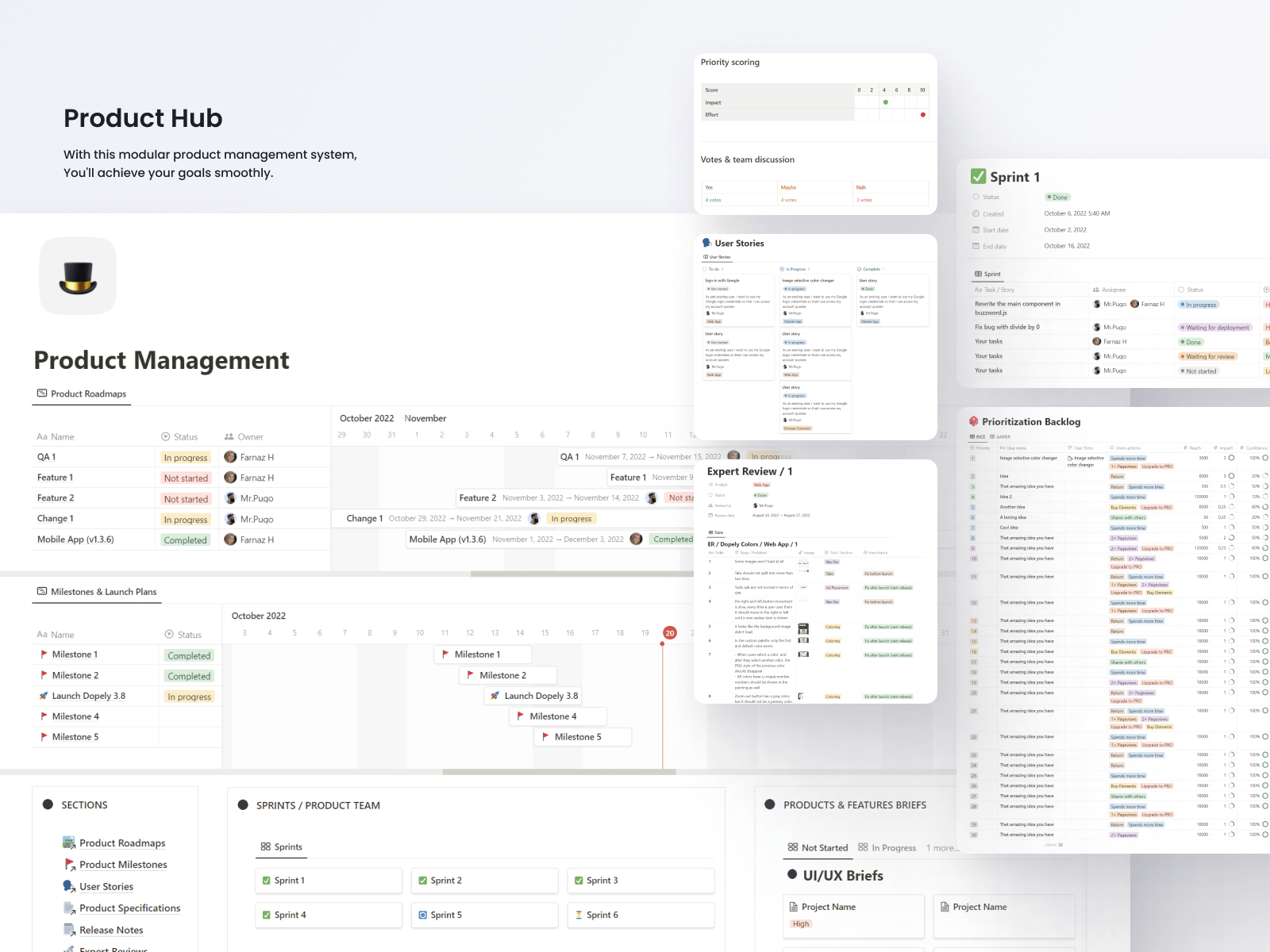
문서·위키와 프로젝트를 함께 굴리는 팀에게는 Notion Business가 정답입니다. Business는 1인당 월 약 2만 9천 원. 직접 만들어 쓰는 방식이라 자유도는 높지만, 바로 쓸 수 있는 프로젝트 관리 템플릿은 없습니다. 프로젝트 업무가 깊은 문서 작업과 맞물릴 때 진가를 발휘합니다.
추천 포인트
- ✓문서와 프로젝트를 한곳에
- ✓무한한 자유도
- ✓보기 좋은 페이지
아쉬운 점
- ✗직접 만들어야 해서 정착이 느림
- ✗순수 프로젝트 관리 성능은 Asana보다 약함
- ✗제대로 된 간트 차트가 없음
5💸 심플한 프로젝트 관리 1위Trello Premium
trello.com에서 가입 — 무료 요금제 인원 무제한.
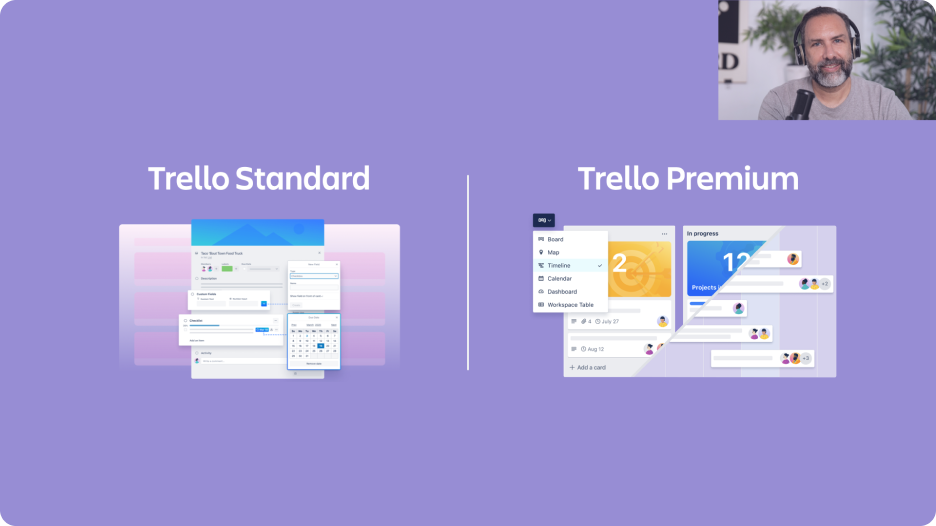
소규모 팀의 단순 칸반 업무에는 Trello Premium이 정답입니다. Premium은 1인당 월 약 1만 4천 원. Jira를 만든 Atlassian이 운영합니다. 의존 관계 없이 리스트에 카드만 얹으면 되는 상황에 가장 잘 맞습니다. 다만 20명이 넘어가는 팀은 대부분 금방 한계를 느낍니다.
추천 포인트
- ✓이 분야에서 가장 단순함
- ✓무료 요금제 인원 무제한
- ✓Atlassian 운영
아쉬운 점
- ✗팀이 커지면 금방 한계에 부딪힘
- ✗의존 관계에는 파워업이 필요
- ✗규모가 커지면 Atlassian이 Jira로 유도
온보딩과 일간 활성 사용률
쓸 만한 보드를 처음 만들기까지 걸리는 시간: Trello 15분(칸반 전용), Monday 30분(템플릿 제공), ClickUp 2시간(기능이 너무 많음), Asana 1시간(깔끔한 UX), Notion 3시간(직접 설계해야 함).
도입 30일 차 일간 활성 사용률: Asana 88%, Monday 84%, Trello 82%(단순하니까 계속 쓰게 됨), ClickUp 70%(기능 과부하), Notion 65%(팀의 참여도에 좌우됨).
모바일 앱: Asana 모바일이 이 분야 최고 수준입니다. Monday 모바일도 탄탄합니다. Trello 모바일(Atlassian)은 무난한 수준. ClickUp 모바일은 다소 무겁고, Notion 모바일은 프로젝트 업무용으로는 제약이 큽니다.
의존 관계 추적과 뷰 지원
작업 의존 관계(작업 A가 작업 B를 막는 구조) 설정은 5개 모두 지원합니다. 의존 관계 시각화(임계 경로 표시)가 가장 강력한 쪽은 Asana와 ClickUp입니다. Monday는 보기에는 좋지만 분석적인 면은 약합니다. Notion은 관계형 속성을 지원하지만 UX 자체가 위키 중심입니다. Trello는 파워업(확장 기능)을 붙여야 합니다.
간트 차트 뷰: Asana(타임라인), Monday, ClickUp은 기본 제공. Notion은 데이터베이스 뷰로, Trello는 파워업으로 구현합니다. 가장 깔끔한 건 Asana의 타임라인입니다.
워크로드 뷰(누가 과부하인지 확인): Asana, Monday, ClickUp은 전용 워크로드 뷰를 제공합니다. 대행사에는 사실상 필수 기능입니다. Notion에는 없고, Trello는 파워업이 필요합니다.
비용과 확장성
30명 기준 월 비용(중간 요금제): Asana Advanced 약 108만 원, Monday Work Management Pro 약 82만 원, ClickUp Business 약 52만 원, Notion Business 약 86만 원, Trello Premium 약 43만 원.
무료 요금제 비교: Asana는 15명까지 무료. Trello는 인원 제한 없이 무료(기본 기능만). ClickUp은 평생 무료(저장 용량 제한). Monday는 사실상 무료 요금제가 없습니다. Notion은 개인 사용에 한해 무료입니다.
100명 이상으로 확장할 때: Asana, Monday, ClickUp은 500명 이상도 무리 없이 감당합니다. Notion도 쓸 수는 있지만 UX가 급격히 나빠집니다. Trello는 100명을 넘기면 버거워지고, Atlassian이 Jira로 넘어가라고 유도합니다.
자주 묻는 질문
Asana와 Monday 중 어느 쪽인가요?▼
ClickUp의 올인원, 어떤 대가가 따르나요?▼
Notion으로 프로젝트 관리가 되나요?▼
Trello와 Asana 중에는요?▼
이 기사에서 소개한 제품 자세히 보기
- Asana Advanced$0〜$30미국 참고 가격
- Monday Work Management Pro$9〜$24미국 참고 가격
- ClickUp Business$7〜$19미국 참고 가격
- Notion Business$10〜$25미국 참고 가격
- Trello Premium$5〜$10미국 참고 가격
가격은 변동됩니다. 최신 가격은 판매처에서 확인하세요.
댓글 및 질문
토론은 커뮤니티 포럼 nattzy에서 진행됩니다. Google 계정으로 바로 참여할 수 있습니다.
아직 고민 중이신가요? 커뮤니티에 직접 질문해 보세요 — nattzy에 질문하기 ↗