Best Cloud Hosting 2026: 5 Platforms Compared
WriterPickly Editorial
Updated 2026-05-19
AWS EC2, Google Cloud Compute Engine, Azure VMs, DigitalOcean App Platform and Render — compared on published on-demand pricing, egress charges, autoscaling and how much ops work each leaves you.
Quick answer
Render is the platform to pick for a small team shipping fast: Git-push deploys, zero-config autoscale and automatic SSL, with no servers to manage. For flat, predictable monthly pricing, DigitalOcean App Platform is the other managed option. Google Cloud wins when the workload touches BigQuery or Vertex AI, and Azure suits Microsoft-committed enterprises.
📋How we compared
This comparison is desk research. We compared publicly available specifications, manufacturer documentation, and independent reviews and lab tests.
⚡ Best DX: Render is the right pick for teams that prioritize developer experience. Git-push deploys, zero-config autoscale, automatic SSL + DDoS protection.
Top picks ↓Which one is right for you?
Related articles
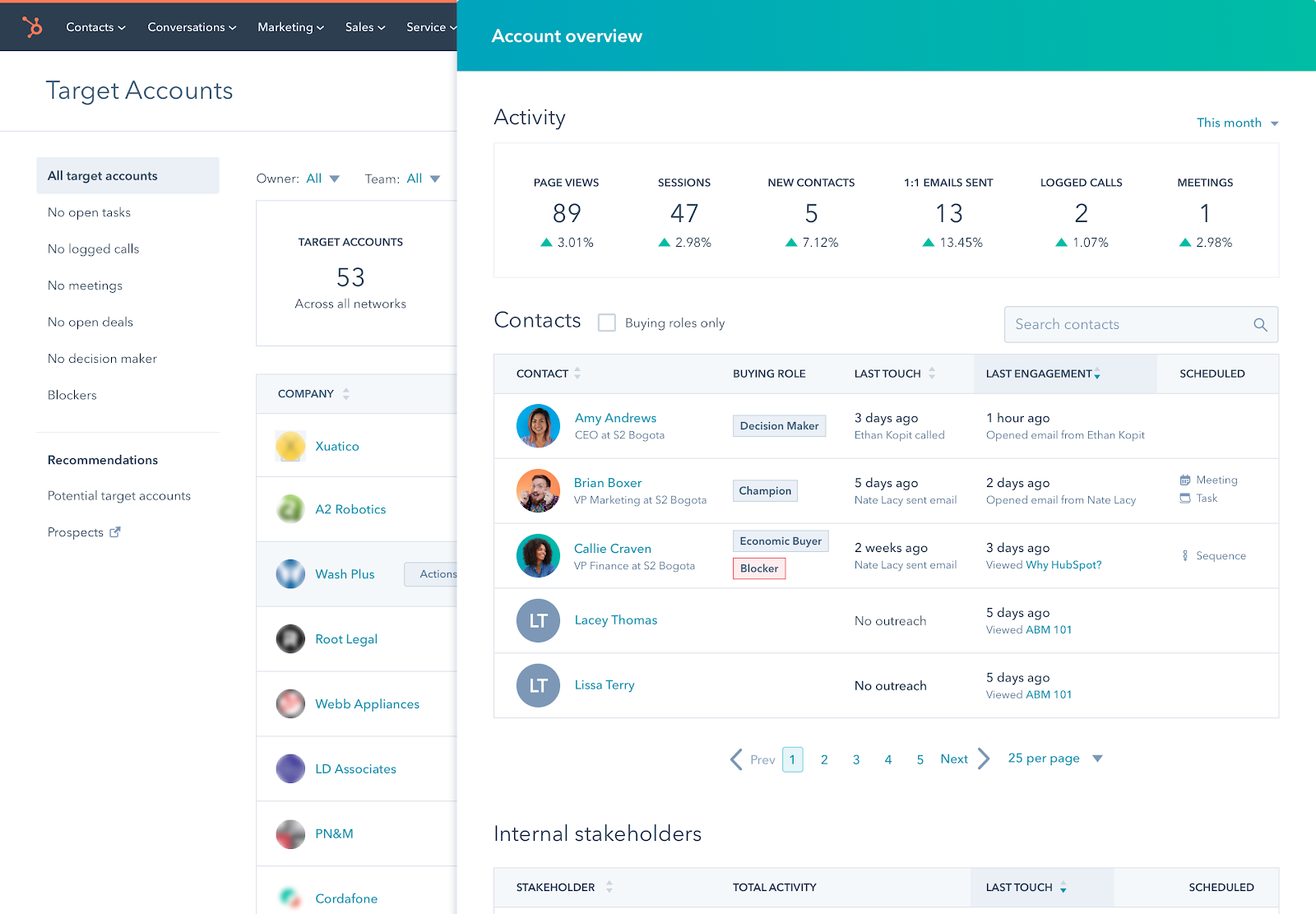
1★ Best Pick⚡ Best DXRender Cloud
Sign up at render.com. Free tier for static sites; paid plans start $7/mo.
Render is the right pick for teams that prioritize developer experience. Git-push deploys, zero-config autoscale, automatic SSL + DDoS protection. The Heroku alternative for 2026.
Pros
- ✓Git-push deploys
- ✓Best developer experience
- ✓Zero-config autoscale
Cons
- ✗Less low-level control than a VM
- ✗Smaller ecosystem
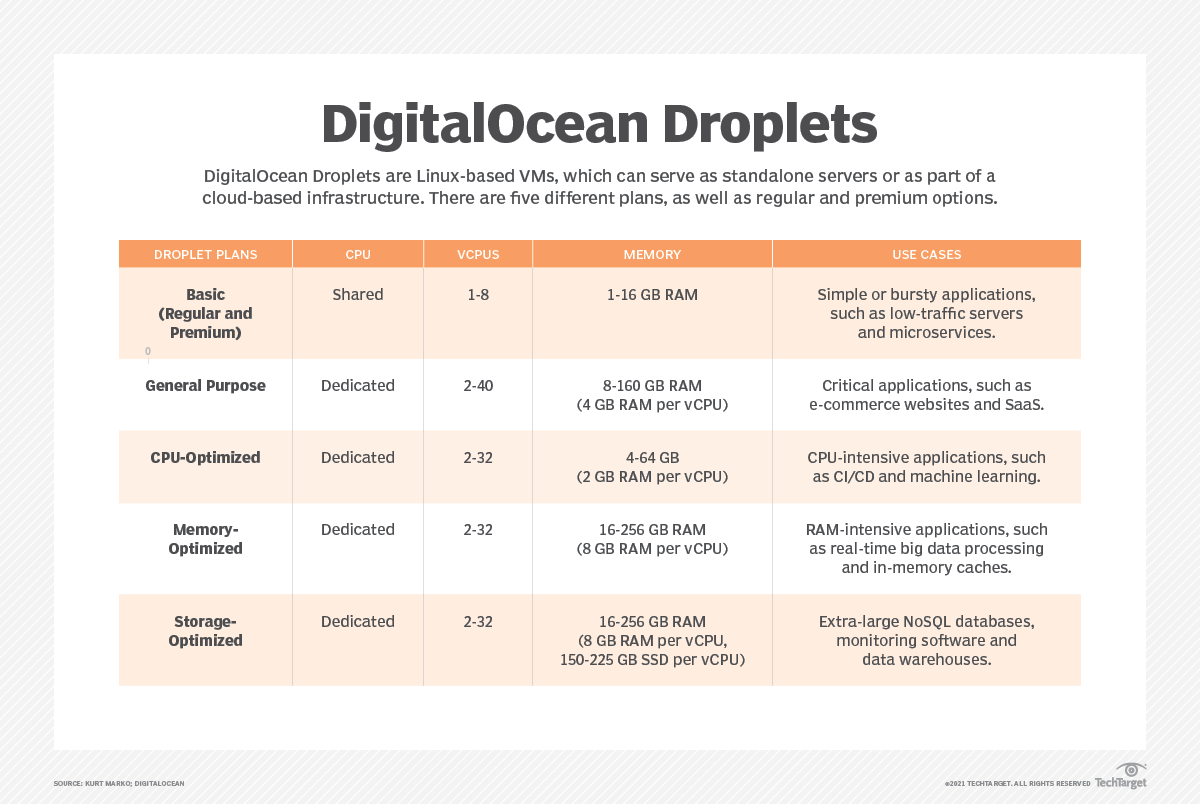
2💰 Best value PaaSDigitalOcean App Platform

Sign up at digitalocean.com. $200 free credit on new accounts.
DigitalOcean App Platform is the right pick for teams that want PaaS convenience with VPS-style predictability. Flat monthly prices per instance size, strong Git-push deploys, included managed Postgres. A sensible default for small-to-mid web apps.
Pros
- ✓No infrastructure to manage
- ✓Predictable monthly pricing
- ✓Git-push deploys
Cons
- ✗Less low-level control than a VM
- ✗Fewer specialized instance types
3🏆 Best for scaleAWS EC2

Sign up at aws.amazon.com. Use the AWS Compute Optimizer to right-size instances.
AWS EC2 is the right pick for scaling beyond a few instances. Broadest instance selection (general, compute, memory, GPU, ARM Graviton), deepest discount programs (RIs, Savings Plans), best-in-class networking. The catch: complexity. Use this when you've outgrown PaaS.
Pros
- ✓Broadest instance type selection
- ✓Deepest discount programs
- ✓Best-in-class networking
Cons
- ✗Complex IAM and networking
- ✗Scaling and deploys are yours to build
Subscribe to our newsletter
Occasional updates and new releases — no spam.
4🎯 Best for ML/AnalyticsGoogle Cloud Compute Engine
Sign up at cloud.google.com. $300 free credit for new accounts.
Google Cloud Compute Engine is the right pick if your workload touches ML or analytics. Best integration with BigQuery, Vertex AI, and TPUs. Sustained use discount applied automatically (no RI commitment).
Pros
- ✓Best ML/analytics integration
- ✓Automatic sustained use discount
- ✓Live migration during host maintenance
Cons
- ✗Smaller ecosystem than AWS
- ✗Scaling setup is still on you
5🪪 Best for Microsoft shopsAzure Virtual Machines

Sign up at azure.microsoft.com. $200 free credit for new accounts.
Azure VMs is the right pick if you're committed to the Microsoft enterprise ecosystem (Active Directory, Office 365, .NET workloads). Hybrid cloud story is best-in-class. Outside that ecosystem, there is little reason to choose it over AWS or Google Cloud.
Pros
- ✓Best Microsoft ecosystem integration
- ✓Hybrid cloud (Azure Arc)
- ✓Strong enterprise compliance
Cons
- ✗Little advantage outside Microsoft stacks
- ✗Scale Sets need manual setup
Managed platform or raw VMs
The five split into two groups. Render and DigitalOcean App Platform are managed platforms (PaaS): you connect a Git repository and the platform builds, deploys and serves the app over HTTPS. AWS EC2, Google Cloud Compute Engine and Azure VMs are infrastructure (IaaS): you get virtual machines and assemble the load balancer, deployment pipeline and scaling rules yourself.
This guide does not quote start-up or response-time figures. None of the five publishes a guaranteed number, and on the hyperscalers the result depends on your own machine image, boot scripts and health checks.
Autoscaling under load
The hyperscalers hand you the parts: an Auto Scaling Group on AWS, a managed instance group on Google Cloud, a Virtual Machine Scale Set on Azure, each with thresholds you set yourself. AWS also offers warm pools, which keep pre-initialized instances on standby to shorten scale-out. How quickly capacity arrives depends on that configuration.
PaaS layers (Render, DigitalOcean App Platform) handle autoscale automatically with no configuration. IaaS hyperscalers require explicit Auto Scaling Group / instance group setup.
How the bill is built
Render and DigitalOcean App Platform charge a flat monthly price per instance size, so the bill is easy to predict from the price page. AWS, Google Cloud and Azure charge usage-based on-demand rates, with separate lines for data transfer out, load balancers and storage, and lower the rate through Reserved Instances or Savings Plans (AWS), automatic sustained use discounts (Google Cloud) or reservations (Azure).
The total depends on instance size, region, traffic and commitment length, so this guide does not quote a monthly figure. Price your own workload in each provider's pricing calculator. As a rule, flat pricing is simpler for small, predictable workloads, and commitment discounts matter more as the fleet grows.
Frequently asked questions
When should I use AWS vs DigitalOcean App Platform?▼
Render vs DigitalOcean App Platform?▼
When is Azure worth choosing?▼
Reserved instances — worth it?▼
Check the details of the products in this article
- Render Cloud$7〜$500Reference price
- DigitalOcean App Platform$5〜$500Reference price
- AWS EC2$10〜$10000Reference price
- Google Cloud Compute Engine$12〜$10000Reference price
- Azure Virtual Machines$15〜$12000Reference price
Prices change. Check the retailer for the current price.
Comments & questions
Discussion happens on nattzy, our community forum. Sign in with Google to post — it takes a second.
View the discussion thread on nattzy ↗
Still deciding? Ask the community your own question — Post a question on nattzy ↗