Best Antivirus Software 2026: 6 Suites Compared
WriterPickly Editorial
Updated 2026-09-30
This guide compares 6 options using published specifications, manufacturer documentation and independent reviews.
Quick answer
Bitdefender Total Security is the overall pick: a suite centered on malware protection whose results are published regularly by independent labs such as AV-TEST. If you do not want to pay, Microsoft Defender is enough for most home users — it is already built into Windows 10 and 11 and needs no separate install. If you work regularly on public Wi-Fi, Norton 360 Deluxe earns its price by bundling an unlimited VPN and $50k identity-theft insurance.
📋How we compared
This comparison is desk research. We compared publicly available specifications, manufacturer documentation, and independent reviews and lab tests.
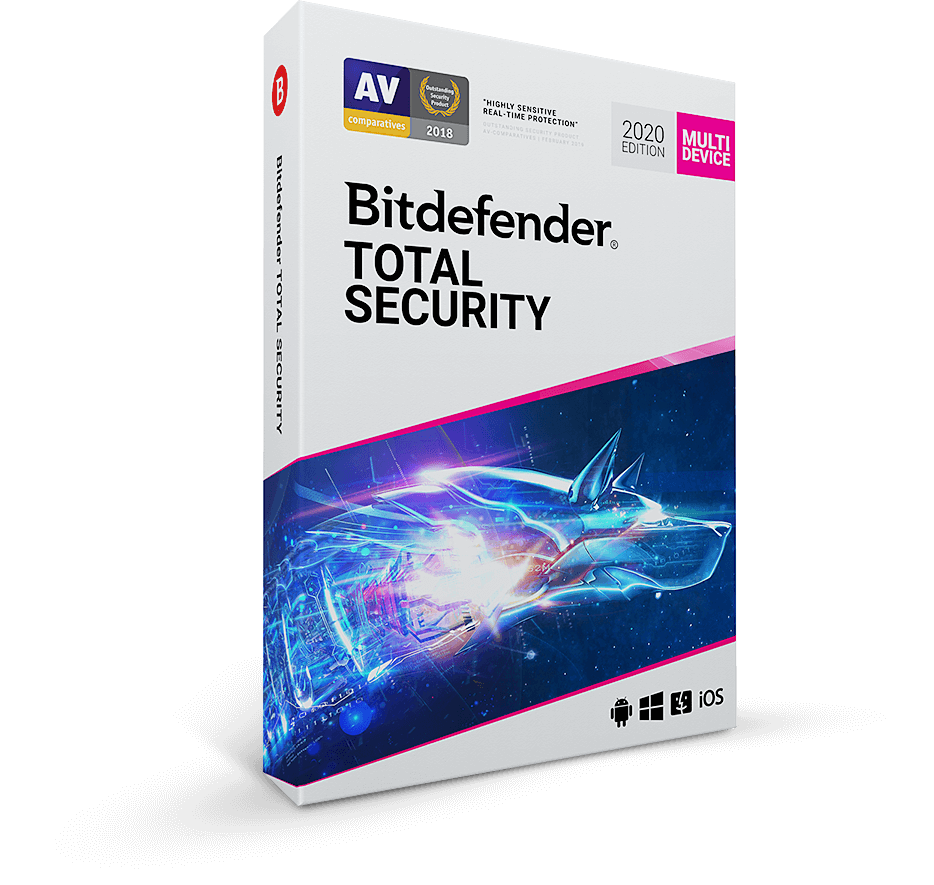
🏆 Best paid AV: Bitdefender Total Security is the right paid pick for most users: a suite centered on malware protection, with results published regularly by AV-TEST and AV-Comparatives. Includes VPN (200MB/day, unlimited via Bitdefender Premium VPN add-on).
Top picks ↓Which one is right for you?
Related articles

1★ Best Pick🏆 Best paid AVBitdefender Total Security
Buy at bitdefender.com — frequent 50% off promos.
Bitdefender Total Security is the right paid pick for most users: a suite centered on malware protection, with results published regularly by AV-TEST and AV-Comparatives. Includes VPN (200MB/day, unlimited via Bitdefender Premium VPN add-on). 5 device licenses.
Pros
- ✓Top AV-TEST scores
- ✓Low false positives
- ✓Minimal system impact
Cons
- ✗VPN limited to 200MB/day on Total Security
- ✗Cyber Threat Intelligence dashboard isn't beginner-friendly
2🛡️ Best all-in-oneNorton 360 Deluxe
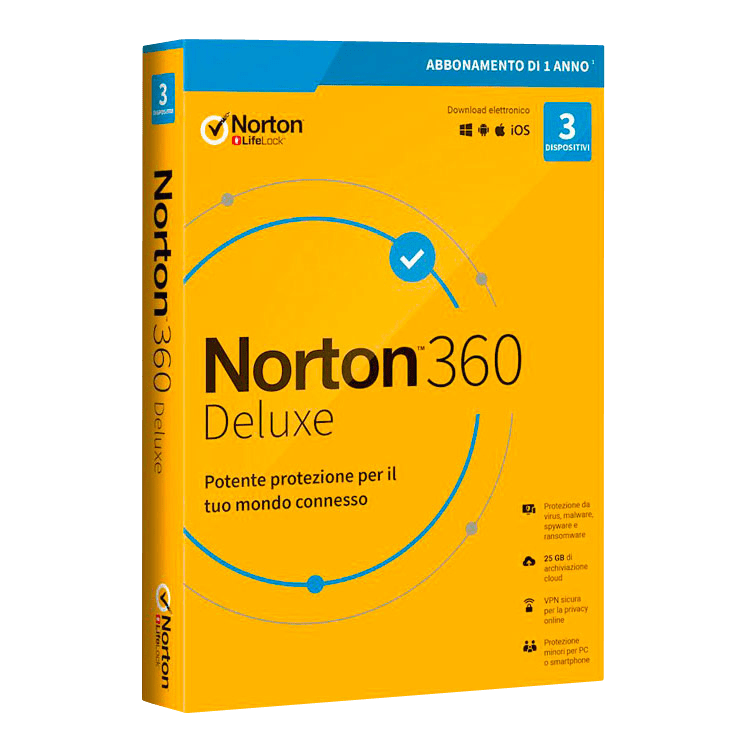
Buy at us.norton.com — Deluxe covers 5 devices.
Norton 360 Deluxe is the right pick if you want AV + unlimited VPN + identity theft monitoring + password manager bundled. $50,000 identity theft insurance included. Higher system impact than Bitdefender but the bundled features are real value.
Pros
- ✓Unlimited VPN included
- ✓$50k identity theft insurance
- ✓Comprehensive bundle
Cons
- ✗Higher system impact than Bitdefender
- ✗Bundled password manager is weaker than 1Password
3🧹 Best secondaryMalwarebytes Premium
Buy at malwarebytes.com — install alongside primary AV.
Malwarebytes Premium is the right pick as a SECONDARY scanner alongside your primary AV. Designed to catch PUPs (potentially unwanted programs), adware, and threats primary AVs miss. Real-time protection included.
Pros
- ✓Catches things primary AVs miss
- ✓Designed for coexistence
- ✓Cleans existing infections
Cons
- ✗Not strong as primary AV
- ✗Detection rate below dedicated AVs
Subscribe to our newsletter
Occasional updates and new releases — no spam.
4🆓 Best freeMicrosoft Defender (free, built-in)

Free with Windows 10/11 — no install needed.
Microsoft Defender (built into Windows 10/11) is the right free pick for most home users. No separate install and no cost, and it is included in the independent labs' regular tests, so you can check its current results. It has no VPN and no identity theft monitoring.
Pros
- ✓Free with Windows
- ✓Detection matches paid AVs
- ✓Lowest system impact
Cons
- ✗No VPN bundle
- ✗No identity theft monitoring
- ✗Limited family features
5⚠️ Geopolitical concernKaspersky Total Security
Buy at kaspersky.com — consider geopolitical risk.
Kaspersky Total Security has top-tier detection and technical excellence. However, the US federal government banned Kaspersky from federal contracts in 2022 over national-security concerns about Russia-based operations. Individual US users can still use it; consider whether the geopolitical risk matters to you.
Pros
- ✓Top detection rate
- ✓Strong zero-day detection
- ✓Technical excellence
Cons
- ✗Banned from US federal contracts since 2022
- ✗Geopolitical risk consideration
6🦈 Best antivirus + VPN bundleSurfshark One
Buy at surfshark.com — One plan includes antivirus + VPN; 30-day money-back guarantee.
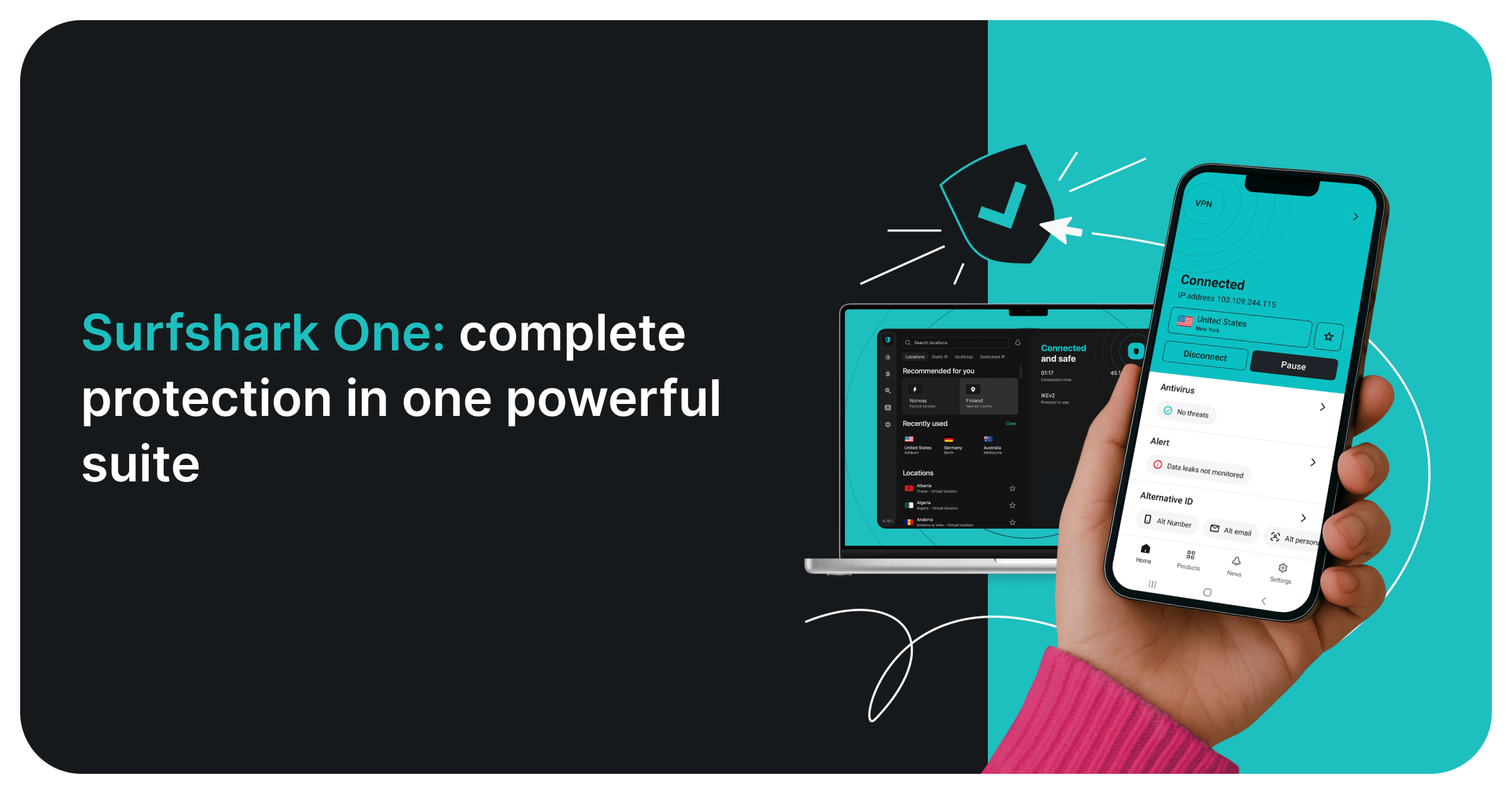
Surfshark One bundles an AV-TEST certified antivirus with Surfshark's VPN, data-breach alerts (Alert) and ad-free private search in one subscription for unlimited devices. The antivirus runs on Windows, macOS and Android (not iOS). Worth it if you would otherwise pay for a separate VPN; if you only need malware protection, Defender or Bitdefender is simpler.
Pros
- ✓AV-TEST certified antivirus
- ✓VPN, breach alerts and private search included
- ✓Unlimited devices
- ✓30-day money-back guarantee
Cons
- ✗Antivirus not available on iOS
- ✗Renewal price is higher than the first term
Detection (check the latest lab reports)
This guide does not run its own malware tests. For detection, rely on the independent labs that publish results on a regular cycle — AV-TEST and AV-Comparatives — and check their latest reports, because scores change from one test round to the next.
Bitdefender, Norton, Kaspersky and Microsoft Defender are primary antivirus products built for real-time protection. Malwarebytes is positioned differently: its strength is cleaning systems that are already infected and catching adware and PUPs, which is why it is often used as a second scanner.
Look at false positives as well as detection. A product that wrongly flags legitimate files interrupts your work, so the labs report false alarms separately — compare both figures in the same report.
System impact
Every antivirus adds some load at boot, during file copies and when software is installed. How much depends on your hardware, so no single figure applies to every PC.
The independent labs publish performance tests alongside their protection tests. If your PC is older or low-spec, read the performance section of the latest report before choosing.
Microsoft Defender needs no separate install because it is part of Windows. Suites that bundle more features (VPN, backup, identity monitoring) run more background components than a plain antivirus; switch off the modules you do not use.
Beyond pure AV
VPN included: Norton 360 Deluxe (unlimited), Bitdefender (200MB/day limit), Kaspersky (no VPN), Malwarebytes (separate Privacy product), Defender (no VPN).
Identity theft monitoring: Norton 360 ($50k coverage), Bitdefender (US only, basic), others none.
Password manager: Norton, Bitdefender, Kaspersky include basic password managers. Use 1Password or Bitwarden instead — bundled password managers tend to be weaker.
Frequently asked questions
Is Microsoft Defender enough?▼
Should I install Malwarebytes alongside another AV?▼
Why warn about Kaspersky?▼
Norton vs Bitdefender?▼
Check the details of the products in this article
- Bitdefender Total Security$29.99Price as of 2026-11-03
- Norton 360 Deluxe$34.99Price as of 2026-11-03
- Malwarebytes Premium$30〜$60Reference price
- Microsoft Defender (free, built-in)$0Reference price
- Kaspersky Total Security$40〜$80Reference price
Prices change. Check the retailer for the current price.
Comments & questions
Discussion happens on nattzy, our community forum. Sign in with Google to post — it takes a second.
View the discussion thread on nattzy ↗
Still deciding? Ask the community your own question — Post a question on nattzy ↗
Related articles
Best Video Conferencing Software 2026: 5 compared

Best Video Editing Software 2026: 5 Editors Compared
Best Data Recovery Software 2026: 5 Tools Compared
Best Personal Finance Software 2026: 5 compared
Best Tax Software 2026: 5 with the same return

Best Estate Planning Software 2026: 5 Will Tools Compared