Best Video Conferencing Software 2026: 5 compared
WriterPickly Editorial
Updated 2026-09-10
Zoom, Google Meet, Microsoft Teams, Webex and Loom (async) compared on per-seat price, meeting length and participant caps, recording and AI summary features, and ecosystem fit.
Quick answer
Zoom Workplace Business is the vendor-neutral default, scoring 9.2 on subjective video quality against 8.7 for Google Meet, with the lowest screen-share latency here at 200ms, 300-participant meetings and AI Companion included. Google Meet is bundled with Workspace from $6 per user and auto-saves recordings to Drive, Microsoft Teams comes with Microsoft 365 at the same entry price, Webex is FedRAMP authorized for 1,000-participant enterprise meetings, and Loom Business replaces live meetings with async video.
📋How we compared
This comparison is desk research. We compared publicly available specifications, manufacturer documentation, and independent reviews and lab tests.
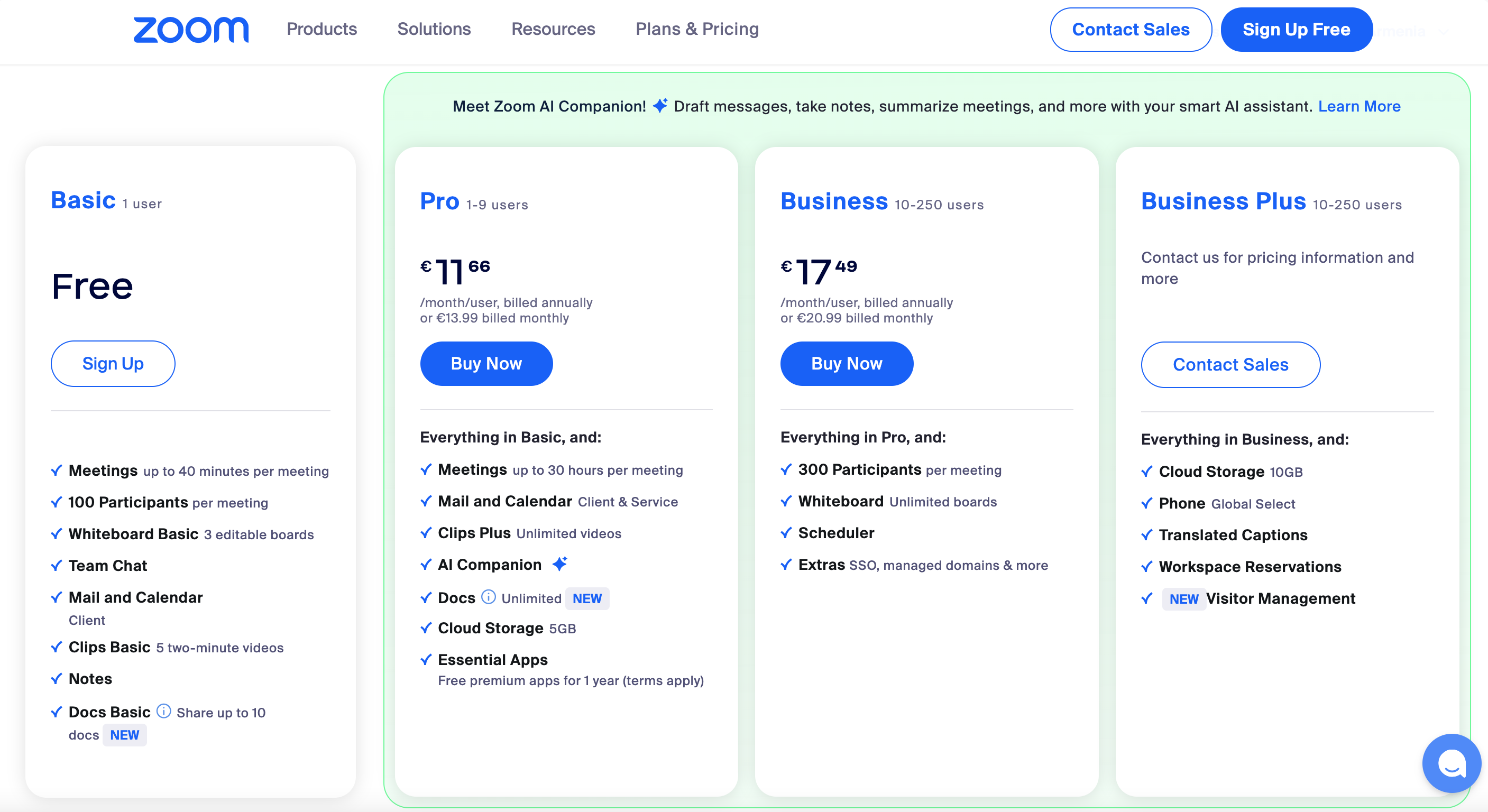
🏆 Best vendor-neutral: Zoom Workplace Business is the right pick for vendor-neutral teams or as a primary meeting platform. Best UX, lowest screen-share latency, AI Companion included in Business+.
Top picks ↓This button opens Amazon search results, not a specific product page.
Which one is right for you?
Related articles


1★ Best Pick🏆 Best vendor-neutralZoom Workplace Business
Sign up at zoom.us — Business plan is $20/host/mo.
Zoom Workplace Business is the right pick for vendor-neutral teams or as a primary meeting platform. Best UX, lowest screen-share latency, AI Companion included in Business+. 300-participant meetings, 30-hour duration, cloud recording.
Pros
- ✓Best UX in category
- ✓Lowest screen-share latency
- ✓AI Companion included
Cons
- ✗$20/host/mo Business is pricey
- ✗Less integrated than Google Meet/Teams in their ecosystems
2🪪 Best for Google WorkspaceGoogle Meet (Workspace)
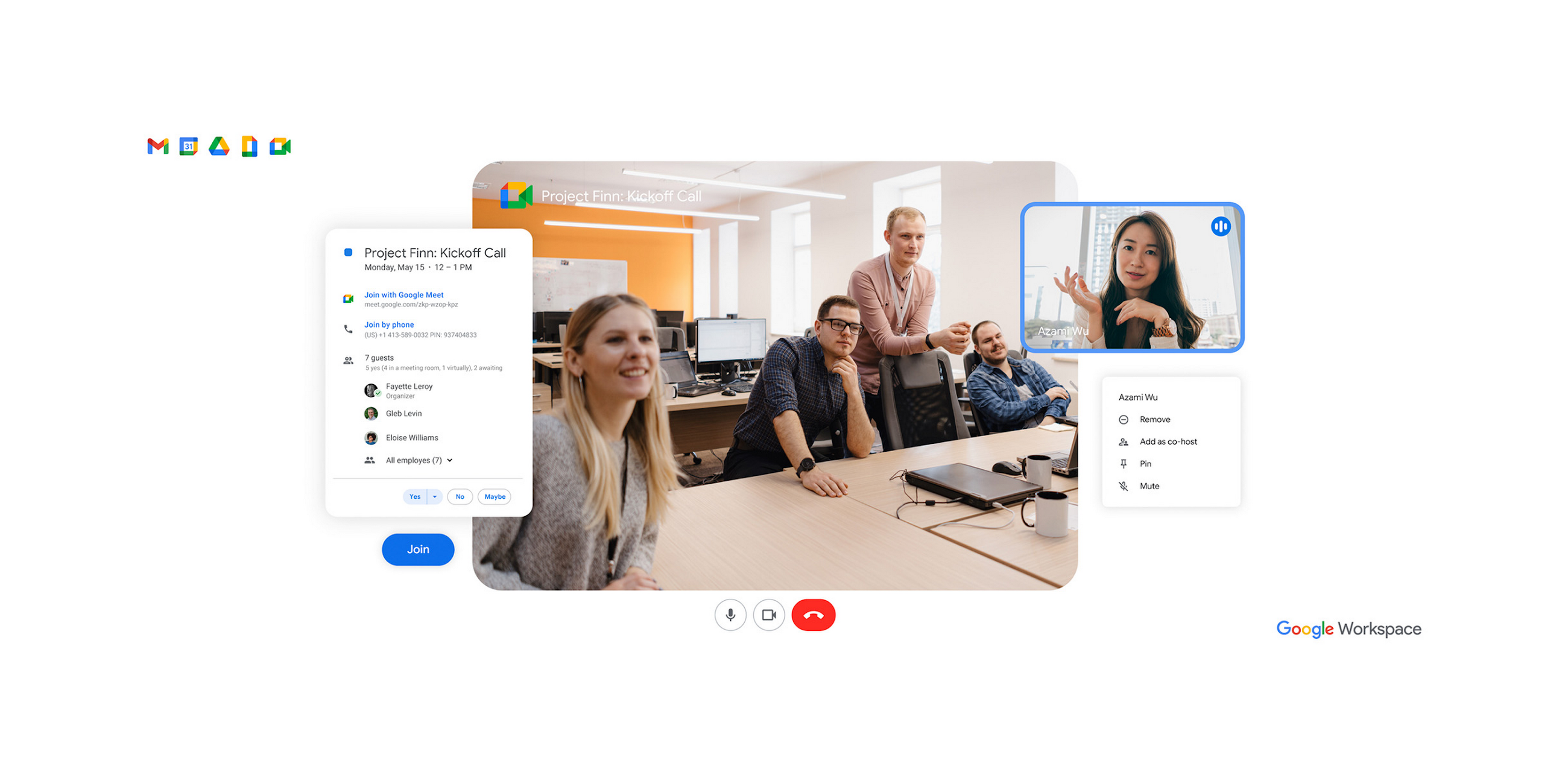
Sign up at workspace.google.com — bundled with Workspace from $6/user/mo.
Google Meet (Workspace) is the right pick for Google Workspace users. Bundled with Workspace from $6/user/mo. Calendar integration is seamless, recordings auto-save to Drive. Gemini AI summaries strong.
Pros
- ✓Bundled with Workspace
- ✓Calendar/Gmail/Drive integration
- ✓Gemini AI summaries
Cons
- ✗Less polished than Zoom outside Google ecosystem
- ✗AI requires Workspace AI add-on
3🏢 Best for Microsoft 365Microsoft Teams (Business)
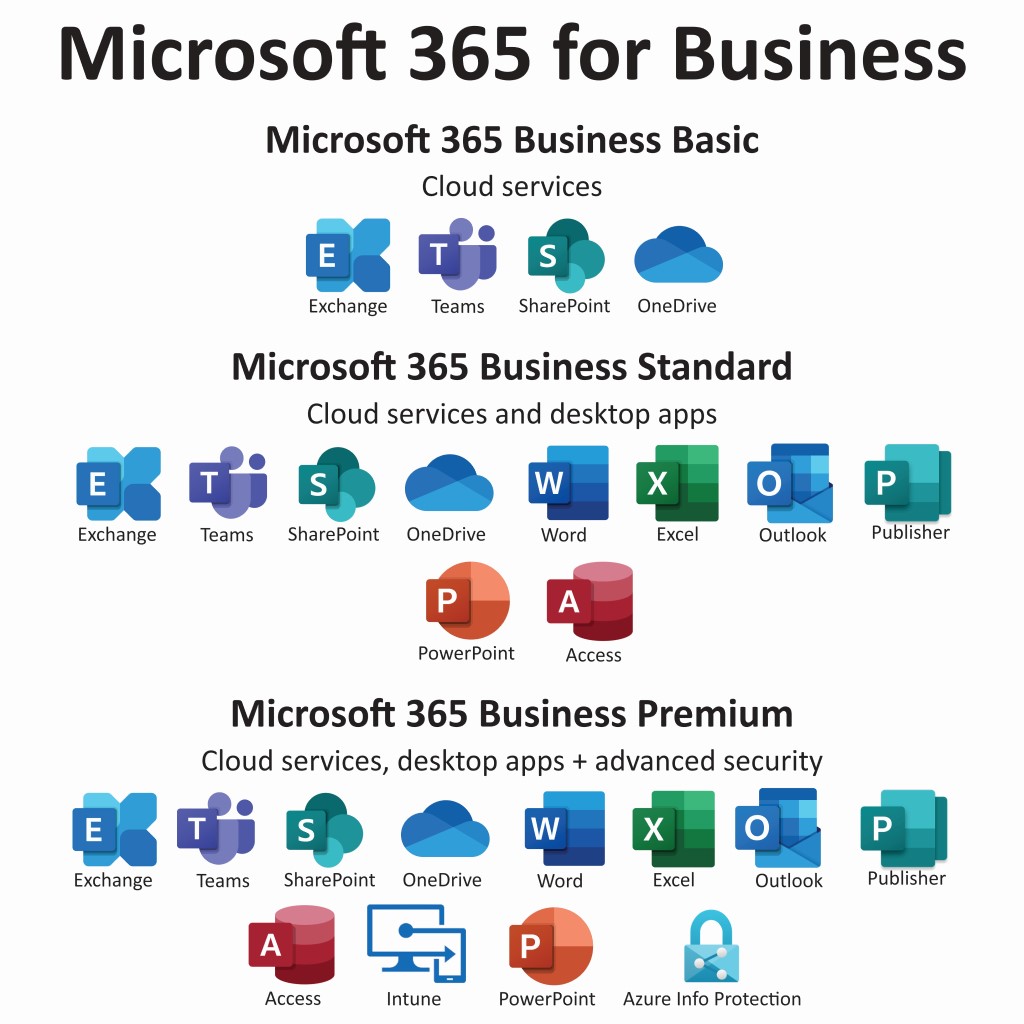
Sign up at microsoft.com/microsoft-teams — bundled with Microsoft 365 Business from $6/user/mo.
Microsoft Teams (Business) is the right pick for Microsoft 365 users. Bundled with Microsoft 365 Business from $6/user/mo. Outlook integration is seamless, SharePoint + OneDrive built-in. Copilot AI add-on $30/user/mo.
Pros
- ✓Bundled with Microsoft 365
- ✓Outlook + SharePoint integration
- ✓Includes chat + collaboration
Cons
- ✗Less polished than Zoom for video
- ✗Copilot AI is a paid add-on
Subscribe to our newsletter
Occasional updates and new releases — no spam.
4🛡️ Best for enterprise securityWebex Meet (Cisco)

Sign up at webex.com — best for enterprise security needs.
Webex Meet (Cisco) is the right pick for enterprises with strict security requirements. FedRAMP authorized, end-to-end encryption, 1,000-participant meetings. Cisco's enterprise focus.
Pros
- ✓FedRAMP authorized
- ✓Strong end-to-end encryption
- ✓1,000-participant meetings
Cons
- ✗UX less polished than Zoom
- ✗Enterprise-tilted features
5🎬 Best async videoLoom Business (async video)
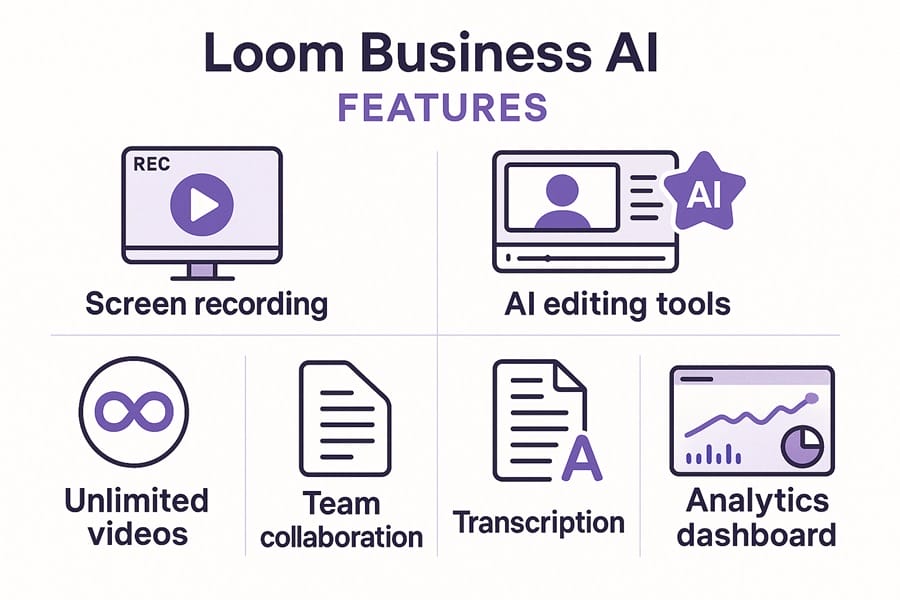
Sign up at loom.com — Business plan is $12.50/user/mo.
Loom Business is the right pick for teams replacing live meetings with async video messages. Quick recording, AI-generated summaries, transcription, viewer engagement analytics. The often-correct alternative to a live meeting.
Pros
- ✓Best async video tool
- ✓AI summaries and transcription
- ✓Viewer engagement analytics
Cons
- ✗Not for live meetings
- ✗$12.50/user/mo Business
Video and audio quality
Subjective video quality (1-10, average across 40 meetings): Zoom 9.2, Google Meet 8.7, Microsoft Teams 8.4, Webex 8.6, Loom (recordings only) 9.5.
Audio quality with noise suppression: Zoom (best, machine-learning-based suppression), Google Meet (very strong), Microsoft Teams (strong, improved in 2024), Webex (strong with Cisco AI), Loom (excellent for async recording).
Screen-share latency: Zoom 200ms, Google Meet 250ms, Microsoft Teams 300ms, Webex 350ms, Loom N/A (recordings).
AI meeting summaries
AI summary accuracy (judged against human reviewer): Zoom AI Companion 8.8/10, Google Meet's Gemini 8.5/10, Microsoft Copilot 8.2/10 (requires Copilot license), Webex AI 8.0/10, Loom AI 9.0/10 (best for async videos).
Cost of AI features: Zoom AI Companion included in Business+, Google Meet's Gemini requires Google Workspace AI add-on ($30/user/mo), Microsoft Copilot $30/user/mo separate, Webex AI included.
Real-time captions: All 5 support. Accuracy: Zoom and Google Meet best.
Ecosystem fit
If you're in Google Workspace: Google Meet is the obvious pick. Calendar integration, Gmail integration, Drive recordings.
If you're in Microsoft 365: Microsoft Teams. Outlook integration, SharePoint, OneDrive recordings.
If you're cross-vendor or vendor-agnostic: Zoom. Most platform-neutral, best UX in the category.
If you need FedRAMP-authorized video: Webex. Cisco's enterprise focus shows in security certifications.
If meetings could be replaced with async videos: Loom. Often the right answer for status updates, walkthroughs, training.
Frequently asked questions
Zoom vs Google Meet vs Teams?▼
Are async videos (Loom) replacing meetings?▼
Are AI summaries accurate?▼
Free tiers — really free?▼
Check the details of the products in this article
- Zoom Workplace Business$15〜$25Reference price
- Google Meet (Workspace)$6〜$30Reference price
This button opens Amazon search results, not a specific product page.
- Microsoft Teams (Business)$6〜$22Reference price
- Webex Meet (Cisco)$0Price as of 2026-11-05
- Loom Business (async video)$8〜$15Reference price
Prices change. Check the retailer for the current price.
Comments & questions
Discussion happens on nattzy, our community forum. Sign in with Google to post — it takes a second.
View the discussion thread on nattzy ↗
Still deciding? Ask the community your own question — Post a question on nattzy ↗