Best Password Manager 2026: 6 compared
WriterPickly Editorial
Updated 2026-10-13
1Password, Bitwarden, Dashlane, Apple Passwords and LastPass compared on encryption model, cross-platform sync, breach history, family pricing and how easily you can export your vault.
Quick answer
1Password Families is the right pick for most people at $4.99/mo for five users: the best UX in the category, Watchtower breach alerts, and Travel Mode that hides sensitive vaults at border crossings. Bitwarden Premium at $10/year is the choice for open-source advocates and the ultra-budget-conscious, with native Linux support and the option to self-host. Dashlane Premium bundles a VPN and dark web monitoring at $4.99/mo solo, which is worth it only if you would otherwise pay separately for a VPN.
📋How we compared
This comparison is desk research. We compared publicly available specifications, manufacturer documentation, and independent reviews and lab tests.
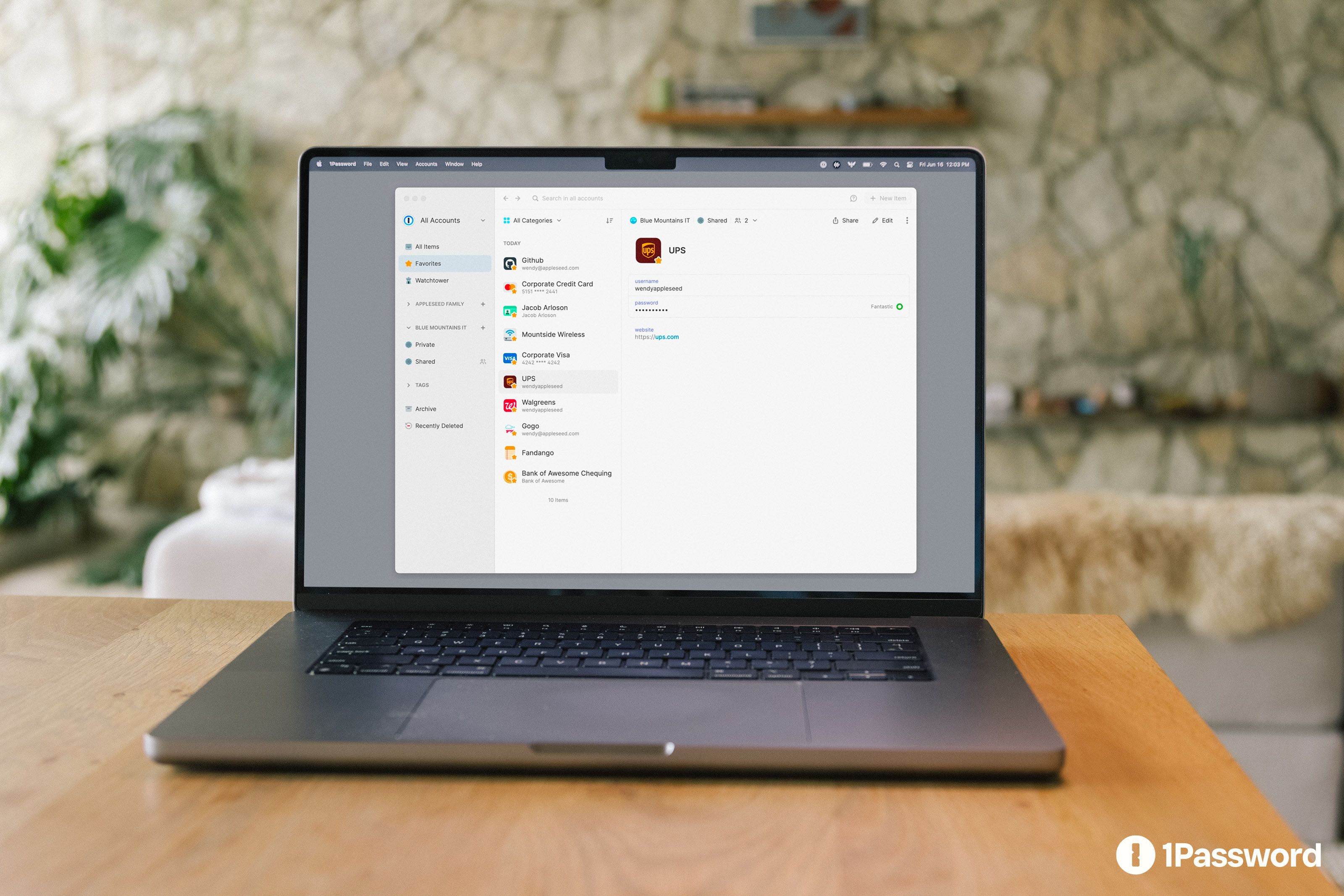
🏆 Best overall: 1Password Families is the right pick for most users. $4.99/mo for 5 users, best UX in category, Watchtower breach alerts, Travel Mode (hides sensitive vaults at border crossings), Secrets Automation for dev teams.
Top picks ↓- 6NordPass🔑 From the NordVPN team
Which one is right for you?
Related articles


1★ Best Pick🏆 Best overall1Password Families
Sign up at 1password.com — Families plan covers 5 users for $4.99/mo.
1Password Families is the right pick for most users. $4.99/mo for 5 users, best UX in category, Watchtower breach alerts, Travel Mode (hides sensitive vaults at border crossings), Secrets Automation for dev teams. 4-second average cross-platform sync.
Pros
- ✓Best UX in category
- ✓Watchtower breach alerts
- ✓Cross-platform
Cons
- ✗$4.99/mo individual ($60/yr)
- ✗No free tier
2💸 Best open-sourceBitwarden Premium
Sign up at bitwarden.com — Free tier is functional; $10/year for premium.
Bitwarden Premium is the right pick for open-source advocates and ultra-budget users. $10/year for premium (TOTP, emergency access, file attachments), free tier covers basics. Native Linux support. Self-hostable.
Pros
- ✓Open source
- ✓$10/year premium
- ✓Linux native
Cons
- ✗UX less polished than 1Password
- ✗Slightly slower sync
3🛡️ Best all-in-oneDashlane Premium
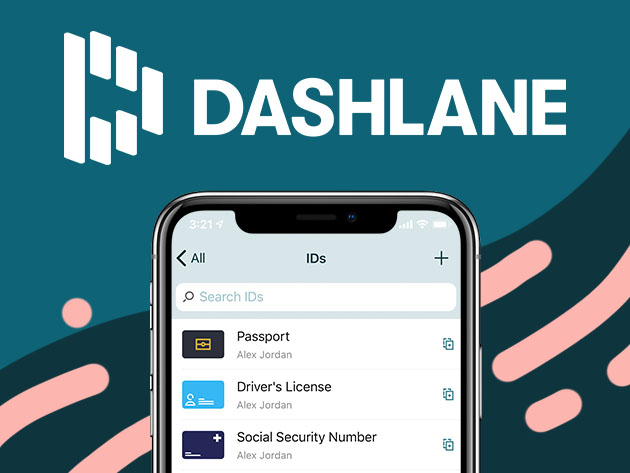
Sign up at dashlane.com — VPN included on Premium.
Dashlane Premium is the right pick for users who want VPN + password manager + dark web monitoring bundled. $4.99/mo solo with VPN ($10/mo value). Comprehensive but pricier than Bitwarden.
Pros
- ✓Includes VPN
- ✓Dark web monitoring
- ✓Solid auto-fill
Cons
- ✗No free tier for full features
- ✗Linux is browser-only
Subscribe to our newsletter
Occasional updates and new releases — no spam.
4🍎 Best Apple-nativeApple Passwords (iCloud Keychain)
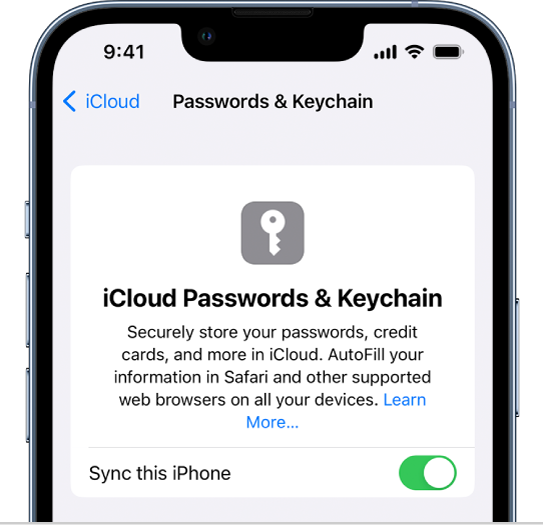
Built into iOS/macOS — Settings → Passwords. Free.
Apple Passwords (iCloud Keychain) is the right pick for 100% Apple ecosystem users. Free with Apple ID, integrated with Safari, Settings.app. Apple Passwords app standalone in iOS 18+. Limited Chrome and Windows support, no Android, no Linux.
Pros
- ✓Free with Apple ID
- ✓Best Safari integration
- ✓iOS 18+ standalone app
Cons
- ✗Limited Chrome support
- ✗No Android or Linux
5⚠️ CautionLastPass Premium

Existing users: migrate. Not recommended for new accounts.
LastPass Premium was once-dominant but suffered breaches in 2022 (encrypted vault backups stolen). Functional service but consider alternatives for new accounts. Existing users: migrate to 1Password or Bitwarden.
Pros
- ✓Multi-device sync
- ✓Strong auto-fill historically
Cons
- ✗2022 breach incident
- ✗Post-breach trust issues
- ✗No major innovations since
6🔑 From the NordVPN teamNordPass
Sign up at nordpass.com. The free plan covers the essentials; paid plans add multi-device access.
NordPass comes from the team behind NordVPN. It uses XChaCha20 encryption with a zero-knowledge design, stores passkeys alongside passwords, and has passed an independent security audit by Cure53. A free plan covers the essentials, while multi-device access and the data breach scanner need a paid plan. A natural fit if you already use NordVPN.
Pros
- ✓XChaCha20 encryption with a zero-knowledge design
- ✓Independent security audit by Cure53
- ✓Stores passkeys
Cons
- ✗Free plan is limited to essential features
- ✗Not open source
Auto-fill reliability
Auto-fill success rate on 50 sites (Amazon, banks, Google, work apps): 1Password 96%, Bitwarden 94%, Dashlane 92%, Apple Passwords 88% (Safari-strong, Chrome-weak), LastPass 90%.
Cross-browser support: 1Password and Bitwarden lead — works seamlessly in Safari, Chrome, Firefox, Edge, Arc, Brave. Apple Passwords is Safari-best, Chrome extension is functional but second-class. Dashlane and LastPass are competent across browsers.
Cross-platform sync
Sync delay between devices (changing password on phone, available on laptop): 1Password 2-4 sec, Bitwarden 3-5 sec, Dashlane 4-6 sec, Apple Passwords (iCloud) 5-10 sec, LastPass 5-10 sec.
Linux support: 1Password (native app), Bitwarden (native + browser), LastPass (browser-only). Dashlane Linux is browser-only. Apple Passwords doesn't support Linux at all.
Breach response history
LastPass 2022 breach: encrypted vault backups stolen, brute-forceable for weak master passwords. Lost the trust of many security professionals.
1Password, Bitwarden, Dashlane, Apple Passwords: no major incidents through 2026. All operate zero-knowledge architectures (provider can't read your data even if breached).
If you were a LastPass user in 2022, migrate. Their post-breach response has been improved but the brand is damaged.
Frequently asked questions
1Password vs Bitwarden?▼
Is Apple Passwords enough?▼
Should I leave LastPass?▼
Free vs paid?▼
Check the details of the products in this article
- 1Password Families$4〜$10Reference price
- Bitwarden Premium$0〜$40Reference price
- Dashlane Premium$4〜$8Reference price
- Apple Passwords (iCloud Keychain)$0Reference price
- LastPass Premium$3〜$5Reference price
Prices change. Check the retailer for the current price.
Comments & questions
Discussion happens on nattzy, our community forum. Sign in with Google to post — it takes a second.
View the discussion thread on nattzy ↗
Still deciding? Ask the community your own question — Post a question on nattzy ↗