Best Website Builder 2026: 5 Builders
WriterPickly Editorial
Updated 2026-05-19
Five website builders. Same 8-page small business site. This guide compares 5 options using published specifications, manufacturer documentation and independent reviews.
Quick answer
Squarespace is the default for most small business sites because its templates do the design work for you, with an Apple-like aesthetic and integrated scheduling and email marketing, plus the best e-commerce outside Shopify on higher tiers. Wix offers the most flexible drag-and-drop with an AI generator and 900+ templates, Webflow gives CSS-level control and exportable HTML/CSS/JS with the best Lighthouse scores, Shopify wins on native payments and 10,000+ apps, and Carrd covers single-page sites for $19 a year.
📋How we compared
This comparison is desk research. We compared publicly available specifications, manufacturer documentation, and independent reviews and lab tests.

🎨 Best design defaults: Squarespace is the right pick for design-focused sites where templates do the heavy lifting. Apple-like aesthetic, best e-commerce features outside Shopify on higher tiers, integrated scheduling and email marketing.
This button opens Amazon search results, not a specific product page.
This button opens Amazon search results, not a specific product page.
Which one is right for you?
Related articles


1★ Best Pick🎨 Best design defaultsSquarespace Website Builder
Sign up at squarespace.com — 14-day free trial.
Squarespace is the right pick for design-focused sites where templates do the heavy lifting. Apple-like aesthetic, best e-commerce features outside Shopify on higher tiers, integrated scheduling and email marketing.
Pros
- ✓Best design templates
- ✓Integrated scheduling + email
- ✓Apple-like aesthetic
Cons
- ✗Less flexible than Wix
- ✗Platform-locked
2🪄 Best flexibilityWix Website Builder
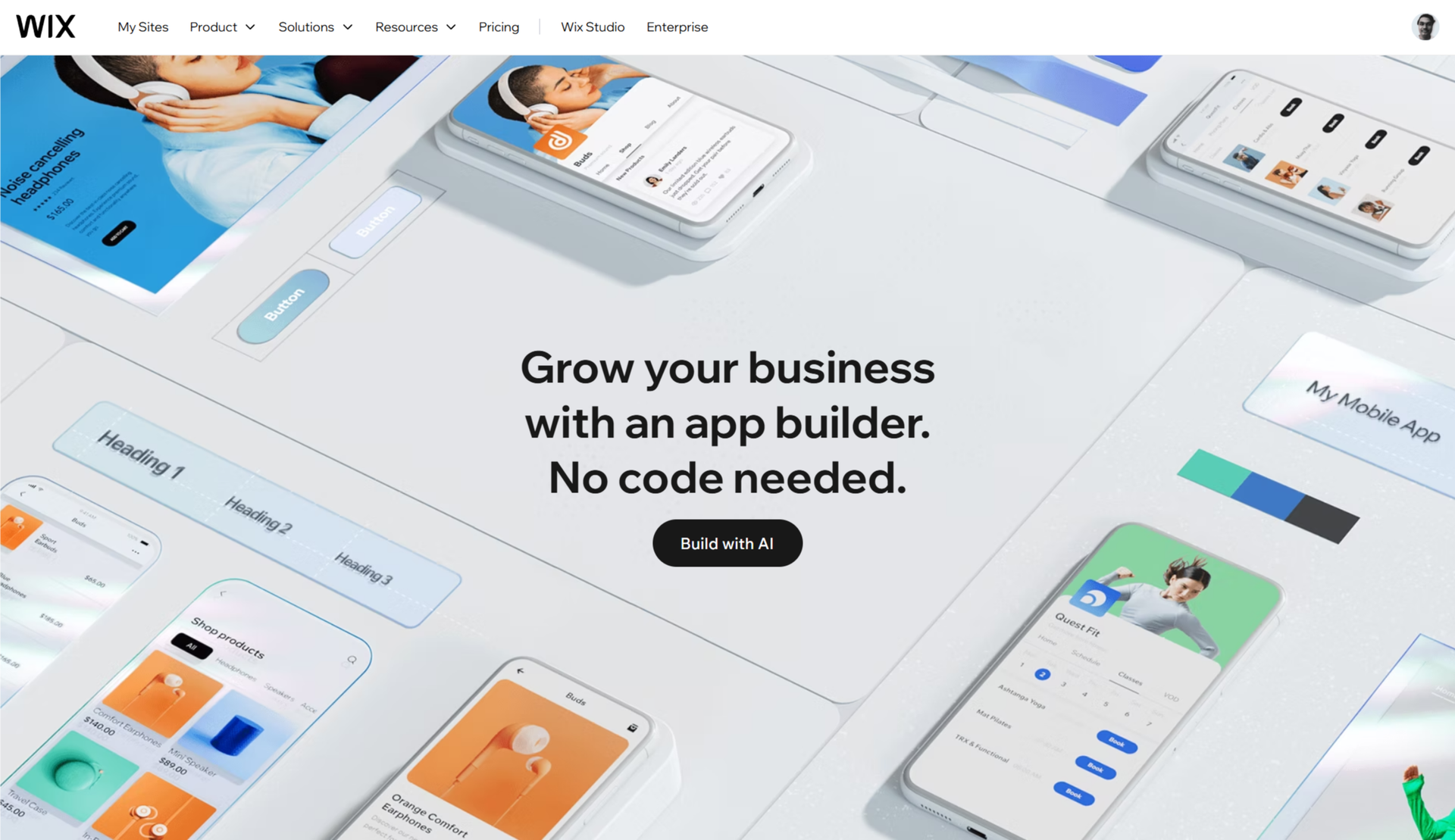
Sign up at wix.com — free tier with Wix branding. Paid from $16/mo.
Wix is the right pick for maximum design flexibility. AI website generator produces sites in minutes (quality varies). Largest template library (900+). Wix Studio for designer control. Free tier with branding.
Pros
- ✓Most flexible drag-and-drop
- ✓AI website generator
- ✓Free tier
Cons
- ✗Design consistency takes effort
- ✗Mobile rendering historically weaker
3🥇 Best designer-gradeWebflow

Sign up at webflow.com — free designer tier. Site hosting from $14/mo.
Webflow is the right pick for designer-level control with clean code output. CSS-level visual editing, exports HTML/CSS/JS for self-hosting. Learning curve real but output professional-grade.
Pros
- ✓Designer-grade visual editor
- ✓Exports clean HTML/CSS/JS
- ✓Best Lighthouse scores
Cons
- ✗Steep learning curve
- ✗More expensive than Squarespace
Subscribe to our newsletter
Occasional updates and new releases — no spam.
4🛍️ Best for e-commerceShopify (Store Builder)

Sign up at shopify.com — 3-day free trial, then $1/mo for 3 months.
Shopify is the right pick for e-commerce-first sites. Native payment processing, broad app ecosystem (10,000+ apps), product schema SEO. Not ideal for content-first sites.
Pros
- ✓Best e-commerce features
- ✓Native payment processing
- ✓Massive app ecosystem
Cons
- ✗Overkill for non-store sites
- ✗E-commerce abstractions slow content sites
5💸 Best single-pageCarrd Single-Page Builder

Sign up at carrd.co — free tier. Pro at $19/year.
Carrd is the right pick for personal sites, link-in-bio, single-page presence. $19/year unlocks all features (custom domain, forms, embeds). Cleanest Lighthouse scores. Not for multi-page sites.
Pros
- ✓$19/year all features
- ✓Cleanest Lighthouse
- ✓Lightning-fast publish
Cons
- ✗No multi-page support
- ✗Limited e-commerce
Time to publish
Hours signup to published 8-page site: Squarespace 3 hrs, Wix 4 hrs (AI generator to 1 hr but design quality drops), Webflow 8 hrs (steepest curve), Shopify 5 hrs (e-commerce-first slows non-shop), Carrd 2 hrs.
Squarespace fastest because templates make design decisions for you. Webflow takes longest — truly designer-grade, closer to learning a design tool than using a builder.
Mobile + SEO
Lighthouse mobile (out of 100): Squarespace 78, Wix 65, Webflow 88 (best — clean output), Shopify 75, Carrd 92 (minimal overhead).
SEO defaults (meta, schema, sitemap, robots.txt): All 5 generate sitemaps + robots.txt. Squarespace and Webflow best default meta handling. Wix improved 2024. Shopify SEO is e-commerce-tuned. Carrd fewer knobs but sensible defaults.
Lock-in vs export
Export options: Webflow exports clean HTML/CSS/JS (unique). Others platform-locked. Migrating away requires manual rebuild.
Domain portability: All 5 allow custom domains. None of the locked platforms let you take your design — only your domain transfers.
Frequently asked questions
Squarespace vs Wix?▼
Webflow's learning curve — worth it?▼
Shopify for non-store site?▼
Carrd vs landing page tool?▼
Check the details of the products in this article
- Squarespace Website Builder$16〜$49Reference price
This button opens Amazon search results, not a specific product page.
- Wix Website Builder$0〜$59Reference price
- Webflow$14〜$235Reference price
- Shopify (Store Builder)$29〜$299Reference price
- Carrd Single-Page Builder$0〜$49Reference price
Prices change. Check the retailer for the current price.
Comments & questions
Discussion happens on nattzy, our community forum. Sign in with Google to post — it takes a second.
View the discussion thread on nattzy ↗
Still deciding? Ask the community your own question — Post a question on nattzy ↗
Related articles


Rather hire someone?
Opens Fiverr, a freelance marketplace. Prices and delivery times are set by each freelancer.