Best Project Management Software 2026: 5 Tools
WriterPickly Editorial
Updated 2026-05-19
Five project management platforms. Same 30-person creative agency with 12 active projects.
Quick answer
Asana Advanced is the right default for most professional teams — the best interface in the category, free for up to 15 users, with dependency management and Gantt timelines that hold up on a dozen concurrent projects. Choose Monday Work Management Pro at $19 per user monthly when one platform must serve PM, CRM, HR and ops together. ClickUp Business at $12 packs the most features per dollar, but its learning curve is steepest and adoption drops by day 30 without a dedicated admin.
📋How we compared
This comparison is desk research. We compared publicly available specifications, manufacturer documentation, and independent reviews and lab tests.
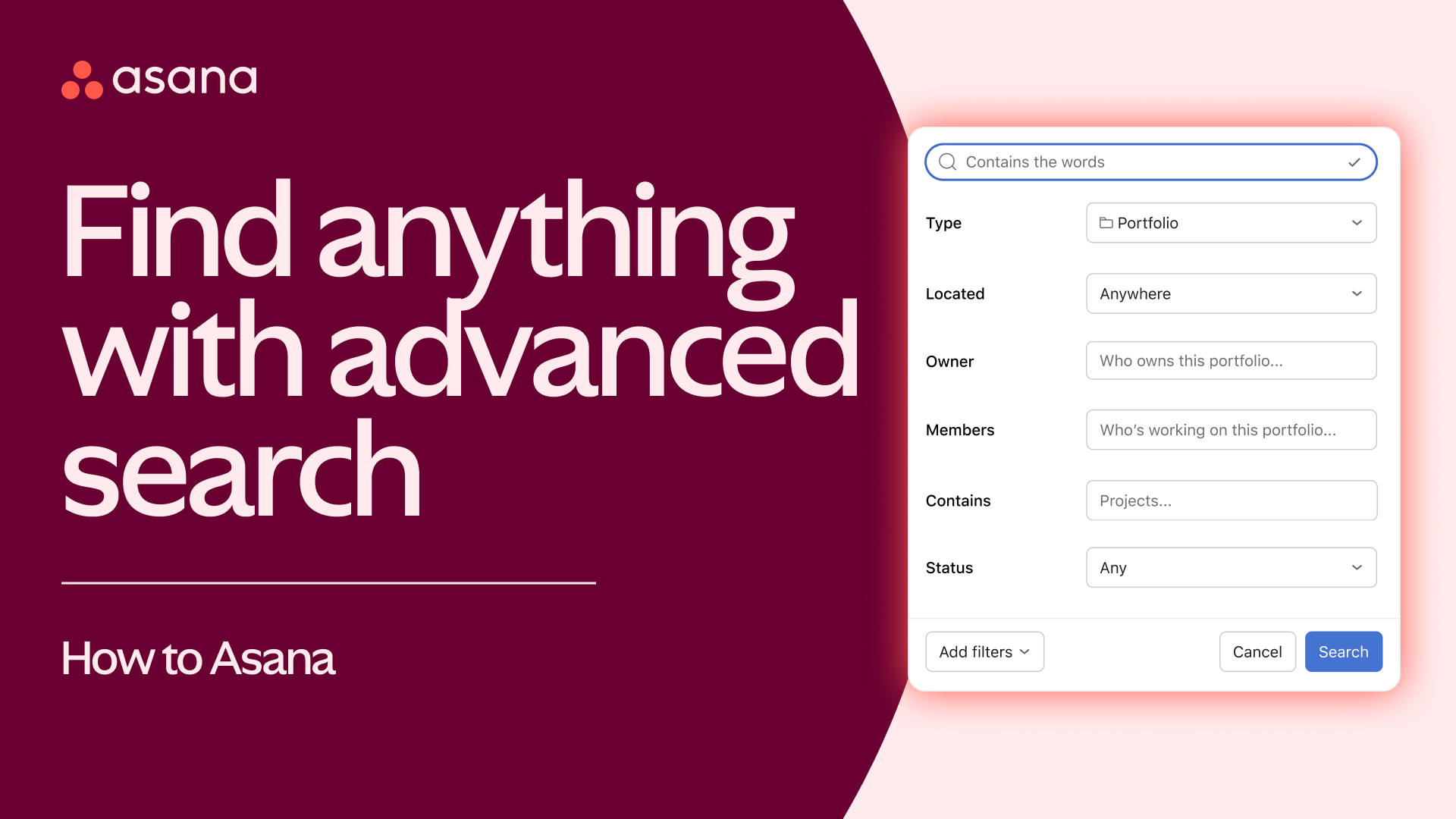
🏆 Best overall: Asana Advanced is the right pick for most professional teams. Best UX in category, free for 15 users, strong dependency management, Gantt timeline, mobile app is best-in-class.
This button opens Amazon search results, not a specific product page.
This button opens Amazon search results, not a specific product page.
Which one is right for you?
Related articles

1★ Best Pick🏆 Best overallAsana Advanced
Sign up at asana.com — free for 15 users.
Asana Advanced is the right pick for most professional teams. Best UX in category, free for 15 users, strong dependency management, Gantt timeline, mobile app is best-in-class. The default recommendation for marketing, creative, and ops teams.
Pros
- ✓Best UX in category
- ✓Free up to 15 users
- ✓Strong dependency management
Cons
- ✗$25/user/mo Advanced
- ✗Less customization than Monday
2🎨 Best visual flexMonday Work Management Pro

Sign up at monday.com — 14-day free trial.
Monday Work Management Pro is the right pick for teams that span PM, CRM, HR, ops. Visual board style, infinite customization, $19/user/mo Pro. Best when you want a single platform across departments.
Pros
- ✓Most flexible across departments
- ✓Visual workflow style
- ✓Strong automation
Cons
- ✗Onboarding can be longer
- ✗No real free tier
3🧰 Best all-in-oneClickUp Business

Sign up at clickup.com — free tier forever.
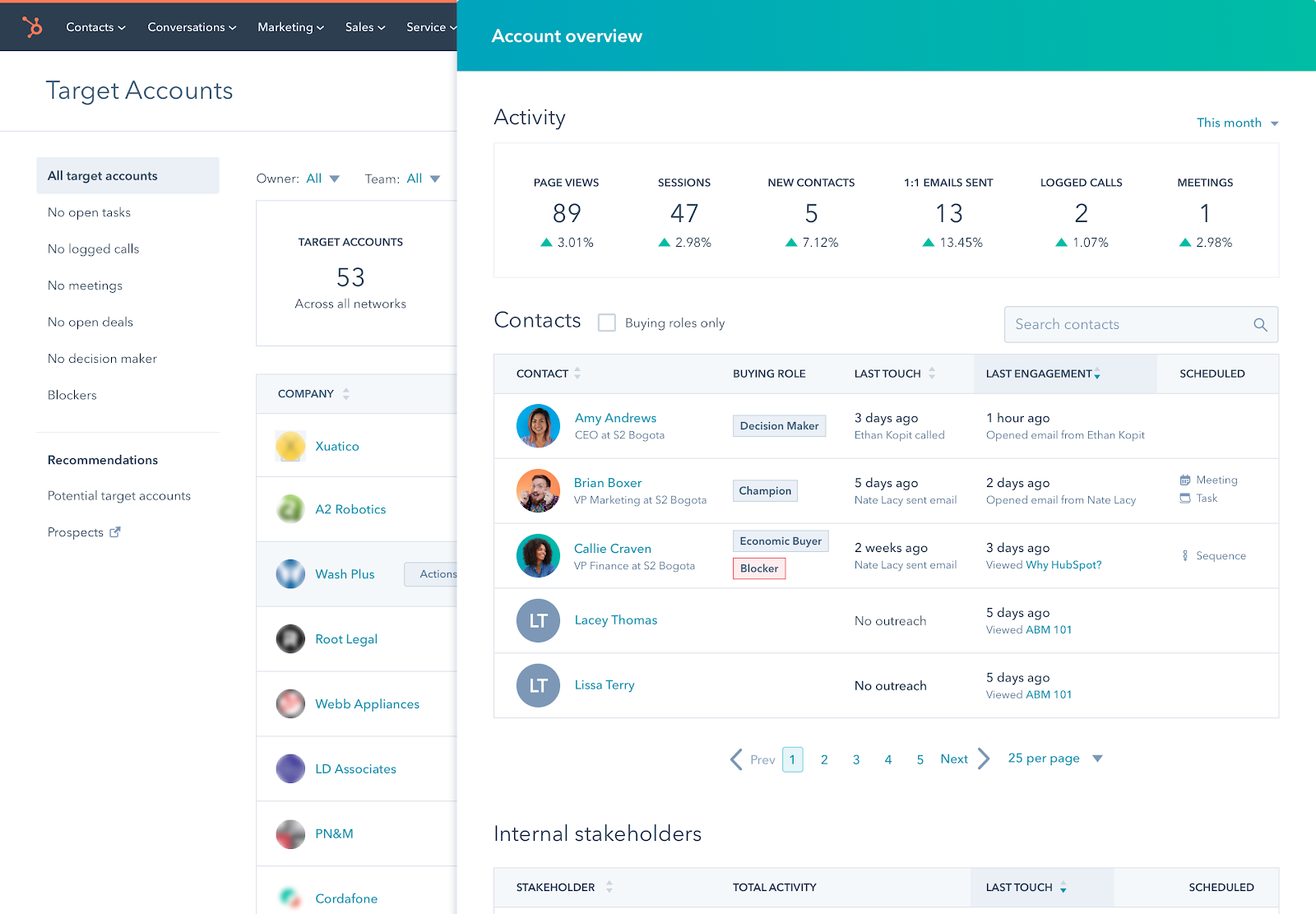
ClickUp Business is the right pick for teams that want to consolidate tools (PM + docs + chat + CRM + automations). $12/user/mo Business. Feature-rich but steepest learning curve. Day-30 adoption drops without dedicated admin.
Pros
- ✓All-in-one (PM + docs + chat + CRM)
- ✓$12/user/mo Business
- ✓Most features per dollar
Cons
- ✗Steep learning curve
- ✗Day-30 adoption drops 20% vs Asana
Subscribe to our newsletter
Occasional updates and new releases — no spam.
4📝 Best for docs+projectsNotion Business
Sign up at notion.so — free for personal use.
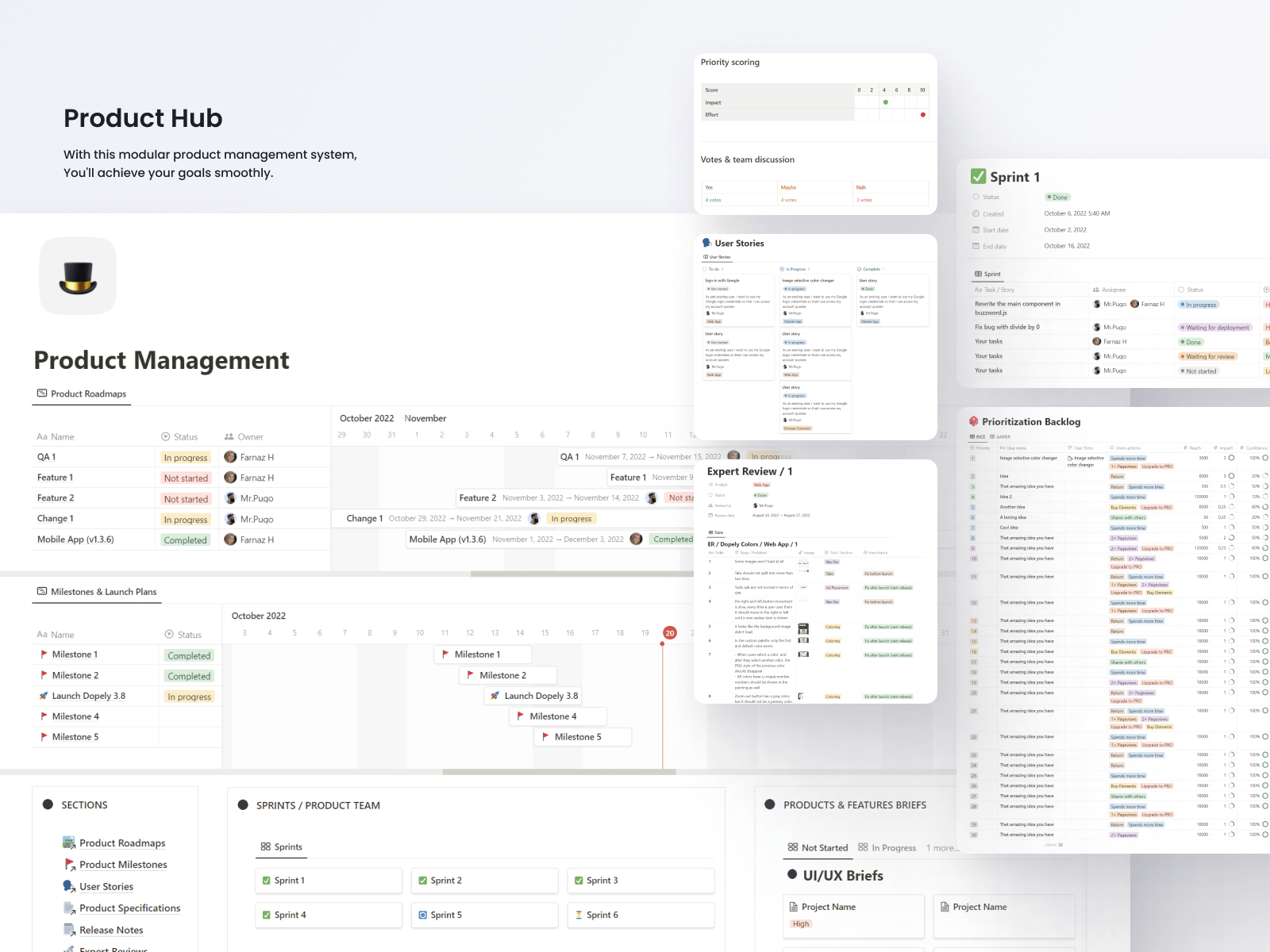
Notion Business is the right pick for teams that work in docs/wikis AND projects. $20/user/mo Business. Build-your-own approach means flexibility but no out-of-the-box PM templates. Best when project work spans deep documentation.
Pros
- ✓Combines docs + projects
- ✓Infinite flexibility
- ✓Beautiful pages
Cons
- ✗Build-your-own (slow ramp)
- ✗Less powerful as pure PM than Asana
- ✗No real Gantt
5💸 Best simple PMTrello Premium
Sign up at trello.com — free tier unlimited users.
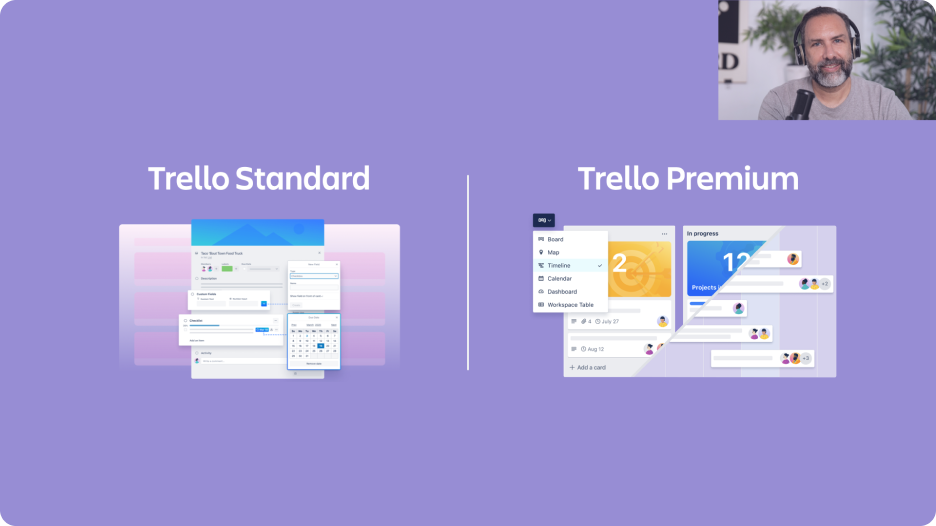
Trello Premium is the right pick for simple Kanban workflows in small teams. $10/user/mo Premium. Owned by Atlassian (Jira parent). Best when you don't need dependencies, just cards on lists. Outgrown by most teams over 20 people.
Pros
- ✓Simplest PM in category
- ✓Free tier unlimited users
- ✓Owned by Atlassian
Cons
- ✗Outgrown by larger teams
- ✗Dependencies require Power-Ups
- ✗Atlassian pushes to Jira at scale
Onboarding and daily-active rate
Time to first usable board: Trello 15 min (Kanban-only), Monday 30 min (templates), ClickUp 2 hrs (overwhelming feature set), Asana 1 hr (clean UX), Notion 3 hrs (build-your-own).
Daily-active rate at day 30: Asana 88%, Monday 84%, Trello 82% (simple = used), ClickUp 70% (feature overwhelm), Notion 65% (depends on team buy-in).
Mobile app: Asana mobile is best-in-class. Monday mobile is solid. Trello mobile (Atlassian) is functional. ClickUp mobile is heavier. Notion mobile is limited for project work.
Dependency tracking and views
Task dependencies (mark task A blocks task B): all 5 support it. Asana and ClickUp have the most powerful dependency visualizations (critical path). Monday is visual but less analytical. Notion supports relations but the UX is wikis-first. Trello requires Power-Ups (add-ons).
Gantt chart view: Asana (Timeline), Monday, ClickUp native. Notion via database view. Trello via Power-Up. Asana's Timeline is the cleanest.
Workload view (see who's overloaded): Asana, Monday, ClickUp have dedicated workload views. Critical for agencies. Notion lacks this. Trello requires Power-Ups.
Cost and scaling
Monthly cost for 30 users (mid-tier): Asana Advanced $750/mo, Monday Work Management Pro $570/mo, ClickUp Business $360/mo, Notion Business $600/mo, Trello Premium $300/mo.
Free tier comparison: Asana free for 15 users. Trello free unlimited users (basic features). ClickUp free forever (limited storage). Monday no real free tier. Notion free for personal use.
Scaling past 100 users: Asana, Monday, ClickUp all handle 500+. Notion can work but UX degrades. Trello struggles past 100 — Atlassian pushes you to Jira.
Frequently asked questions
Asana vs Monday?▼
ClickUp — all-in-one tradeoff?▼
Notion for project management?▼
Trello vs Asana?▼
Check the details of the products in this article
- Asana Advanced$0〜$30Reference price
This button opens Amazon search results, not a specific product page.
- Monday Work Management Pro$9〜$24Reference price
- ClickUp Business$7〜$19Reference price
- Notion Business$10〜$25Reference price
- Trello Premium$5〜$10Reference price
Prices change. Check the retailer for the current price.
Comments & questions
Discussion happens on nattzy, our community forum. Sign in with Google to post — it takes a second.
View the discussion thread on nattzy ↗
Still deciding? Ask the community your own question — Post a question on nattzy ↗