Best Mind Mapping Software 2026: 5 Apps Compared
WriterPickly Editorial
Updated 2026-10-05
A mind map is easy to start and surprisingly easy to outgrow. The app that is pleasant for a solo study outline can be the wrong one for a team workshop, and the free plan that looked generous often stops at a handful of maps.
Quick answer
For most individuals, Wondershare EdrawMind is the one to start with: it runs on Windows, Mac, Linux, iOS, Android and the web, includes AI map and slide generation, and is the only one of these five we found sold as a one-time perpetual licence at a listed price (US$118 on the official store, October 2026) as well as by subscription (US$59 a year). Xmind is the pick if you want a clean, focused tool with a free plan of up to 10 online maps. MindMeister suits teams that live in the browser and want real-time co-editing. MindManager is the choice for Microsoft 365 offices that need org charts, timelines and Gantt views. Miro fits when the mind map is one part of a larger whiteboard workshop.
We did not run our own testing of these apps. A fair comparison would mean building the same maps in each tool, on the same devices, with the same team, none of which we did. This is a desk comparison: platforms, features, plan limits and prices come from each developer's official product and pricing pages, checked in October 2026. Where a page did not state something, we say so instead of guessing. User counts, template counts and AI capabilities are the developers' own claims. Listed prices are often promotional and vary by region and currency, so confirm the price and the renewal terms at checkout.
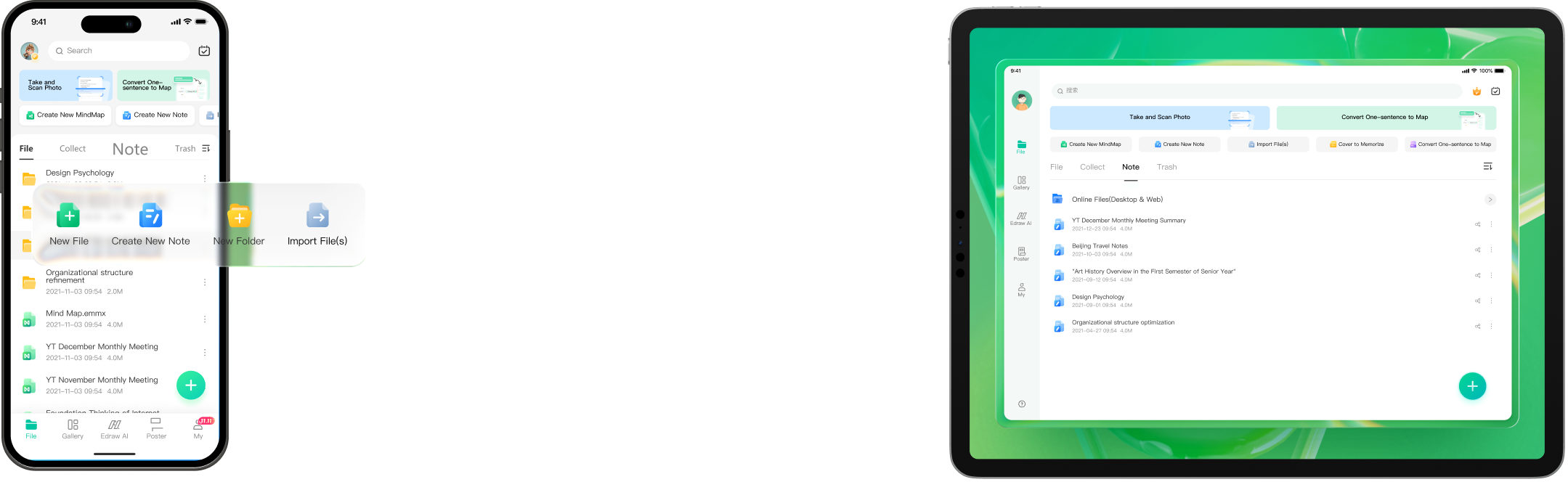
🏆 Best all-rounder: EdrawMind covers the most ground for one licence. Wondershare lists it for Windows, Mac, Linux, iOS and Android plus an online version, with 52 themes, 30 layouts and more than 10,000 templates.
Top picks ↓Related articles


1★ Best Pick🏆 Best all-rounderWondershare EdrawMind
Subscriptions cover desktop, online and mobile on up to 3 PCs and 3 mobile devices; the perpetual plan is desktop-perpetual with 3 years of online and mobile access.
EdrawMind covers the most ground for one licence. Wondershare lists it for Windows, Mac, Linux, iOS and Android plus an online version, with 52 themes, 30 layouts and more than 10,000 templates. Its AI tools generate maps and slides, convert a map into a slide deck and turn PDFs, text or YouTube videos into maps. It is also the only tool here we found with a listed one-time price: US$118 for the perpetual plan, next to US$59 a year. The trade-offs: the free version stops at 100 topics, the perpetual licence is perpetual on desktop only (online and mobile for three years), and the product page does not list export formats.
Pros
- ✓Windows, Mac, Linux, mobile and web
- ✓One-time perpetual licence available
- ✓AI map and slide generation
Cons
- ✗Free version capped at 100 topics
- ✗Perpetual plan covers online and mobile for 3 years only
2✨ Best focused toolXmind
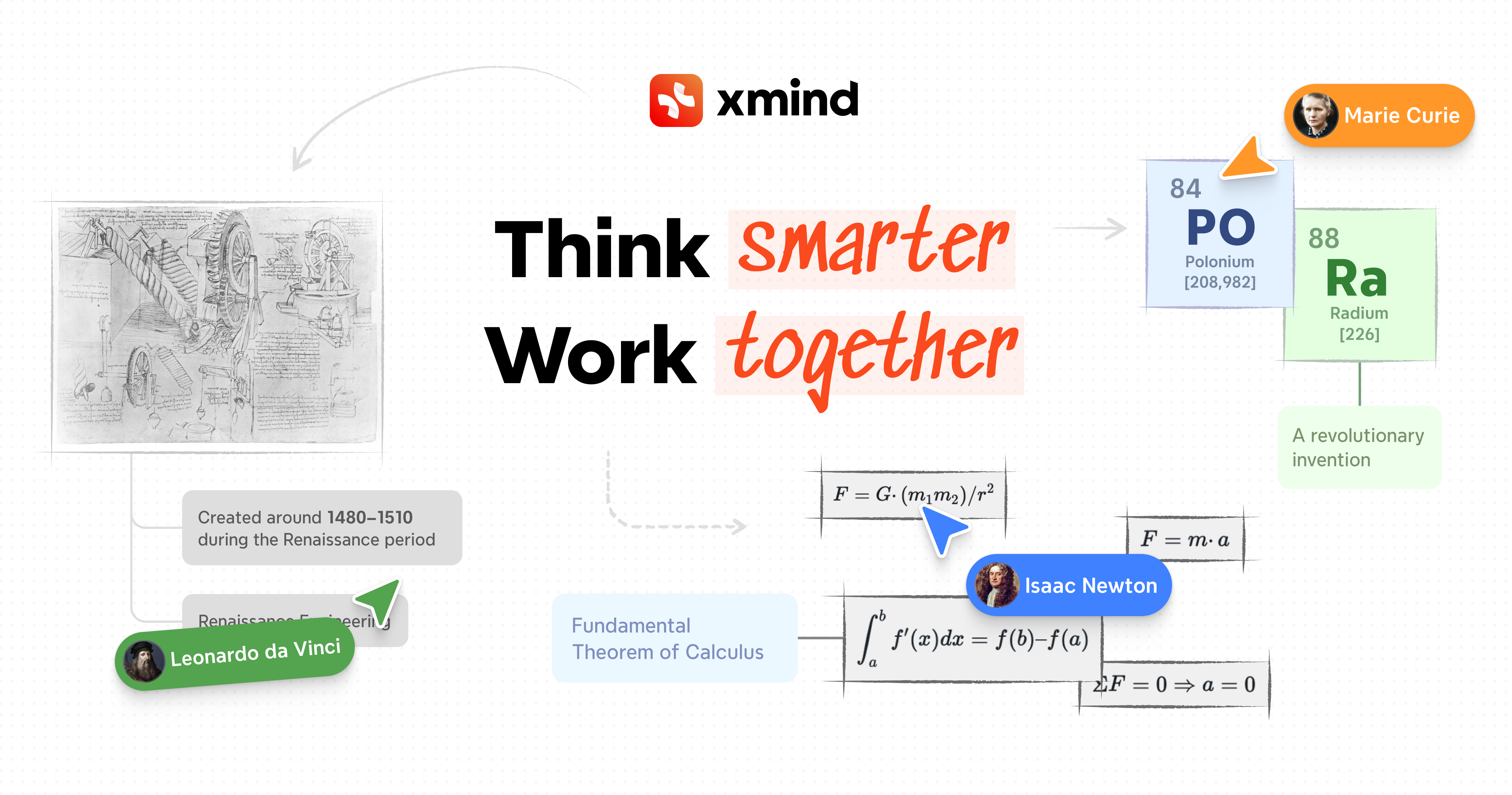
Start on the Free plan (up to 10 online maps); move to Pro for watermark-free exports or Premium for real-time collaboration.
Xmind is the pick if you want a tool that does mind mapping and little else, on web, desktop and mobile. Beyond classic maps it offers logic charts, timelines and matrix structures, and its Pitch mode turns a map into slides. The Free plan allows up to 10 online maps and 50 AI credits; Pro (US$4.92 a month) adds watermark-free export to PNG, SVG, PDF, Markdown and Office formats and up to 50 online maps; Premium (US$8.25 a month) adds unlimited collaborative maps, real-time collaboration, editable Gantt charts and 500 AI credits a month. The trade-offs: real-time collaboration needs Premium, and it is subscription only.
Pros
- ✓Free plan with up to 10 online maps
- ✓Logic chart, timeline and matrix structures
- ✓Low listed monthly price
Cons
- ✗Real-time collaboration only on Premium
- ✗No one-time purchase listed
3👥 Best for browser teamsMindMeister

The free plan covers three mind maps; prices are shown per user per month in your local currency, with up to 18% off for annual billing.
MindMeister runs entirely in the browser, with iOS and Android apps, so there is nothing to install before a meeting. It offers real-time co-editing, comments, mentions and a presentation mode, generates maps with AI from a prompt or a file, and links to the MeisterTask task manager. The company states that data is hosted in Germany and handled under GDPR. The free plan covers three mind maps; Personal adds unlimited maps, file exports and printing; Pro adds unlimited attachments and Google Workspace integration. The trade-offs: three maps run out quickly, exports are a paid feature, and there is no desktop app listed.
Pros
- ✓Nothing to install; real-time co-editing
- ✓Presentation mode and comments built in
- ✓Hosted in Germany under GDPR
Cons
- ✗Free plan limited to three mind maps
- ✗File export requires a paid plan
MindMeister
Product details →Subscribe to our newsletter
Occasional updates and new releases — no spam.
4🏢 Best for Microsoft 365 officesMindManager

Use the 30-day trial first; Professional is sold as an annual subscription or a one-time purchase, and the price is shown for your region.
MindManager is the most business-oriented tool here. Beyond mind maps it draws org charts, timelines, flowcharts, Gantt charts and kanban boards, and it runs on Windows, Mac, Microsoft Teams, Chromebook, the web, iOS and Android. Its strength is integration with Microsoft 365: Teams, Word, Excel, Outlook, SharePoint, Project and Planner. There is a 30-day fully functional trial without a credit card. The trade-offs: there is no free plan, the Essentials edition is web only, Jira integration is a paid add-on, and the pricing page loads the amount by region, so check the figure for your country before budgeting.
Pros
- ✓Org charts, timelines, Gantt and kanban in one tool
- ✓Deep Microsoft 365 integration
- ✓30-day full trial, no card required
Cons
- ✗No free plan
- ✗Price varies by region; not stated up front
MindManager
Product details →5🧩 Best for whiteboard workshopsMiro (mind map)
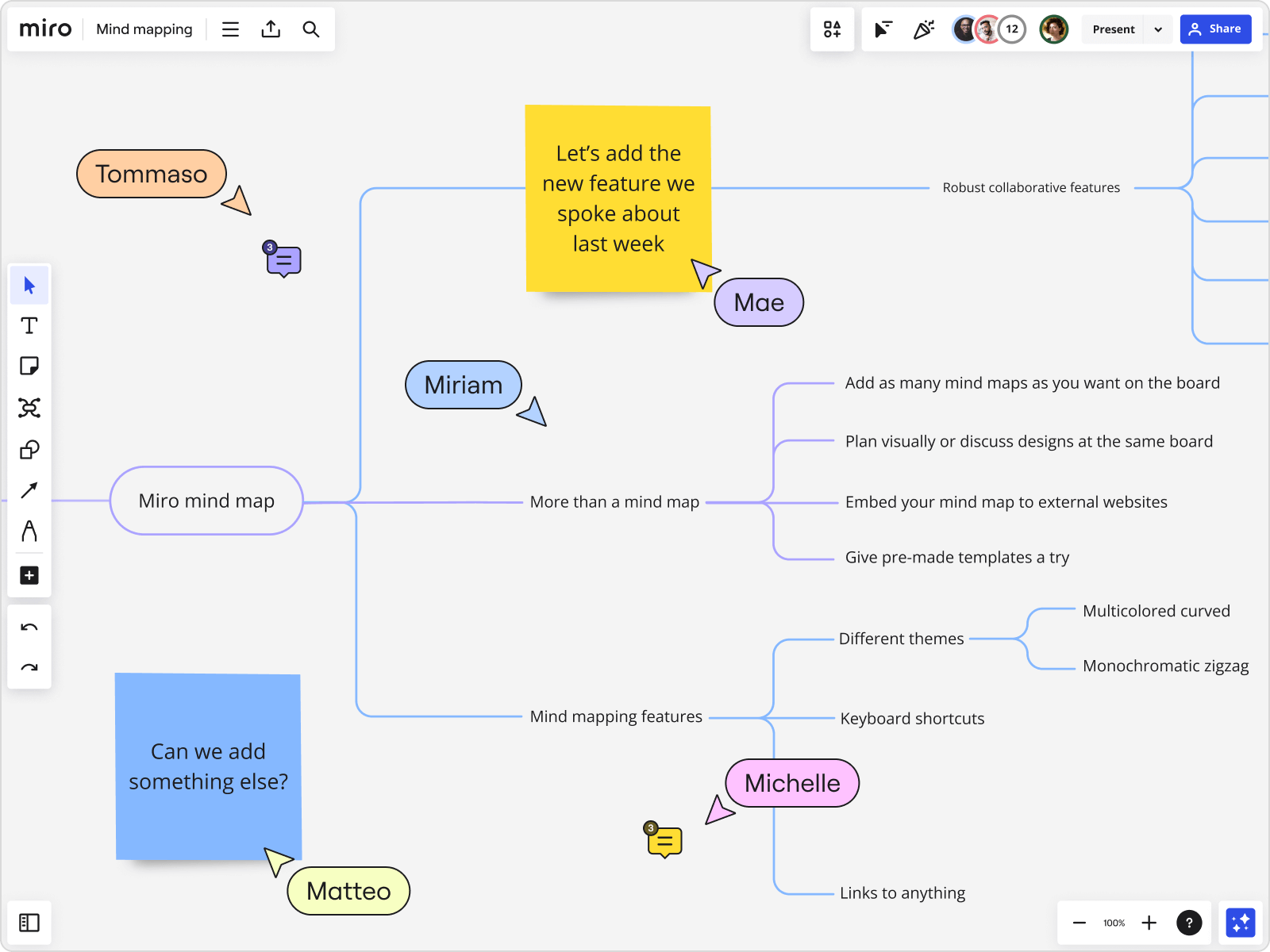
The Free plan keeps your three most recent boards editable; paid plans are priced per member.
Miro is an online whiteboard with a mind map tool on an infinite canvas, which makes it the natural choice when the map is one part of a workshop that also uses sticky notes, diagrams and voting. Maps can be generated from a prompt with AI, boards export to PDF and image, and Miro lists more than 250 integrations. The Free plan keeps the three most recent boards editable and includes 10 AI credits a month; Starter is US$8 and Business US$20 per member a month, billed yearly. The trade-offs: it is less focused than a dedicated mapper, and on the Free plan every invited user becomes a member.
Pros
- ✓Mind map plus full whiteboard on one canvas
- ✓Free plan with three editable boards
- ✓More than 250 integrations
Cons
- ✗Less focused than a dedicated mind mapper
- ✗Per-member pricing adds up for large teams
Solo thinking or team workshop: pick the shape of the tool first
Mind mapping tools fall into two families. Desktop-first apps such as EdrawMind, Xmind and MindManager are built for one person structuring ideas quickly, with keyboard-driven editing, many layouts and offline files. Browser-first tools such as MindMeister and Miro assume several people editing the same canvas at once, with comments, mentions and sharing links.
The families have been converging: EdrawMind has an online version, Xmind lists real-time collaboration on its Premium plan, and MindManager runs inside Microsoft Teams. But the starting point still shows. If you mostly map alone for study, writing or planning, start from the desktop family. If the map is the centre of a meeting, start from the browser family.
Free plans: what the limits really are
Every tool here can be tried without paying, but the limits differ. EdrawMind's free version is capped at 100 topics with basic features. Xmind's Free plan allows up to 10 online maps, up to 5 Pitch slides and 50 AI credits. MindMeister's free plan covers three mind maps with two attachments per map. Miro's Free plan lets you create boards but keeps only the three most recent editable, with 10 AI credits a month. MindManager has no free plan; it offers a 30-day fully functional trial without a credit card.
Check export before you rely on a free plan. Xmind lists watermark-free export to PNG, SVG, PDF, Markdown and Office formats as a Pro feature, and MindMeister lists file exports and printing from its Personal plan upward. A map you cannot get out cleanly is a map you may have to rebuild.
Subscription or one-time purchase
EdrawMind's official store lists a semi-annual plan at US$39, an annual plan at US$59 and a perpetual plan at US$118, all shown as discounted prices. The subscriptions cover desktop, online and mobile on up to three PCs and three mobile devices. The perpetual plan is perpetual for the desktop app only; online and mobile access and 10 GB of cloud storage are included for three years.
Xmind lists Pro at US$4.92 a month and Premium at US$8.25 a month. Miro lists Starter at US$8 and Business at US$20 per member a month, billed yearly. MindMeister prices per user per month across Personal, Pro and Business plans and says annual billing saves up to 18%; the page showed us prices in local currency, so we do not quote a dollar figure. MindManager sells Essentials and Professional as annual subscriptions and also offers a one-time purchase of Professional, but its pricing page loads the amount by region and we did not record a figure.
AI features and integrations
All five now advertise AI. EdrawMind lists AI mind map generation, AI slide generation, converting a map to slides, turning PDFs or text into maps and summarising YouTube videos. Xmind includes 50 AI credits on Free and Pro and 500 a month on Premium, with text-to-map and document summarisation on Premium. MindMeister generates maps from a prompt or a file and labels AI creation as beta on its free plan. Miro generates mind maps from prompts using monthly AI credits.
Integrations matter more in an office than at home. MindManager integrates with Microsoft 365 apps including Teams, Word, Excel, Outlook, SharePoint, Project and Planner, with Jira integration sold as a paid add-on. MindMeister connects to its sister task app MeisterTask, and adds Microsoft Teams from Personal and Google Workspace from Pro. Miro lists more than 250 integrations.
Frequently asked questions
What is the best free mind mapping software?▼
Can I buy mind mapping software once instead of subscribing?▼
Which mind mapping tool is best for teams?▼
Does EdrawMind work on Linux?▼
Is Miro a mind mapping tool?▼
Check the details of the products in this article
- Wondershare EdrawMind$0〜$118Reference price
- Xmind$0〜$8.25Reference price
- Miro (mind map)$0〜$20Reference price
Prices change. Check the retailer for the current price.
Comments & questions
Discussion happens on nattzy, our community forum. Sign in with Google to post — it takes a second.
Still deciding? Ask the community your own question — Post a question on nattzy ↗